Modern IT Support Needs a Smarter Approach

As organizations continue to embrace hybrid work, distributed teams, and digital transformation, IT departments face growing pressure to deliver devices, resolve technical issues quickly, and maintain high service levels. Traditional support models often rely on manual processes, creating delays, increasing operational costs, and reducing productivity.

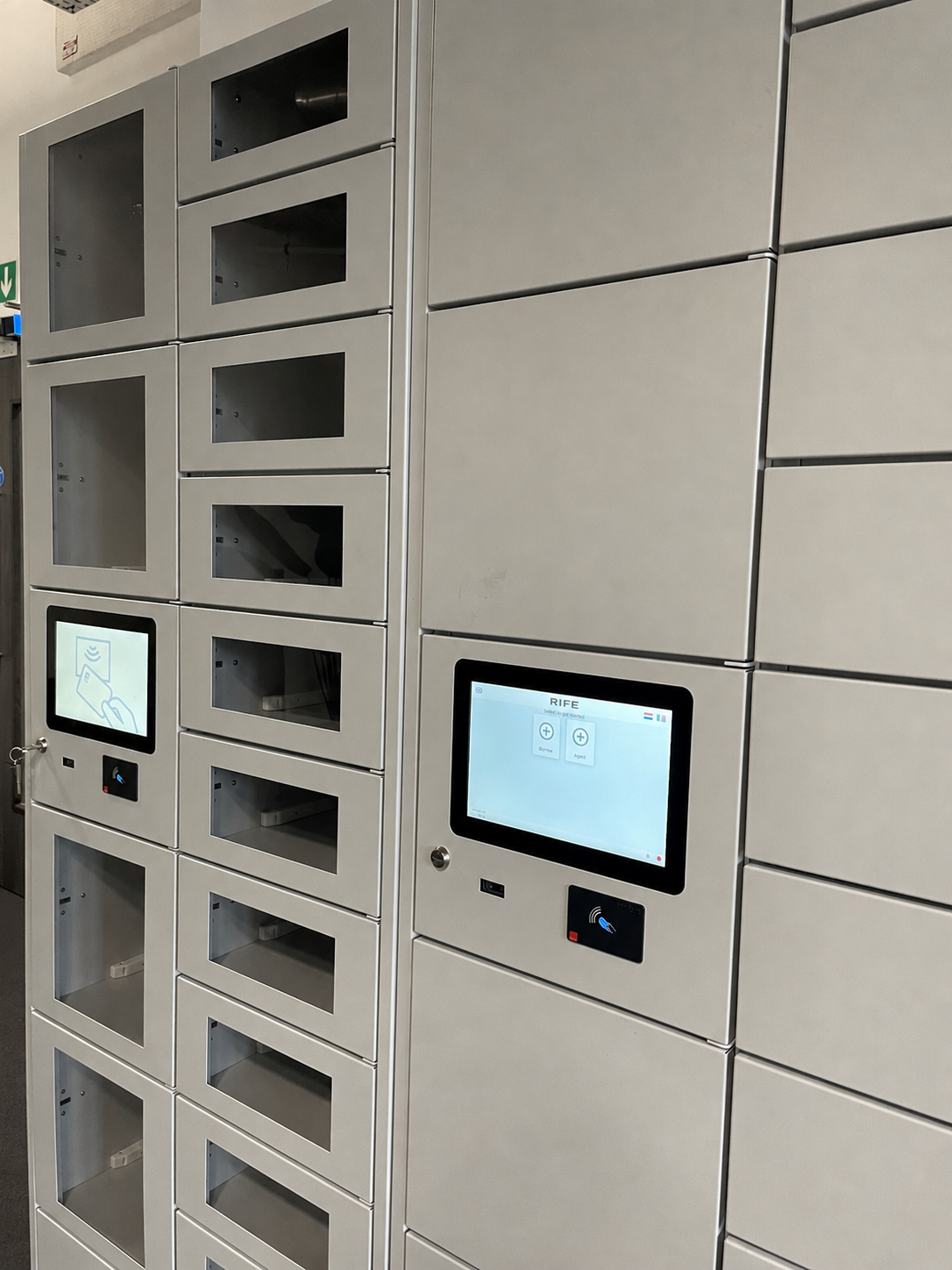
Smart locker technology is transforming IT support by automating critical workflows such as device deployment, break/fix management, asset replacement, and new employee onboarding. By providing secure, self-service access to IT assets, smart lockers enable organizations to deliver faster support while reducing the workload on IT teams.

Automating the Break/Fix Process

One of the biggest challenges for IT departments is managing device failures efficiently. Employees often need to visit the IT desk, wait for assistance, and experience downtime while repairs are completed.

Smart lockers streamline this process through automated break/fix workflows. When a device develops a fault, users can securely drop it into an assigned locker compartment. At the same time, a replacement device can be pre-configured and placed in another locker for immediate collection. This allows employees to continue working with minimal interruption.

Additionally, devices stored inside smart lockers can remain powered and connected, enabling IT engineers to perform remote diagnostics, software updates, and troubleshooting without requiring physical access. This significantly improves response times and reduces support costs.

Accelerating Device Deployment

Deploying laptops, tablets, Chromebooks, and other devices can be time-consuming when handled manually. Smart lockers automate device distribution by allowing IT teams to remotely assign devices to users and notify them when equipment is ready for collection.

Employees can retrieve their devices at any time without scheduling appointments or waiting for support staff. This 24/7 self-service capability ensures that equipment is delivered quickly and securely while reducing administrative overhead.

Streamlining New Employee Onboarding

Providing equipment to new hires is a critical part of the onboarding process. Delays in device allocation can negatively impact productivity and employee experience.

With smart lockers, IT teams can prepare complete starter kits containing laptops, accessories, credentials, and other required assets before the employee's first day. The assigned user receives secure access instructions and can collect all required equipment immediately upon arrival. This automated approach accelerates onboarding and ensures a smooth transition into the workplace.

Supporting Replacement and Lifecycle Management

IT asset management extends beyond deployment and repairs. Organizations must also manage replacement devices, replenishment cycles, and end-of-life equipment.

Smart lockers provide a centralized platform for these processes. Replacement devices can be distributed instantly, while outdated equipment can be securely returned through designated locker compartments for collection, auditing, and disposal. This improves asset visibility and ensures better lifecycle management across the organization.

Complete Visibility and Control

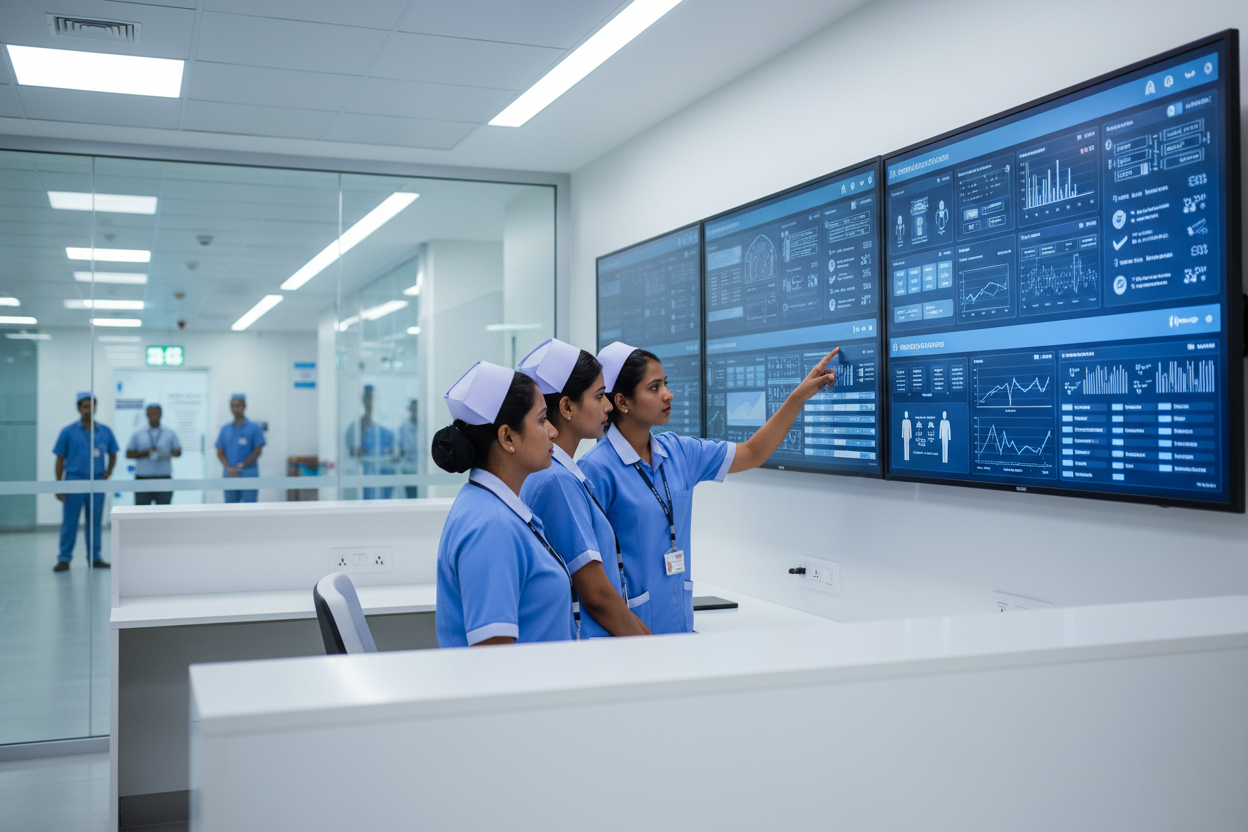
Modern smart locker platforms provide centralized management dashboards that offer real-time monitoring, asset tracking, reservation capabilities, access controls, and detailed audit trails. IT administrators can manage permissions remotely, monitor asset movement, and maintain complete visibility across all locker locations.

This level of control improves accountability, strengthens security, and enables data-driven decision-making for IT operations.

Conclusion

Smart lockers are redefining IT support by automating device deployment, break/fix workflows, replacement management, and onboarding processes. By enabling secure 24/7 self-service access to IT assets, organizations can reduce downtime, improve employee satisfaction, and increase operational efficiency.

As workplaces become more flexible and technology-driven, smart locker solutions provide a scalable, intelligent infrastructure that helps IT teams deliver faster support while maintaining complete control over valuable assets.

Frequently asked Questions

1. What are smart lockers in IT support?

Smart lockers are automated, secure storage systems that enable organizations to manage IT assets such as laptops, tablets, and accessories through self-service workflows. They help automate device deployment, break/fix processes, asset lending, and equipment returns while reducing manual intervention.

2. How do smart lockers improve IT break/fix management?

Smart lockers streamline break/fix workflows by allowing employees to drop off faulty devices and collect replacement equipment from designated locker compartments. This reduces downtime, accelerates issue resolution, and enables IT teams to provide faster support without requiring face-to-face interactions.

3. Can smart lockers automate employee device deployment?

Yes. Smart lockers enable IT teams to remotely assign and distribute laptops, tablets, and other devices to employees. Users receive secure access credentials and can collect their equipment 24/7, making device deployment faster, more secure, and highly efficient.

4. Why are smart lockers beneficial for employee onboarding?

Smart lockers simplify onboarding by providing new hires with immediate access to pre-configured devices, accessories, and starter kits. This ensures employees can begin working on day one without delays, improving productivity and the overall onboarding experience.

5. How do smart lockers help with IT asset management?

Smart lockers provide real-time asset tracking, centralized management, access control, audit trails, and automated workflows. These features improve asset visibility, enhance security, reduce administrative workload, and support efficient lifecycle management from deployment to end-of-life disposal.


Older Post Newer Post

0 comments

Leave a comment