
Ask about RIFE RCLM Laptop and Monitor Desk Mount – Clamp, 13–27″
Need Help?
Get the right model recommendation.
Send your quantity, use case and accessories needed. Rife will suggest the correct configuration.
Laptop and Monitor Desk Mount
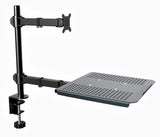
The RIFE RCLM Laptop and Monitor Desk Mount – Clamp, 13–27″ is a professional monitor-support solution designed for organisations and professionals who need a stable, adjustable and space-efficient display setup. Its primary search and buying intent is laptop and monitor desk mount. The model is presented separately from other RIFE mounts because its configuration—clamp, grommet, 13–27 inch—addresses a specific workstation requirement rather than a generic monitor-holding need.
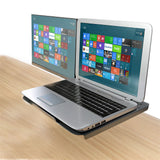
The design is intended to organise a laptop, monitor or related display accessory while preserving useful desk space. Compatibility should be checked against the actual device dimensions, mounting pattern and work-surface construction.
Why this model is different
The RIFE RCLM is positioned for buyers who already know the number of displays and the preferred mounting style. Instead of using one broad “monitor stand” description for every model, this page explains the specific arrangement, installation method and screen class associated with this product. That makes comparison easier for procurement teams and reduces the risk of selecting a mount that is unsuitable for the desk or displays.
Key features
- Desk-clamp mounting keeps the base area compact and should be matched to the permitted desk-thickness range.
- Grommet mounting may be used where the desk has a suitable cable or mounting opening.
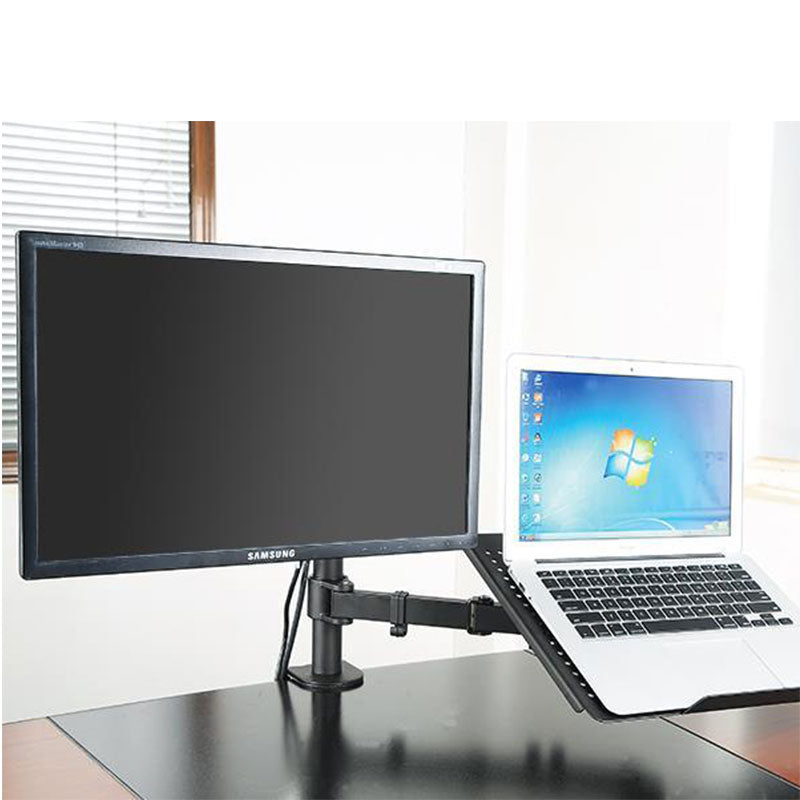
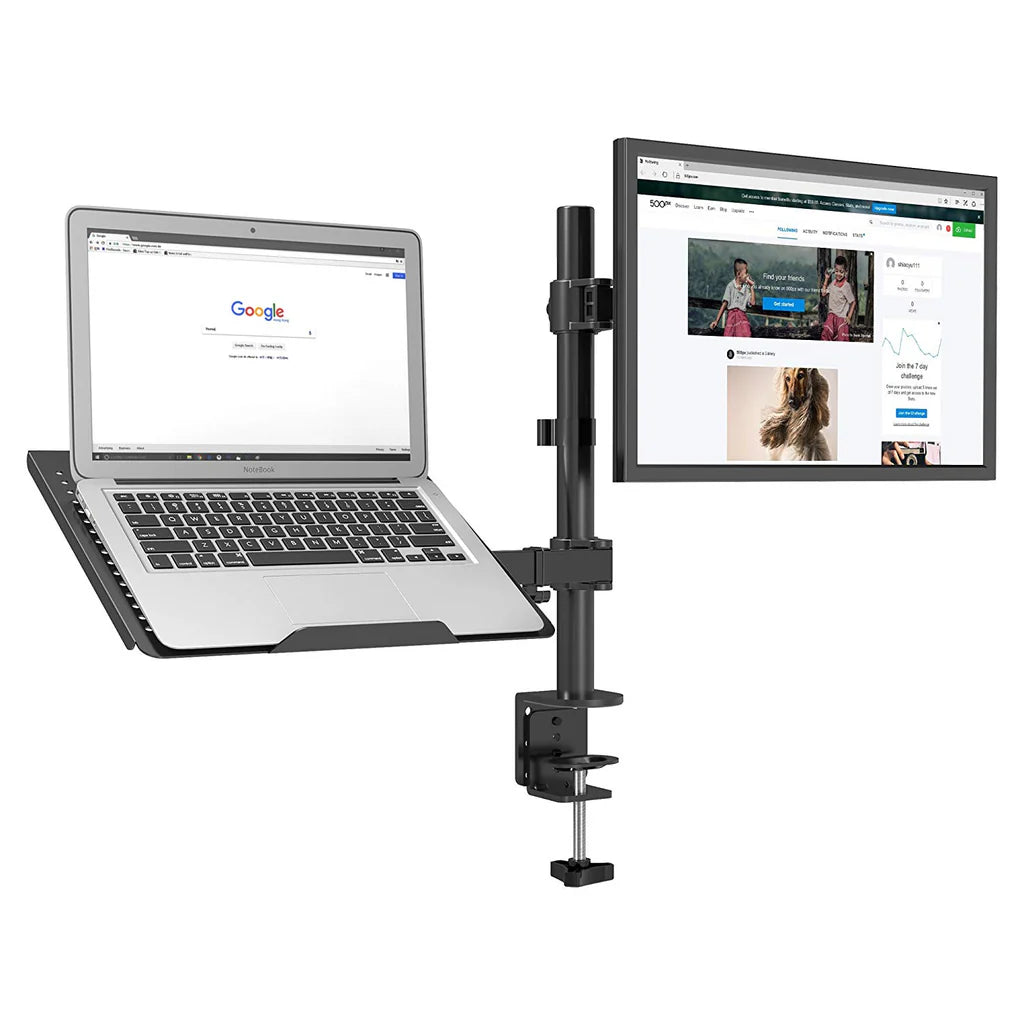
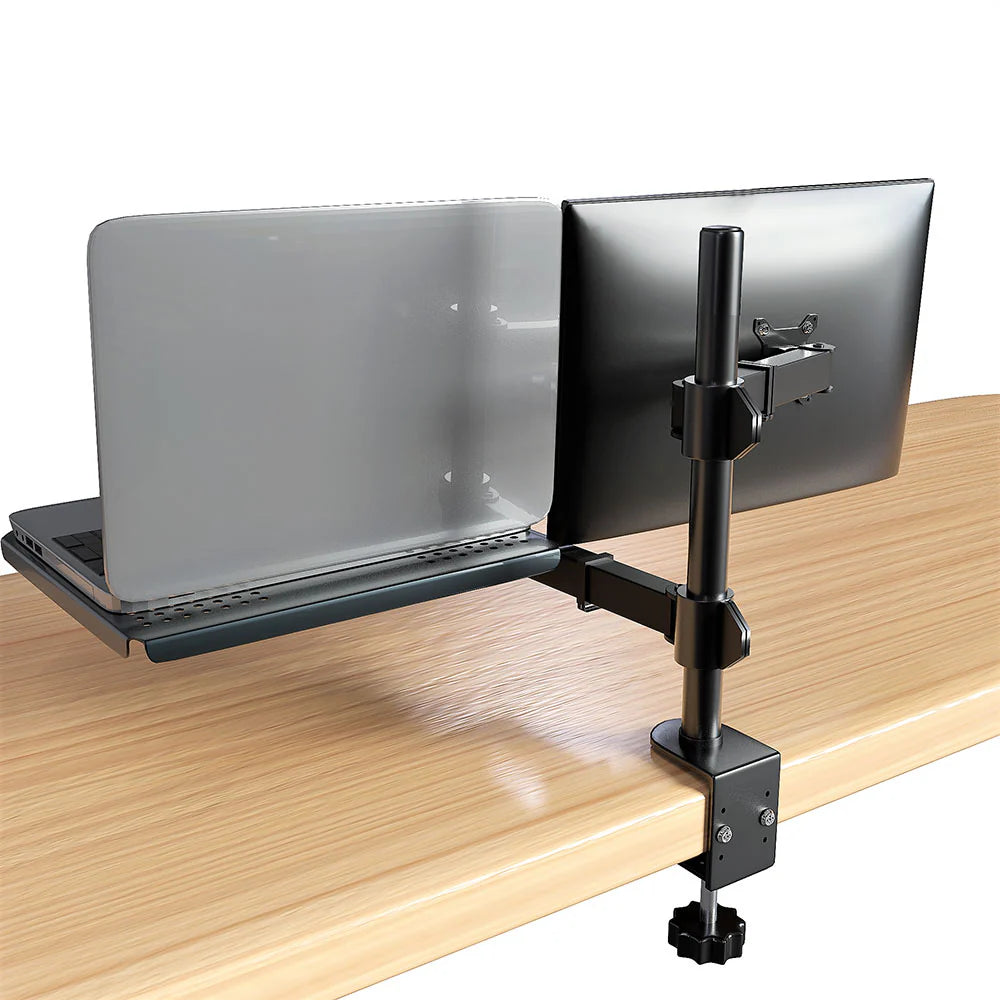
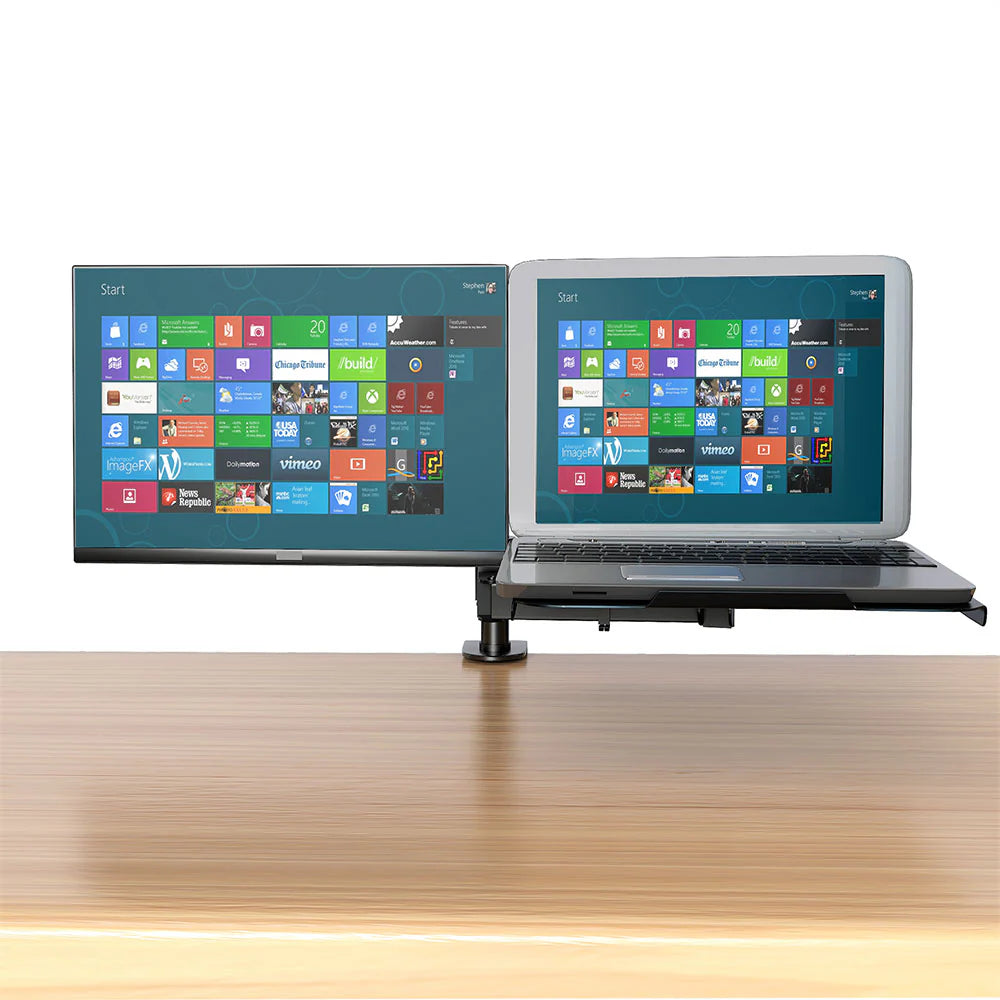
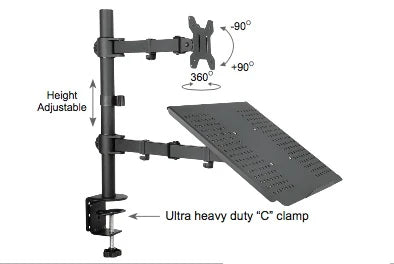
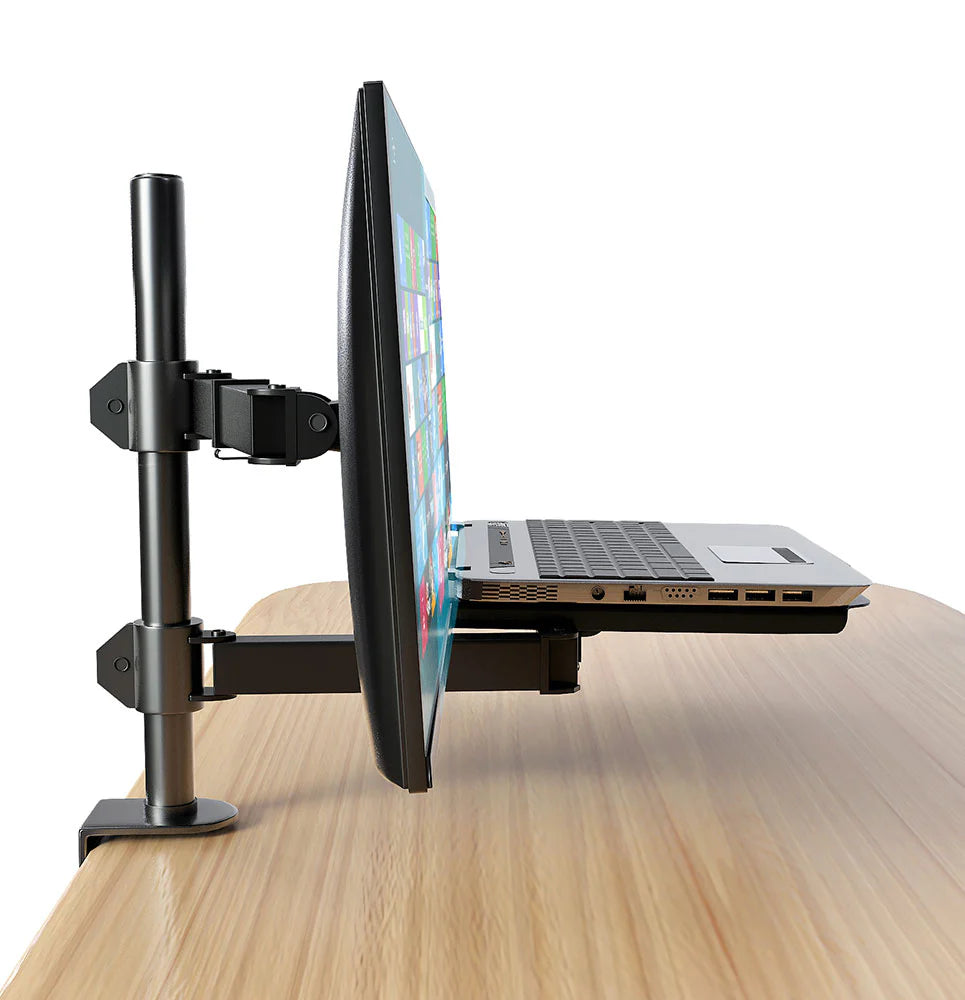
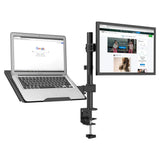
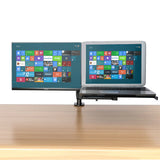
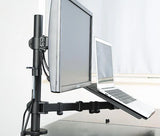
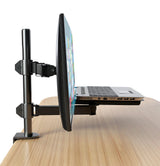
- COMPATIBILITY - Holds both a single monitor (up to 27" and 10 kg) and a laptop (up to 5 kg) to conveniently clear desk space and increase your productivity.
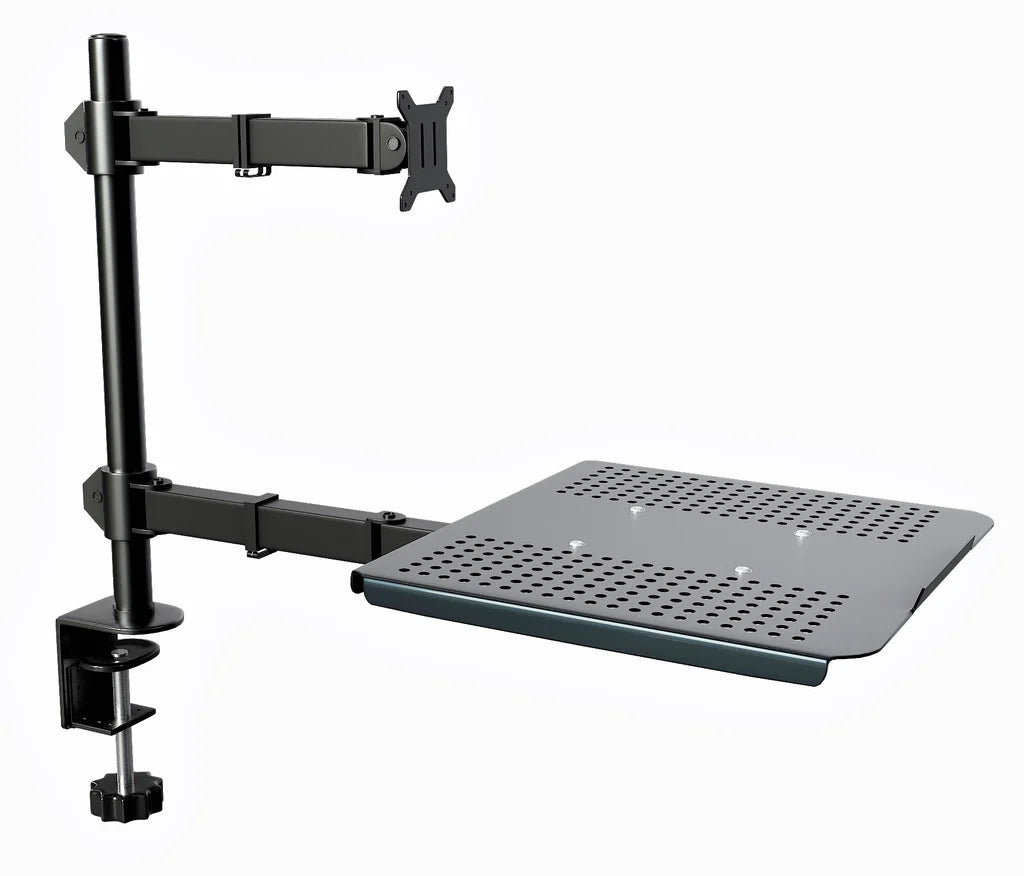
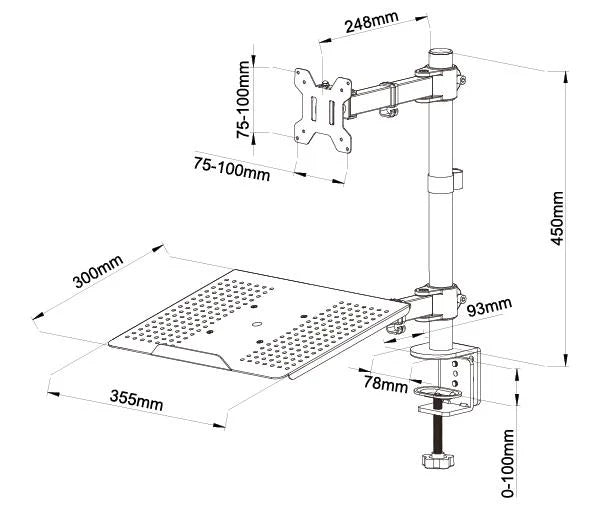
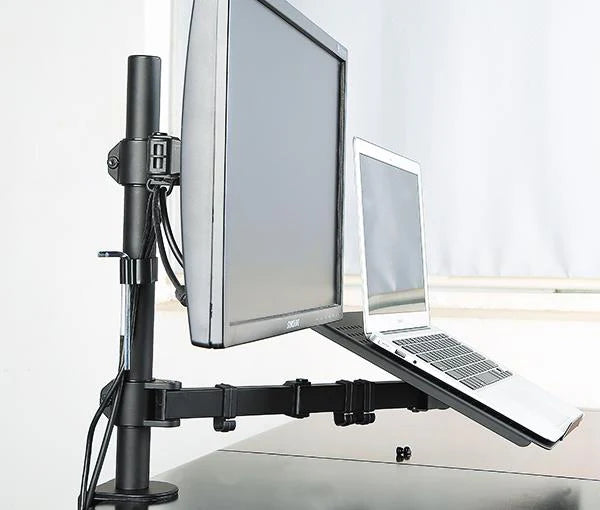
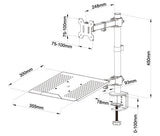
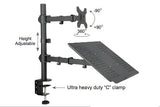
- FULL ARTICULATION - Featuring 360 swivels and 360 rotation for superb flexibility, laptop arm extending up to 400 mm in length while monitor arm up to 248 mm, height adjustable for optimum viewing angle along the 450 mm high pole.
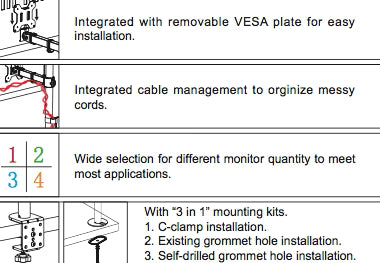
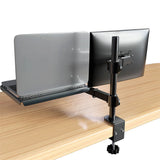
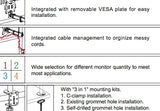
- MOUNTING OPTIONS - Its 2 methods of installation: 1. Desk clamp: heavy-duty 'C' clamp gives supreme stability, keeping your screen fixed firmly and safely in place, 2. Grommet base install.
- CABLE MANAGEMENT - Concealed wiring design, keeping your desk tidy and clean, storage slot for Allen keys. Comes complete with instructions plus all fixtures and fittings needed for simple installation.
- WARRANTY: 5 Years Warranty on Manufacturing Defect.
Technical specifications
| Model | RCLM |
|---|---|
| Product type | Laptop and Monitor Desk Mount |
| Max VESA | 100 x 100 mm |
| Monitor Size | 13"-27" |
| Capacity | 10 kg / 22 lbs |
| Monitor Qty | 1x Laptop and 1x Monitor |
| Monitor Shape | Portrait & Landscape |
| Tilt | -90 ~ +90 degree |
| Swing | 360 degree |
| Rotate | 360 degree |
| Pole Diameter | 35 mm |
| Arm Span | 248 mm and 430 mm |
| Pole Height | 450 mm |
| Clamp Type | C-clamp with single lock |
| Grommet Install | Available |
| Wire Management | Included |
| Hardware | Included |
| English Manual | Included |
| Material | Steel & Aluminum |
| Unit Weight | 6.2 kg |
Specifications are based on the supplied product listing. Confirm the final configuration, included hardware and compatibility before placing an order.
Display positioning and ergonomic use
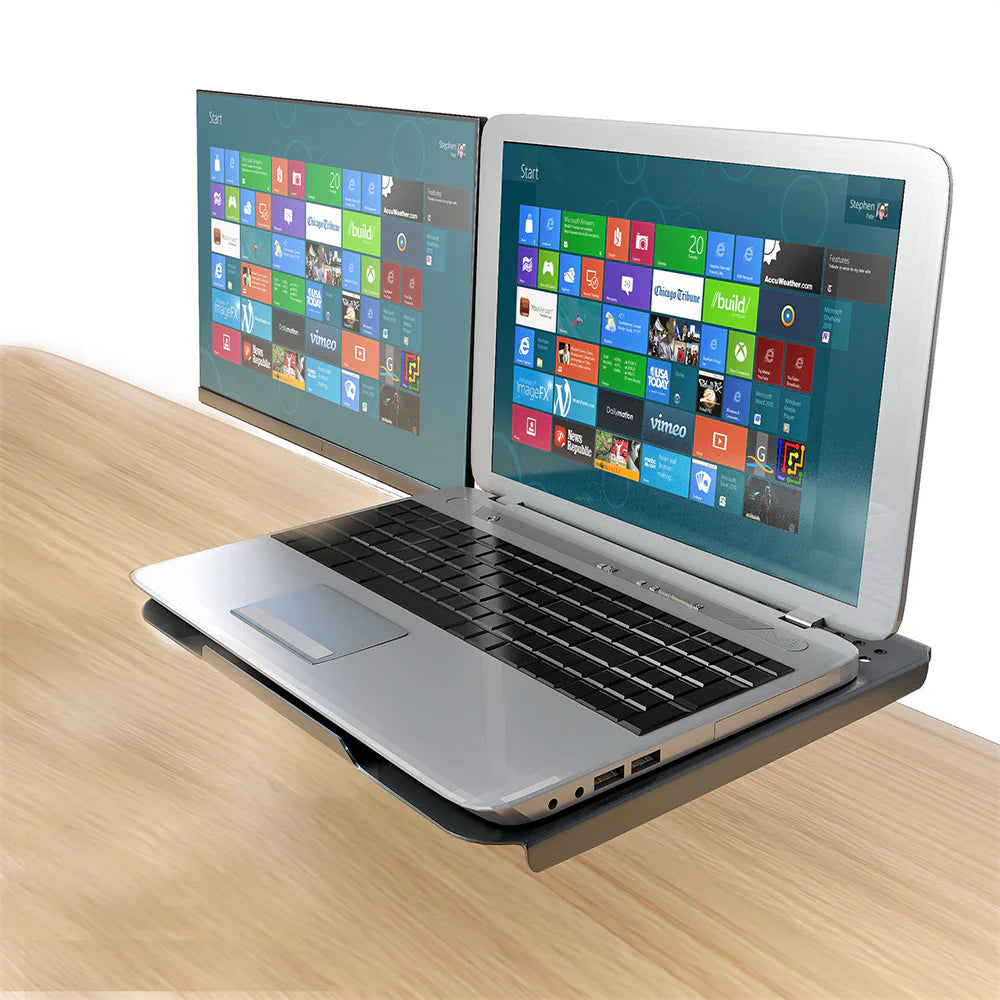
High-grade steel and aluminum construction along with the heavy-duty C-clamp and optional grommet ensure your laptop and monitor will be kept secure. The mount supports VESA 75x75mm and 100x100mm hole patterns, supporting the majority of laptops and monitors on the market. Features:- COMPATIBILITY - Holds both a single monitor (up to 27" and 10 kg) and a laptop (up to 5 kg) to conveniently clear desk space and increase your productivity. Single monitor mount fits most flat screens with VESA sizes of 75x75 mm or 100x100 mm, VESA plate is quick fit and detachable for easy installation, laptop tray holds most laptops with VESA size of 100x100 mm, its venting holes help to keep your laptop cool.
A monitor arm or stand should allow the primary viewing area to be positioned without forcing the user to lean forward or repeatedly turn the neck. Multi-monitor users should align the screens according to the frequency of use: the main display should remain central, while secondary displays can be angled inward. The mount does not by itself guarantee an ergonomic workstation; chair height, desk height, viewing distance and lighting must also be considered.
Recommended applications
- Hybrid laptop-and-monitor desks
- Training rooms
- Home offices
- Presentation workstations
- Compact work areas
This product can also be considered for project-based installations where several workstations require a consistent screen arrangement. For bulk requirements, RIFE can review monitor models, desk construction and layout drawings before recommending the appropriate base, arm or pole configuration.
Compatibility checks before ordering
- Monitor size: check both diagonal size and physical width, especially for curved and ultrawide displays.
- Monitor weight: compare the weight without the original stand against the stated load per arm.
- VESA pattern: confirm the rear mounting-hole spacing and whether an adapter is required.
- Desk construction: verify thickness, edge clearance and strength for clamp or grommet installation.
- Screen arrangement: confirm horizontal, vertical, stacked or mixed portrait/landscape use.
- Cable length: allow sufficient cable movement through the full adjustment range.
Installation and adjustment guidance
Install the mount on a sound, level surface and use the supplied hardware intended for the selected mounting method. Support the monitor while attaching the VESA plate. Tighten fasteners evenly, but do not overtighten into the monitor chassis. After installation, route power and signal cables with enough slack for tilt, swivel and height movement. Gas-spring models should be tension-adjusted only after the monitor is attached.
For large, heavy or multi-screen configurations, two-person installation is recommended. Recheck fasteners after initial use and whenever monitors are changed. Where the desk construction or monitor compatibility is uncertain, obtain technical confirmation before installation.
Related RIFE monitor solutions
- RIFE NAGDC Laptop and Monitor Desk Mount – Gas Spring
- RIFE RCLPTRAY Laptop and Projector Desk Mount – Clamp, up to 17″
Request a project quotation
Share the monitor brand and model, quantity of screens, weight per screen, VESA pattern, desk thickness, preferred arrangement and required quantity. RIFE will confirm compatibility and prepare a quotation for the suitable monitor-mount configuration. For institutional or multi-workstation projects, layout and installation requirements can also be reviewed.
Frequently asked questions
Which monitor sizes suit the RCLM?
The original listing indicates 13–27 inch compatibility. Confirm the exact width, curvature, weight and rear VESA position of each monitor before ordering.
How do I check VESA compatibility?
Measure the horizontal and vertical spacing between the four threaded mounting holes on the rear of the monitor. Common patterns include 75 × 75 mm and 100 × 100 mm, but the product specification must be checked.
Can the screens be used in portrait and landscape orientation?
Where rotation is included in the stated movement range, the display can be repositioned after checking cable clearance and monitor dimensions.
What information is required for a quotation?
Provide the number of monitors, screen size, weight per screen, VESA pattern, desk thickness, preferred mounting method, delivery city and quantity required.