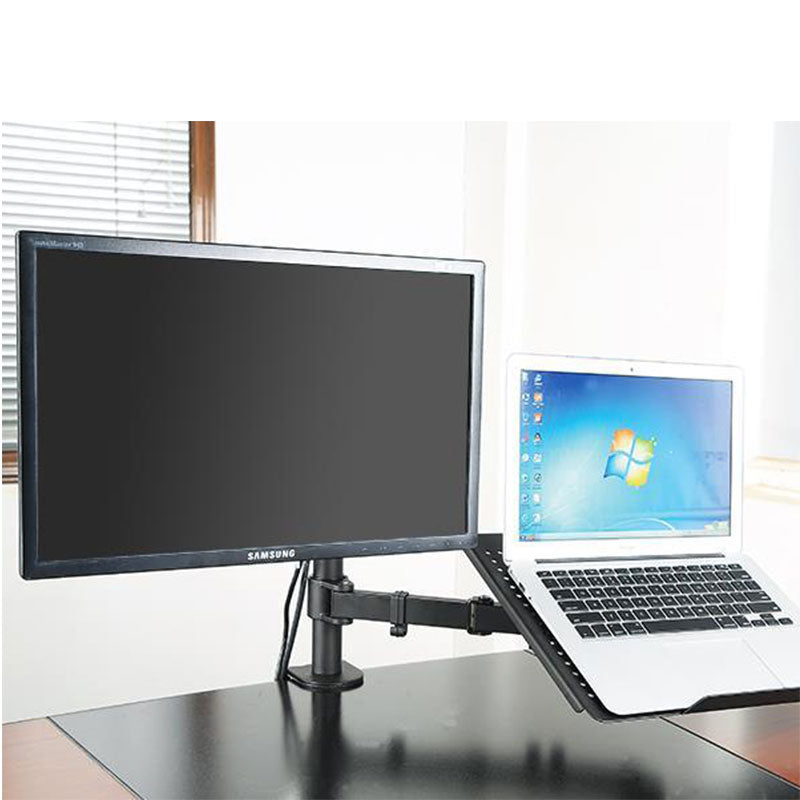
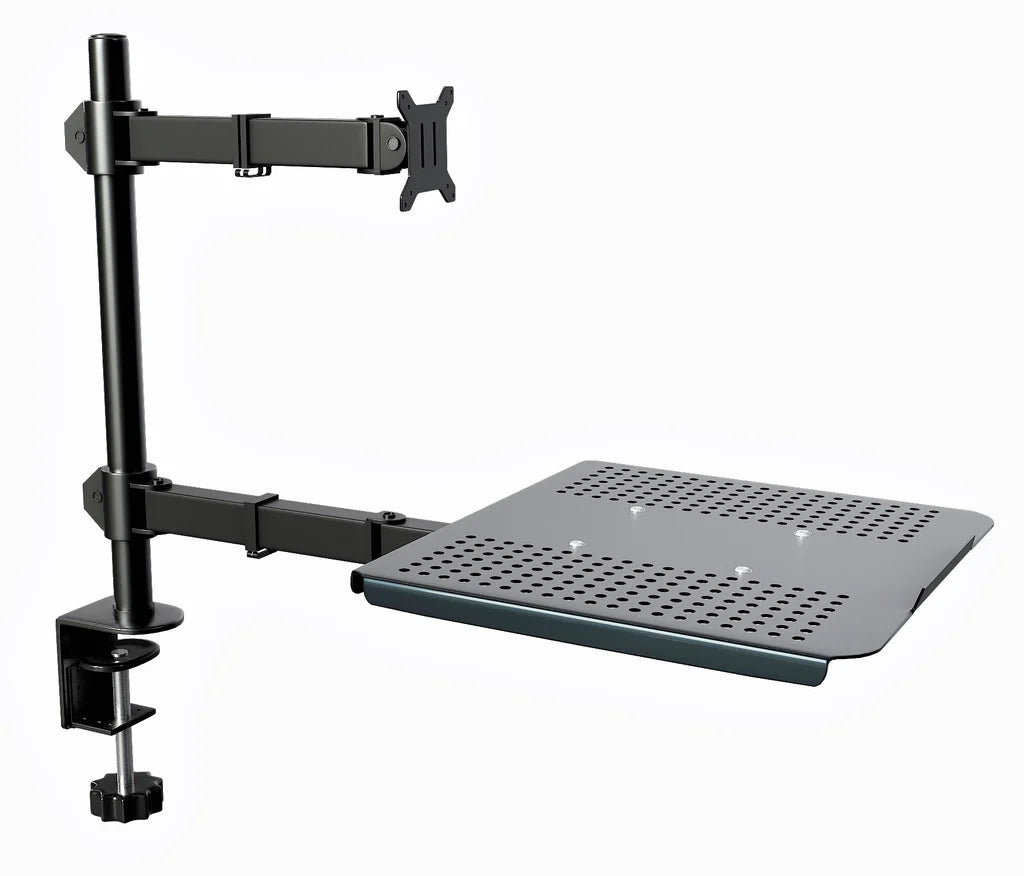
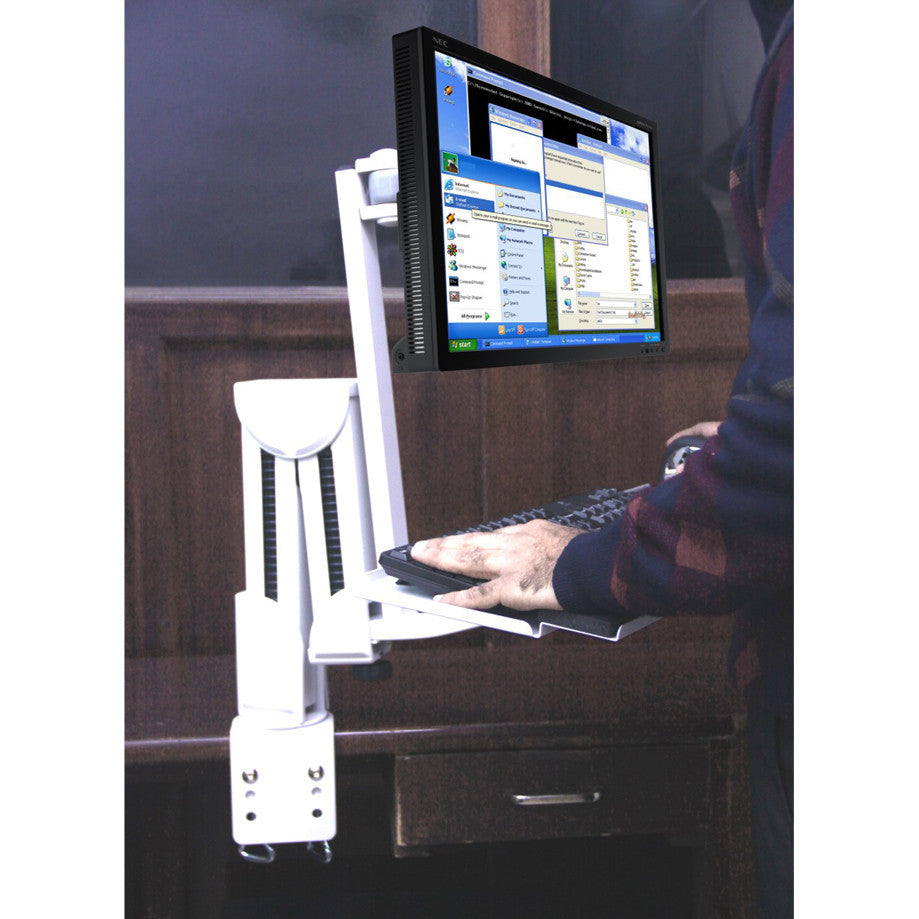
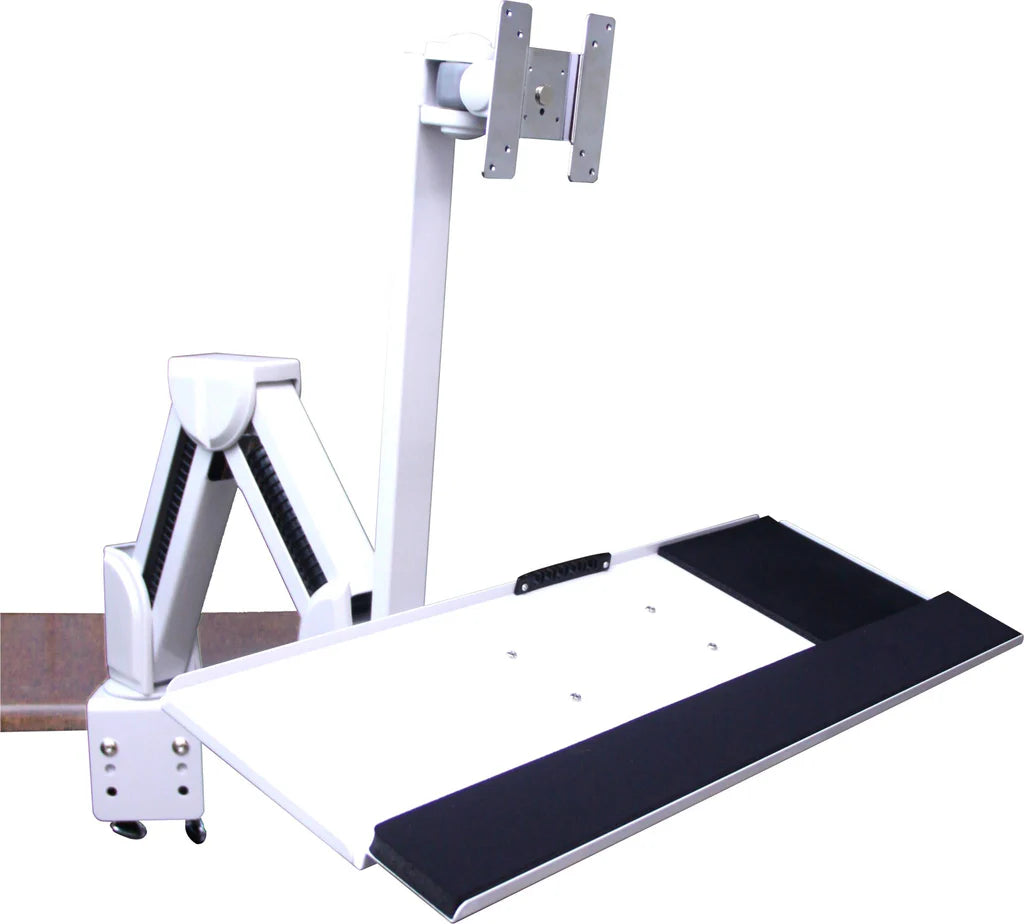
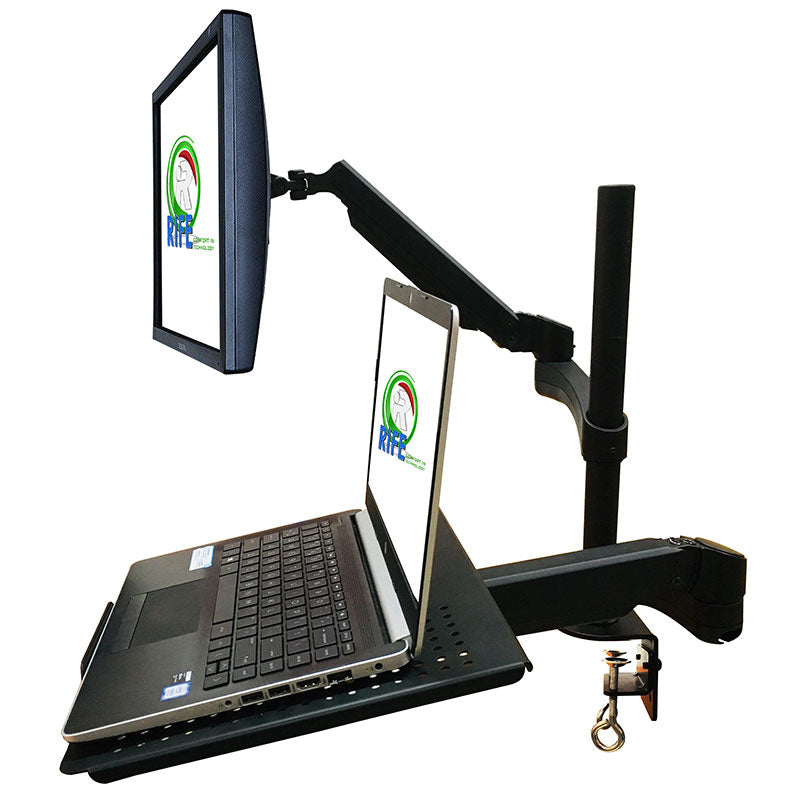
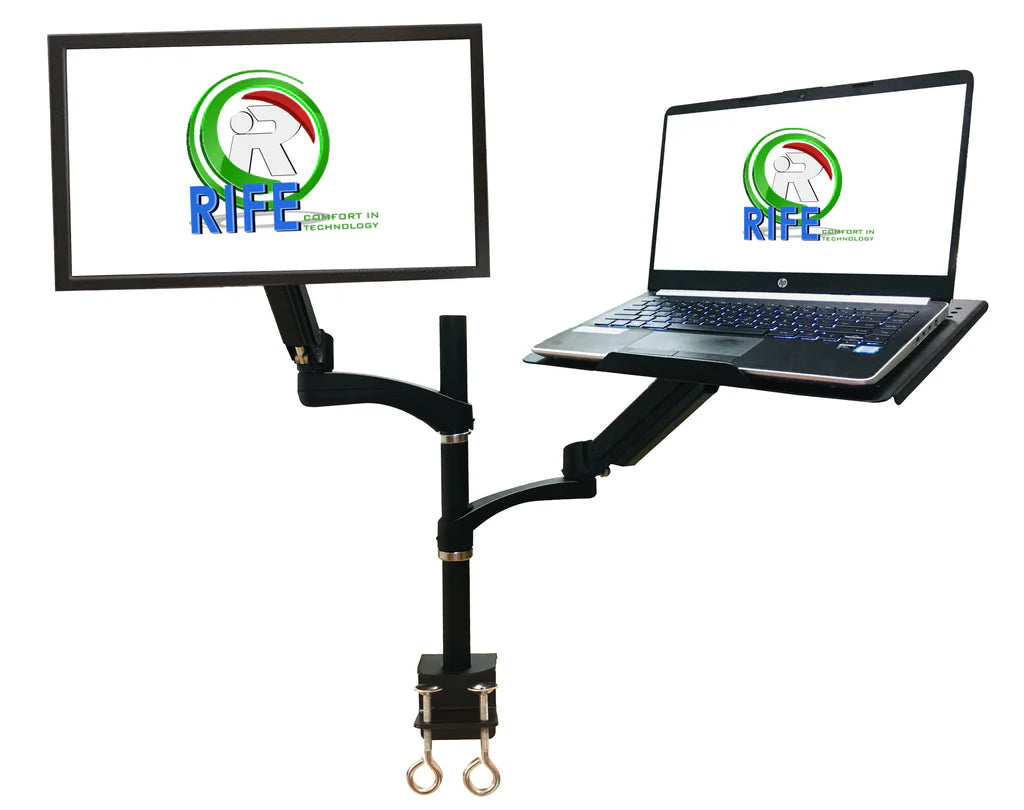
Laptop / Keyboard / Monitor Combo Arms
Monitor and Keyboard Combos for an Ergonomic Workspace
Best Monitor and Keyboard Combos for Productivity & Comfort
A monitor and keyboard combo is essential for any efficient workspace, whether for gaming, office work, or creative tasks. Choosing the right setup can enhance ergonomics, reduce strain, and boost productivity. In this guide, we’ll explore the best monitor keyboard combos, monitor and keyboard bundles, and ergonomic setups to optimize your workstation.
Why Choose a Monitor and Keyboard Combo?
A well-matched monitor and keyboard combo ensures seamless workflow, better posture, and improved efficiency. Here’s why you should invest in one:
Benefits of a Monitor & Keyboard Bundle
Ergonomic Comfort – Reduces wrist and neck strain with adjustable setups.
Space Efficiency – Saves desk space with compact designs.
Enhanced Productivity – Faster response times and better screen visibility.
Cost Savings – Bundles often come at a discounted price.
Who Needs a Monitor Keyboard Combo?
Office Professionals – For long hours of typing and screen work.
Gamers – High-refresh-rate monitors with responsive keyboards.
Designers & Developers – Large screens with ergonomic keyboards.
Remote Workers – Compact setups for home offices.
Types of Monitor and Keyboard Combos
1. Standard Desktop Monitor & Keyboard Combos
Ideal for everyday office work, these include:
- Budget-friendly bundles for home and office use.
2. Ergonomic Monitor & Keyboard Setups
Adjustable monitor arms (like the Rife monitor arm).
Split keyboards and vertical mice for wrist comfort.
3. Portable Monitor & Keyboard for Laptops
USB-C portable monitors with foldable keyboards.
Dual-screen setups for multitasking.
4. All-in-One PC Monitor Combos
Touchscreen monitors with built-in keyboards.
Space-saving designs for small desks.
How to Choose the Right Monitor & Keyboard Combo?
Ergonomics & Adjustability
Monitor arms (like the Rife monitor arm) for height adjustment.
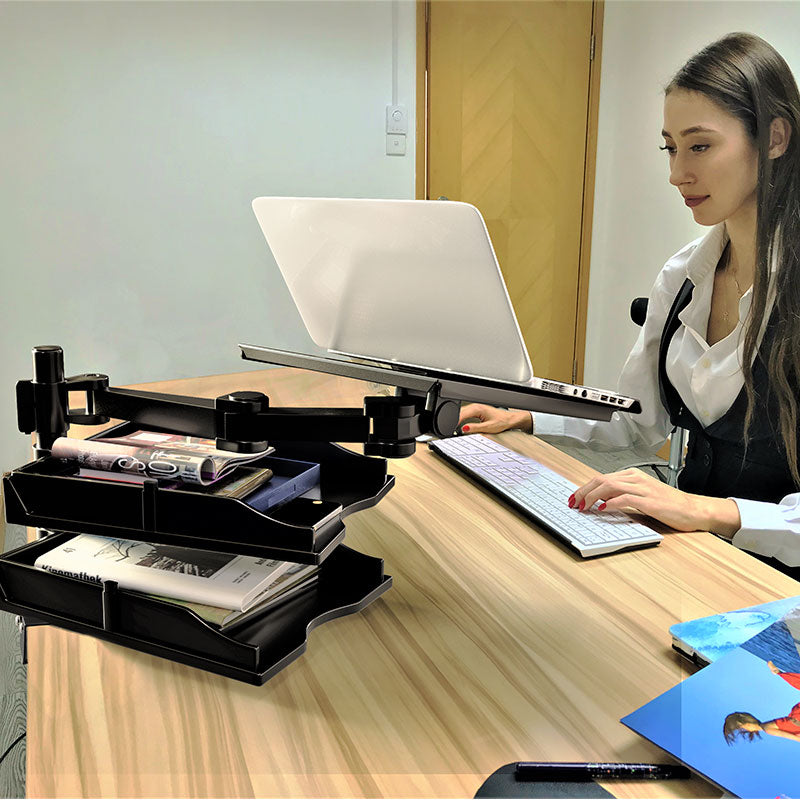
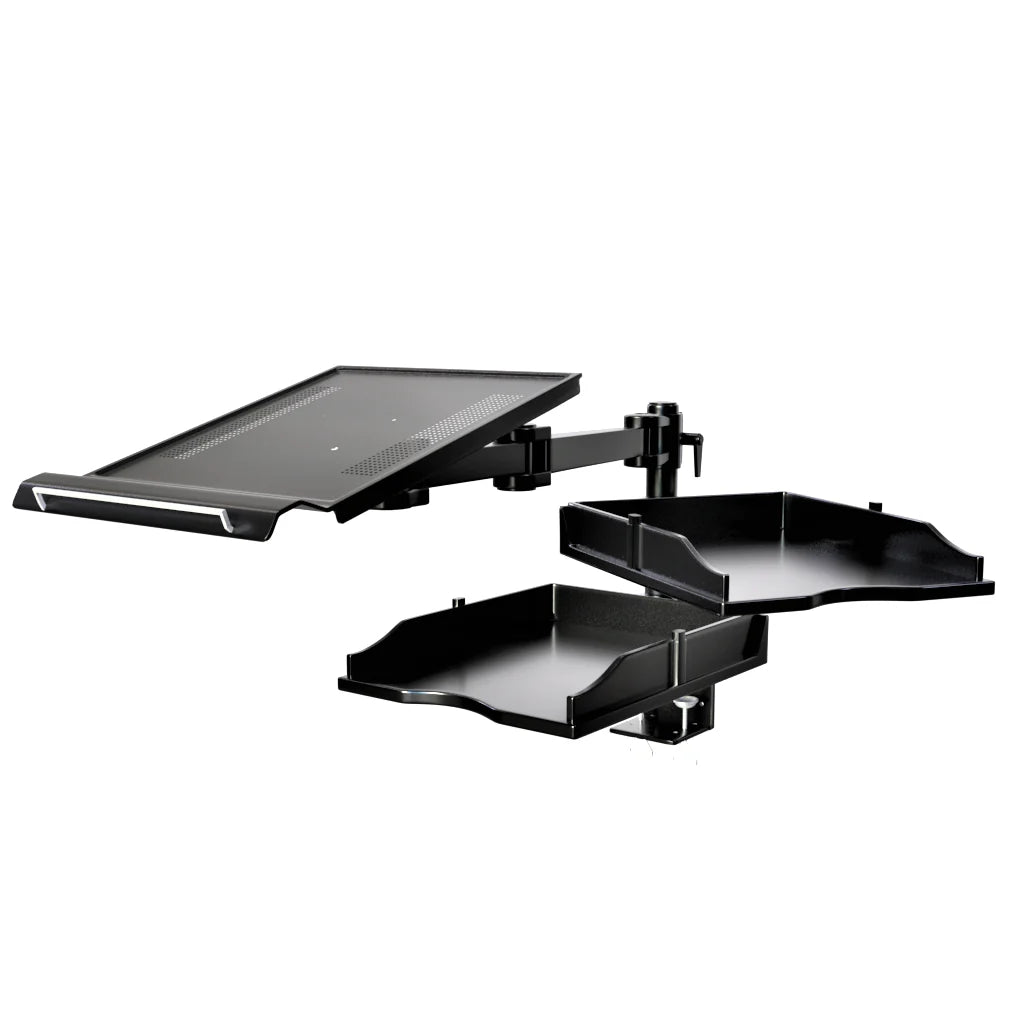
Keyboard trays for wrist support.
FAQs About Monitor & Keyboard Combos
1. Can I use a TV as a monitor with a keyboard?
Yes, many TV monitor combos work with wireless keyboards.
2. What’s the best monitor keyboard combo for programming?
A large monitor (27"+) with a mechanical keyboard is ideal.
3. Are monitor and keyboard bundles worth it?
Yes, they often save money and ensure compatibility.
Final Thoughts
Choosing the right monitor and keyboard combo improves comfort, efficiency, and overall workflow. Whether you need a gaming setup, ergonomic office combo, or portable monitor with keyboard, there’s a perfect match for your needs.
Upgrade your workspace today with the best monitor keyboard combo!