
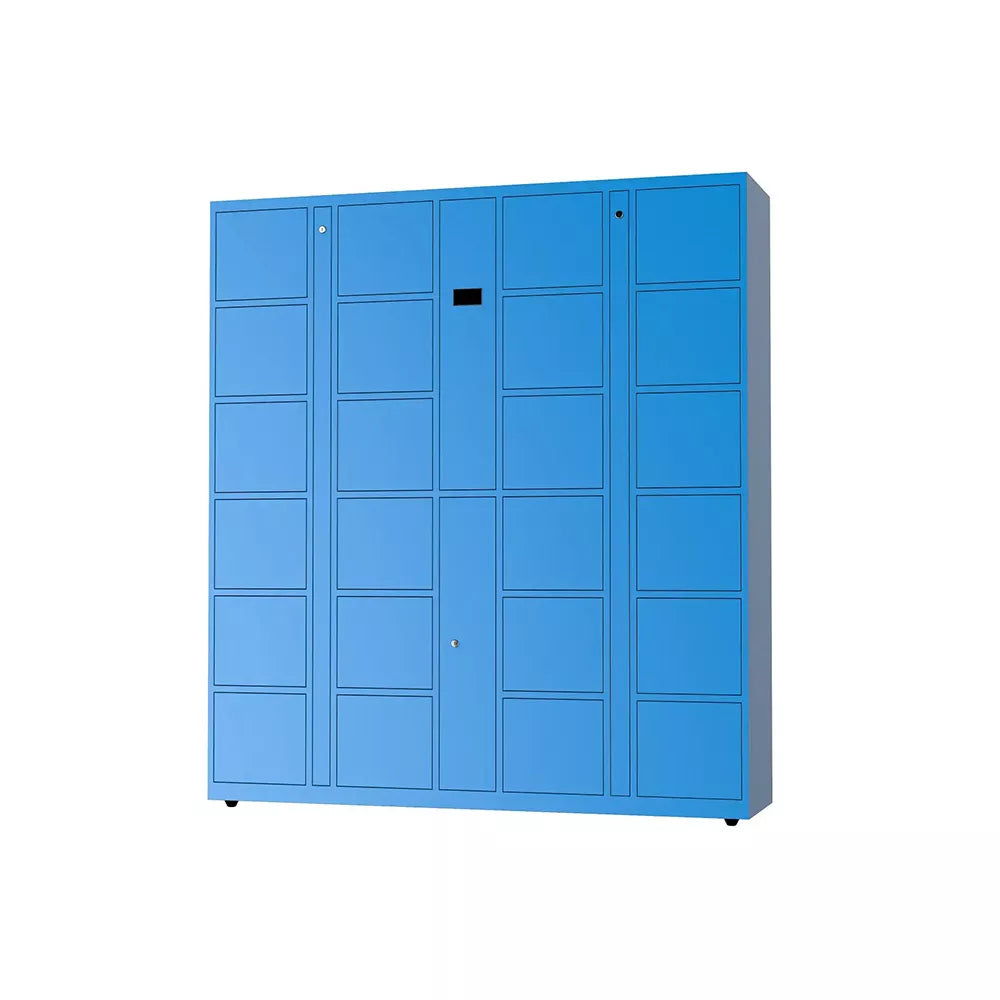
Ask about QR code Access Smart locker
Need Help?
Get the right model recommendation.
Send your quantity, use case and accessories needed. Rife will suggest the correct configuration.
QR code lockers represent a significant leap forward in secure storage and asset management. By harnessing the power of QR code technology, these lockers offer unparalleled convenience, enhanced security, and a wealth of customizable features to meet the evolving needs of businesses and consumers alike
The user can use the APP scanning function to scan the QR code to complete the item self-service storage
Workflow:
(1) No scanner type
Storage: the user scans the code on the locker by APP, and operate in the APP --- select the box size --- to open the box for storage
Fetching: the user scans the code on the locker by APP, and operate in the APP --- select to retrieve --- box door open and retrieve the item
(2) With scanner type
Storage: Select the nearby cabinet/locker, operate in the APP, select box size --- show and scan the QR code --- open the box for storage
Fetch: Operation in the APP, select to retrieve -- box door open and retrieve the item
Frequently Asked Questions
1. How do QR code lockers work for self-service storage?
Answer: QR code lockers function by integrating mobile app technology with secure hardware. To use them, a user accesses the dedicated mobile APP. Depending on the locker type, the user either scans a QR code displayed on the locker using their phone or displays a QR code on their phone for the locker's scanner to read. Once the code is verified, the user selects a box size via the app, and the compartment door opens automatically for storage.
2. What is the difference between "No Scanner" and "With Scanner" QR lockers?
Answer: The main difference lies in which device performs the scanning:
- No Scanner Type: The user acts as the scanner. They use the APP to scan a static QR code printed on the physical locker to initiate the storage process.
- With Scanner Type: The locker acts as the scanner. The user generates a QR code within the APP on their screen, and the locker’s built-in scanner reads the phone screen to unlock the box.
3. How do I retrieve my items from a QR code smart locker?
Answer: Retrieving items is a touch-free, app-based process. To fetch your stored assets:
- Open the locker management APP.
- Select the specific active order or the "retrieve" option.
- For "No Scanner" types, you may need to scan the locker's code again.
- Confirm the retrieval in the app, and the specific box door will automatically pop open for you to collect your item.
4. Are QR code lockers secure for asset management?
Answer: Yes, QR code lockers represent a significant leap forward in security compared to traditional key or pin-code lockers. Because the "key" is a digital, unique session generated within a personal mobile APP, the risk of lost physical keys or stolen PIN codes is minimized. The system offers enhanced security by harnessing encrypted QR technology to ensure only the authorized user can trigger the "open door" command.
5. Do I need an app to use these self-service storage lockers?
Answer: Yes, the workflow for these lockers is entirely app-centric to ensure unparalleled convenience and customization. Whether you are using the "No Scanner" or "With Scanner" model, the APP is required to select the nearby cabinet, choose the box size, generate or scan QR codes, and issue the final command to open the locker door for both storage and retrieval.