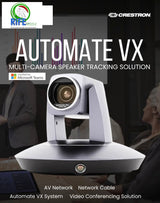
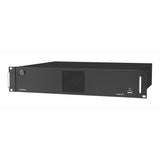
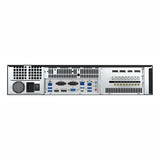
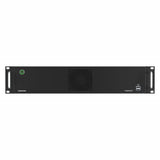
Ask about Crestron Automate VX Pro System Series 2 Voice-Activated, Multi-Camera Switching Solution, (R-IV-SAM-VX2-P)
Crestron Automate VX: The Ultimate Multi-Camera System for Intelligent Video Conferencing
Introduction to Crestron Automate VX
Crestron Automate VX is an advanced multi-camera system designed to provide an intelligent and seamless video conferencing experience. With features such as speaker tracking, voice-activated switching, and AI-driven automation, the system enhances communication in corporate boardrooms, classrooms, and government facilities. Whether integrating with the Crestron IV-SAM-VX2-P or the Crestron IV-SAM-VX2-S, Automate VX delivers a hands-free, professional video experience.
Uses of Crestron Automate VX
1. Corporate Conference Rooms
Automate VX Crestron is perfect for large conference rooms where multiple speakers participate in discussions. With voice-activated switching, the system automatically focuses on the active speaker, creating a natural meeting flow.
2. Higher Education Classrooms
Educational institutions use the Crestron video equipment to enhance remote learning. The Crestron intelligent video room designer ensures clear visibility of both instructors and students.
3. Government & Legal Settings
Courtrooms and legislative chambers rely on Crestron camera tracking technology to focus on speakers and record proceedings with precision.
4. Healthcare Teleconferencing
Medical professionals use Crestron Automate VX Designer to facilitate telemedicine, offering real-time, high-definition video communications for remote consultations.
5. Broadcasting & Live Events
Crestron video recorders and PTZ cameras provide high-quality video capture for live streaming events, ensuring seamless automation in broadcasting environments.
Benefits of Crestron Automate VX
1. Speaker Tracking and Voice-Activated Switching
The Crestron tracking camera system ensures that the active speaker is always in focus, eliminating the need for manual camera operation. The Automate VX system utilizes voice-activated switching to transition between speakers effortlessly.
2. Seamless Multi-Camera Integration
With support for multiple Crestron cameras, the system provides a professional and immersive video experience. The Crestron IV-SAM-VXP-1B enhances multi-camera switching, ensuring smooth transitions.
3. Compatibility with Crestron AV Systems
The Automate VX is designed to work seamlessly with Crestron AV systems, including the Crestron Pro 2 and Crestron AV2, delivering superior audio and video synchronization.
4. AI-Powered Intelligent Video
Using the Crestron intelligent video system, Automate VX provides real-time adjustments to video framing, enhancing visibility for all participants.
5. Hands-Free Operation
With Crestron automation, Automate VX eliminates the need for human intervention, allowing presenters to focus on their discussions without worrying about camera control.
Specifications of Crestron Automate VX
- System Components: Crestron VX Automate, Crestron IV-SAM-VX2-P, Crestron IV-SAM-VX2-S
- Camera Support: Crestron PTZ Camera, Crestron Tracking Camera, Crestron Camera Tracking System
- Audio Integration: Crestron Speakers, Crestron Audio System
- Video Processing: Crestron Codec, Crestron USB Switch, Crestron Video Recorder
- Control Interface: Crestron Tablet Uses, Crestron Pro2 Crestron API
- Networking: Crestron System, Crestron AV System, Automate Crestron Connectivity
Application Types and Solutions We Offer
1. Enterprise Video Conferencing Solutions
Our enterprise solutions include Crestron VX Automate and Crestron Intelligent Video systems, ensuring seamless communication for boardrooms and global teams.
2. Higher Education Smart Classrooms
Using Crestron IV-SAM-VXS-1B, universities can deploy AI-driven video tracking to create an engaging remote learning experience.
3. Government and Judicial Solutions
Crestron Video Equipment and Crestron Camera Tracking enable high-precision video recording for legal proceedings.
4. Healthcare and Telemedicine
Automate VX Crestron integrates with Crestron Audio Systems and Crestron Video Recorders to offer high-quality telehealth solutions.
5. Live Streaming and Broadcasting
For media professionals, Crestron Automation and Crestron AV2 ensure high-quality content production and seamless live streaming.
WHATS APP OR CALL US AT 9811014571
OR WRITE TO US AT “sales@rifeindia.com
Conclusion
Crestron Automate VX is the ultimate video conferencing and intelligent video solution for businesses, educators, healthcare professionals, and government institutions. With its powerful speaker tracking, multi-camera support, and AI-driven automation, it revolutionizes video communication. Whether you're looking for enterprise AV solutions or live broadcasting equipment, Crestron VX Automate delivers an unparalleled experience. Contact us today to integrate Crestron Automate VX into your organization!
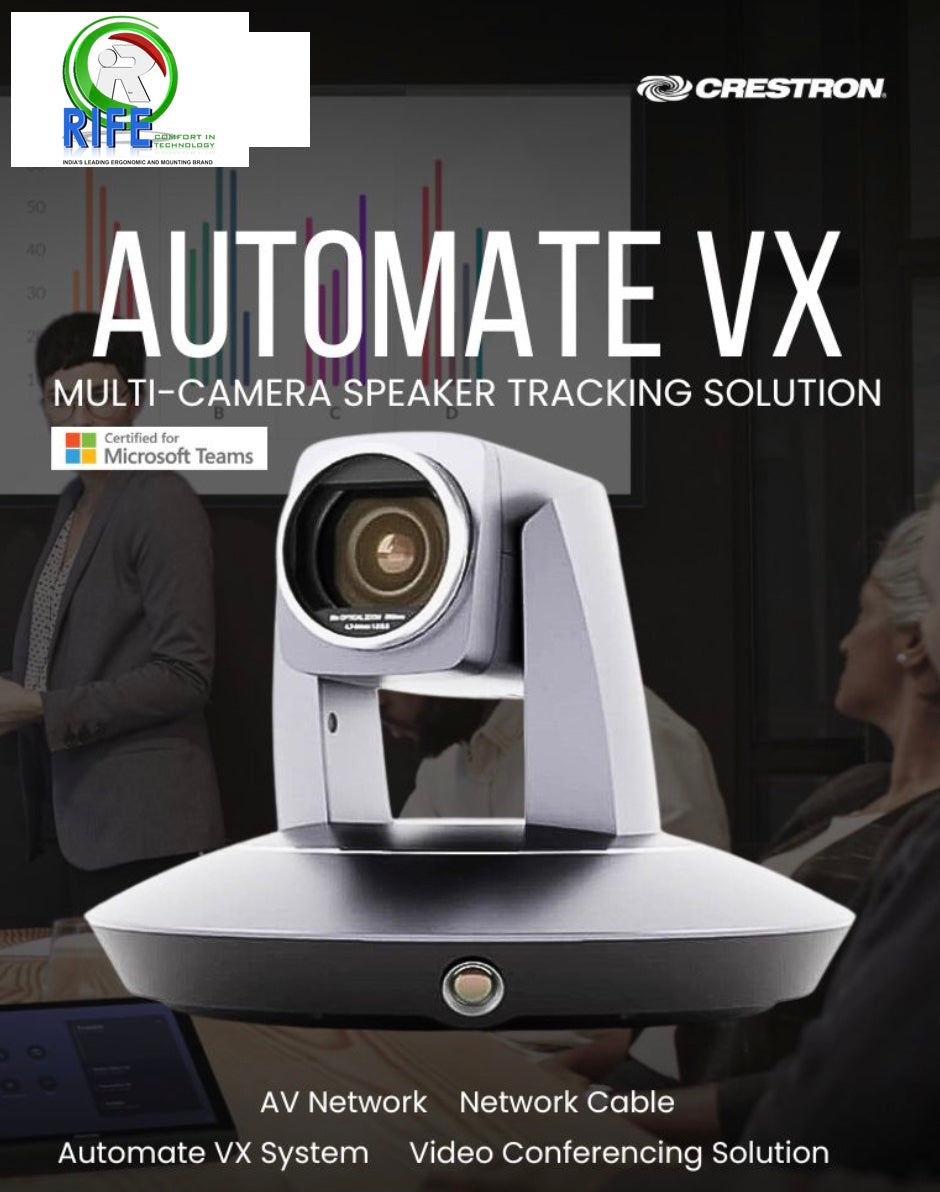
One of the big challenges for organizations is delivering an equitable experience for the in-office participants engaging with remote users. Recently certified as a Microsoft Teams Room Device for large and extra-large rooms, Automate VX solves equitable meeting problems by placing multiple optical zoom cameras around the room and employing voice-activated switching that seamlessly moves between speakers for a production-quality meeting experience.
- Contact us to transform your future meeting experience today.
WHATS APP OR CALL US AT 9811014571
OR WRITE TO US AT “sales@rifeindia.com

Rooms equipped with Automate VX have historically leveraged tracking to presets and audio pickup to determine which camera picks up which speaker based on their location within the room. This latest update adds facial and torso detection intelligence, allowing the cameras to track body movements and reframe participants based on their position within the frame. If a chair slides to the left or a participant resituates in their seat, Automate VX can pick up on those motions and reframe the participant so they are always centered in the shot.
Product SKU: R-IV-SAM-VX2-P
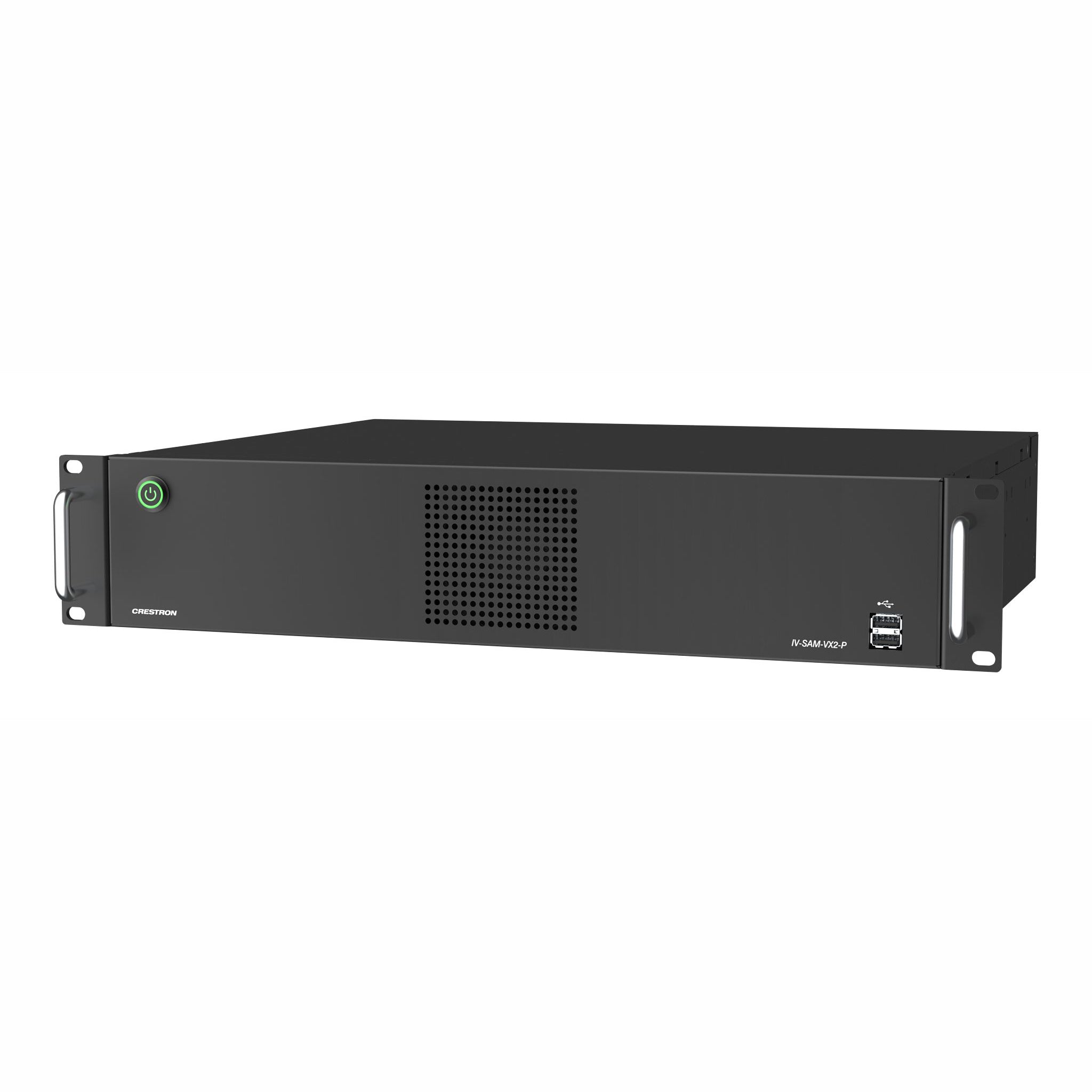
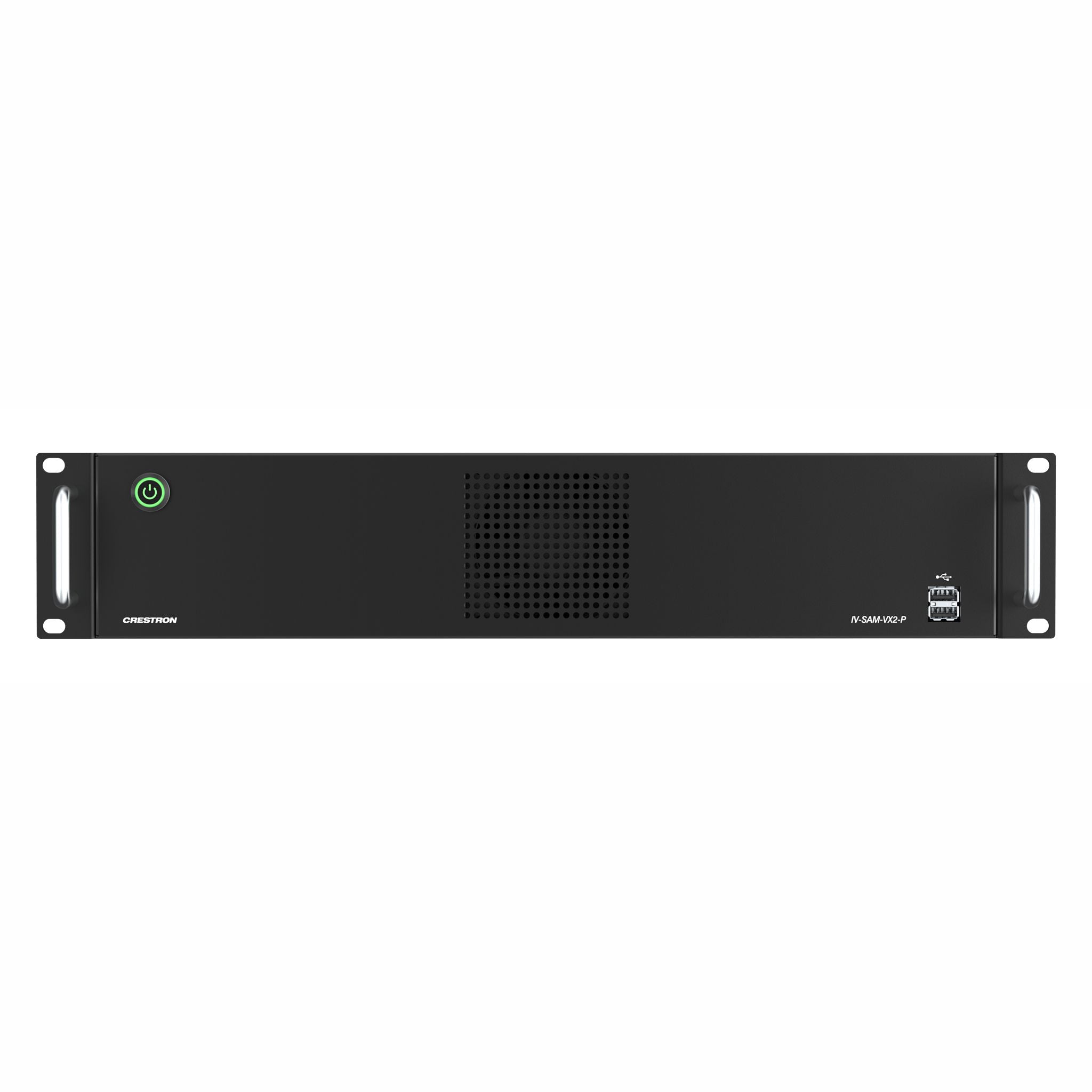
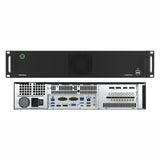
The IV-SAM-VX2-P Automate VX Pro is a voice-activated camera switching solution that brings the full multicamera studio experience to meetings, town halls, and classrooms. Crestron 1 Beyond cameras automatically switch based on the location of the active speaking participant. Visual AI enhanced camera switching intelligently frames camera shots with the participants centered. Automate VX Pro comes with built-in recording and streaming capability along with outputs for video conferencing.

Production Quality Camera Shots
See who is speaking with close-up camera shots. Clean production-style camera switching provides a more engaging experience for remote participants or viewers.
High Definition Video for Conferencing
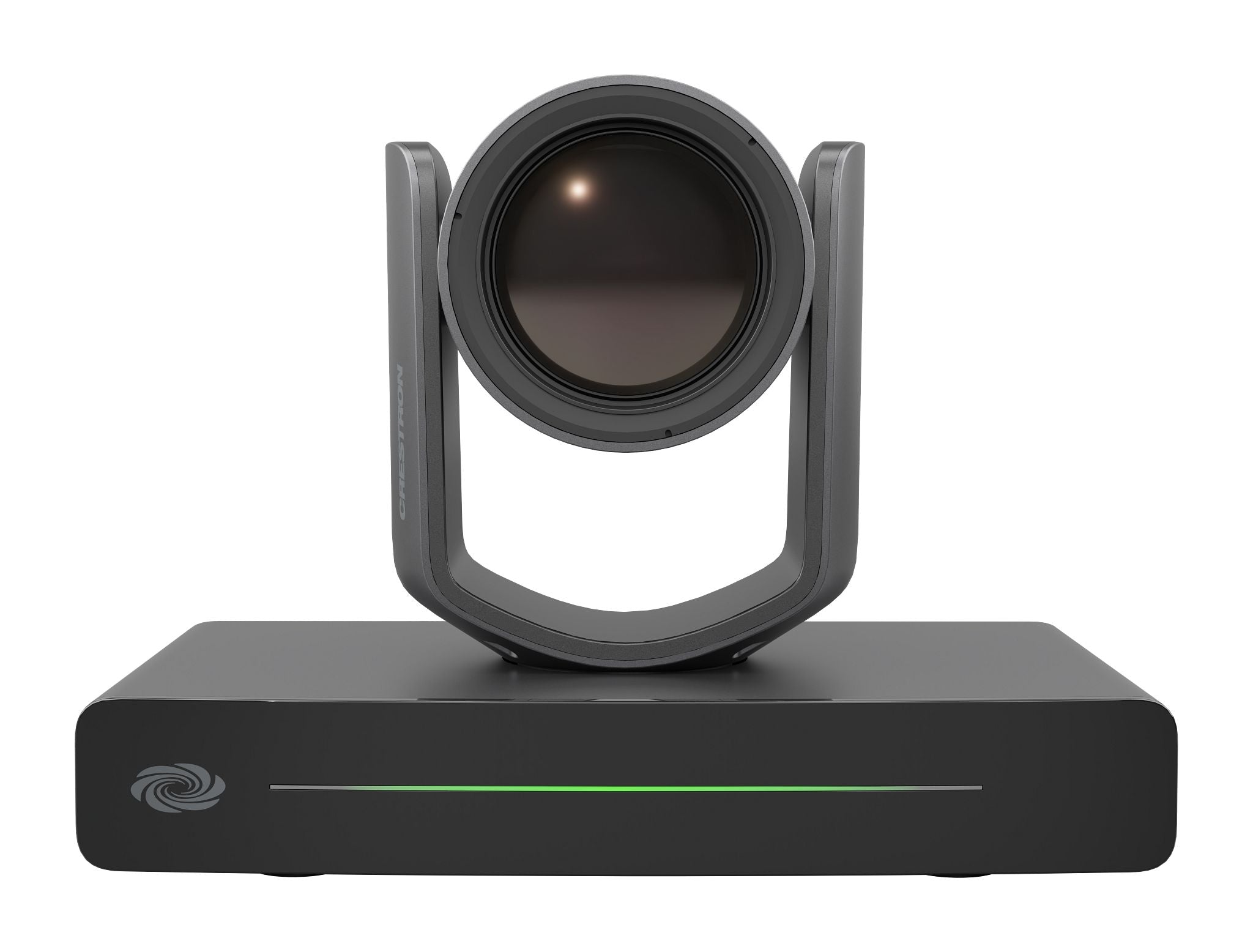
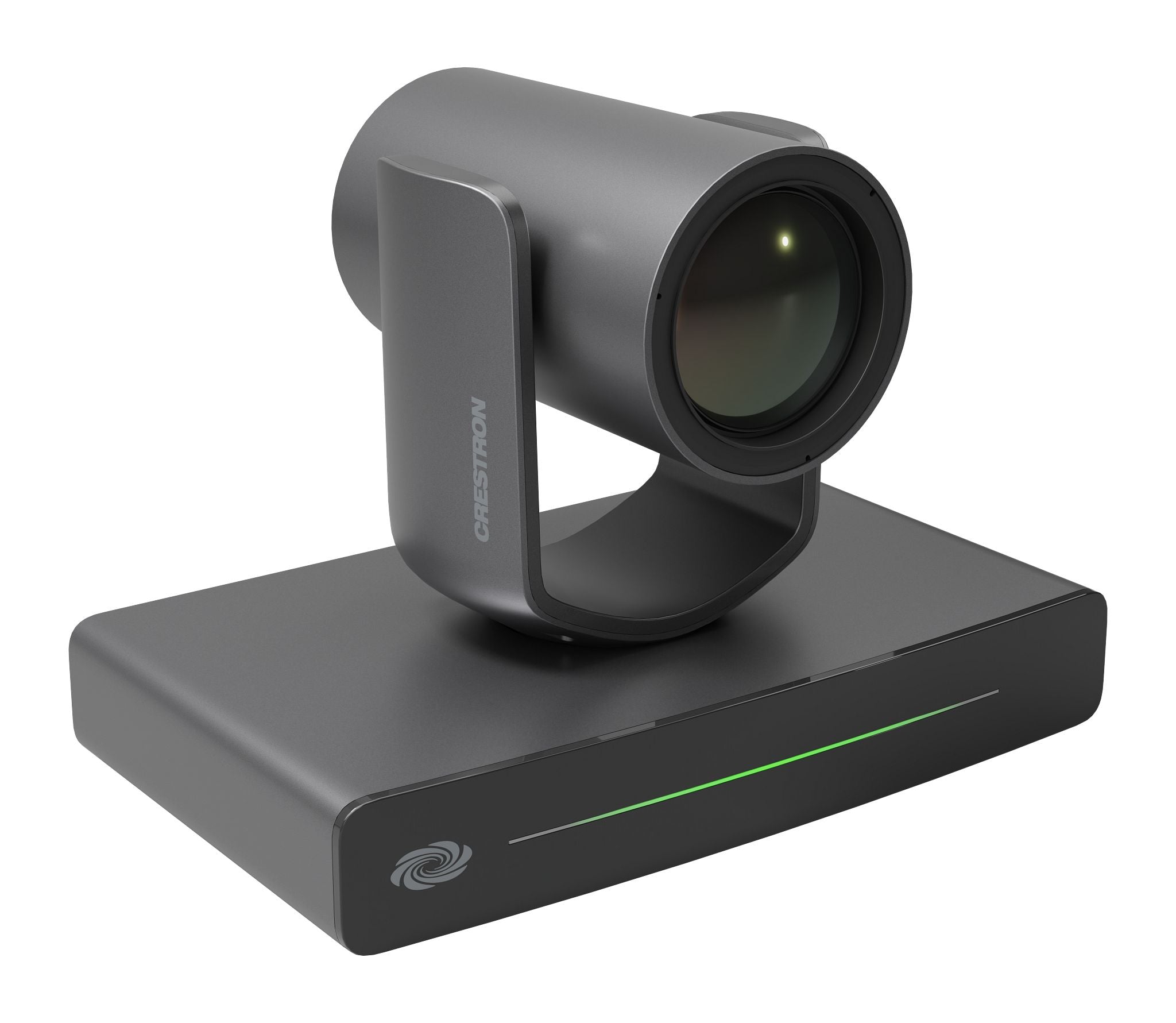
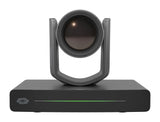
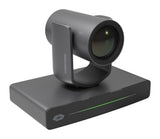
Connect 12x and 20x optical zoom Crestron 1 Beyond Cameras via 3G-SDI or NDI®|HX for high quality video output resolutions. Provide uncompressed high definition video through your conferencing codec of choice with the included SDI to USB-A 3.0 converter.
AutoFraming and Reframing with Visual AI
Visual AI directs Crestron 1 Beyond optical zoom cameras to automatically center participants in camera shots via AutoFraming. Reframing continuously keeps the participant centered in the camera shot — even when the participant moves from their initial position.
Voice-Activated Switching
Voice-activated switching uses data from the room microphones to locate the active speaking participant and change camera shots accordingly. Multiple microphone types are supported, including intelligent array microphones, wired and wireless microphones, and discussion systems.
No Code Configuration with Visual Designer
The Room Designer tool provides the ability to design and configure meeting spaces. The browser interface is used to create and visualize designs to accommodate the room’s requirements, and to determine optimal placement of cameras and microphones. Set the desired camera switching experience graphically - no coding or camera presets required.
Adapts to Room Sizes and Uses
Cameras can be located throughout the room for best camera angles. Room configurations can be set to accommodate different furniture layouts with a single button push.
Professional Services
The 1 Beyond Automate system requires the purchase of 1 Beyond Camera Systems Remote Professional Services. Remote Professional Services provides dedicated technical support for the remote deployment of Automate VX Voice Activated Multi Camera Switching Solutions.
Custom Layouts
Combine multiple sources, superimpose titles and add custom graphics. A graphical user interface allows for custom layouts, not just picture‑in‑picture or side‑by‑side.
Native Crestron Control and REST API
Enable autoswitching, activate Scenarios, record/stream, change room configurations or layouts and more from your preferred control interface. An adaptable API is available for customizable user interfaces on third-party control systems.
Conference, Stream, and Record
In addition to high quality output for hard or soft codecs, the system has a built-in encoder and recorder to enable RMTP streaming with 316 GB of storage for local program and ISO recording. Automated copy available to network and cloud storage.
Features
- Provides automatic camera switching based on the active speaking participant
- Switches between multiple cameras for broadcast-style production
- Supports 7 SDI or 12 NDI|HX® sources; outputs SDI and NDI streams
- Intelligent video algorithm follows the conversation, avoiding excessive camera switching
- Simple configuration with the browser-based Room Designer tool
- Visual AI autoframes and reframes to capture the best camera shots
- Built in encoder and recorder for live streams and video recording
- Customizable video layouts to accommodate video conferencing needs
Specifications
| Automate VX2 Pro Capabilities | |
| Titles, Graphics, Layouts: | Titles, logos, backgrounds can be added, Easy-to-use graphic designer to create any multi-source layout |
| Program Record: | MP4 file (H.264 codec). User-selectable bitrate up to 10 Mbps ISO Recording, MOV file |
| Recording Capacity: | Records to internal 316 GB SSD storage |
| Streaming Encoder: | Can stream to any RTMP server |
| NDI Support: | For inputs and program output |
| Camera Control: | Can control Crestron 1 Beyond PTZ cameras and tracking cameras over IP. For a complete list of compatible cameras, refer to Compatible Cameras |
| System Control: | REST API over Network (TCP) for third party control |
| Compatible Codecs: | Output via 3G-SDI (SDI to USB-A 3.0 converter included) for connection to external conferencing codecs running Microsoft Teams® software, Zoom Rooms® software, and others |
| Configuration: | Browser-based configuration with secure login and user administration. Customizable preset options for sleep, wake, and scenario actions |
| Visual AI: | Intelligence built into the Automate VX system, provides AutoFraming and Reframing with Crestron 1 Beyond Cameras |
| Communication | |
| Ethernet: | 10/100/1000/2500Mbps |
| USB: | USB 3.2 host ports for mouse, keyboard, data drive, and camera signals |
| NDI: | Supports up to 12 NDI®|HX inputs; Supports 1 NDI®|HX output |
| Connectors | |
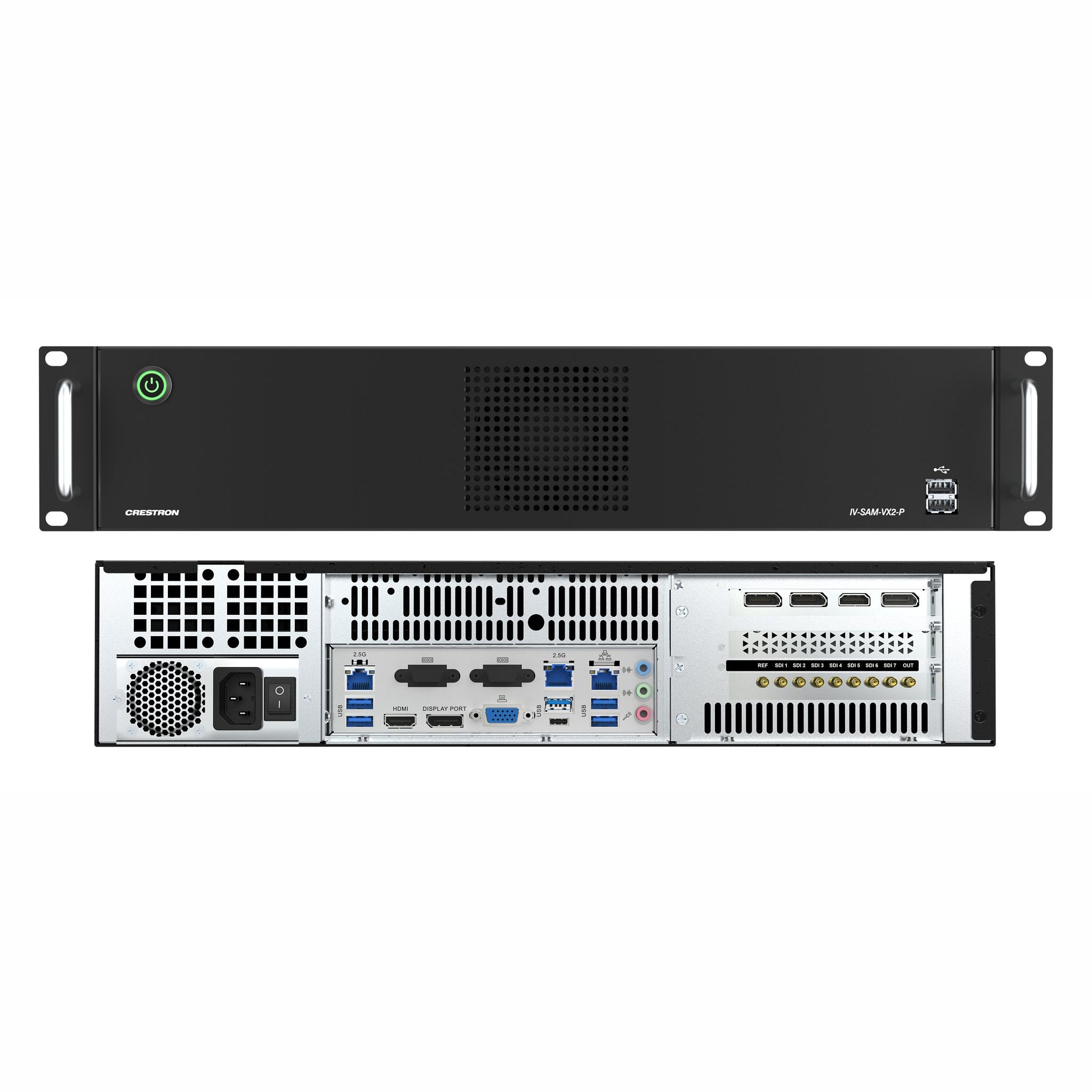
| USB Type-A (Front): | (2) USB Type‑A 3.2 (Gen 2) connector, female; Connects to a keyboard, mouse, or data drive for system configuration |
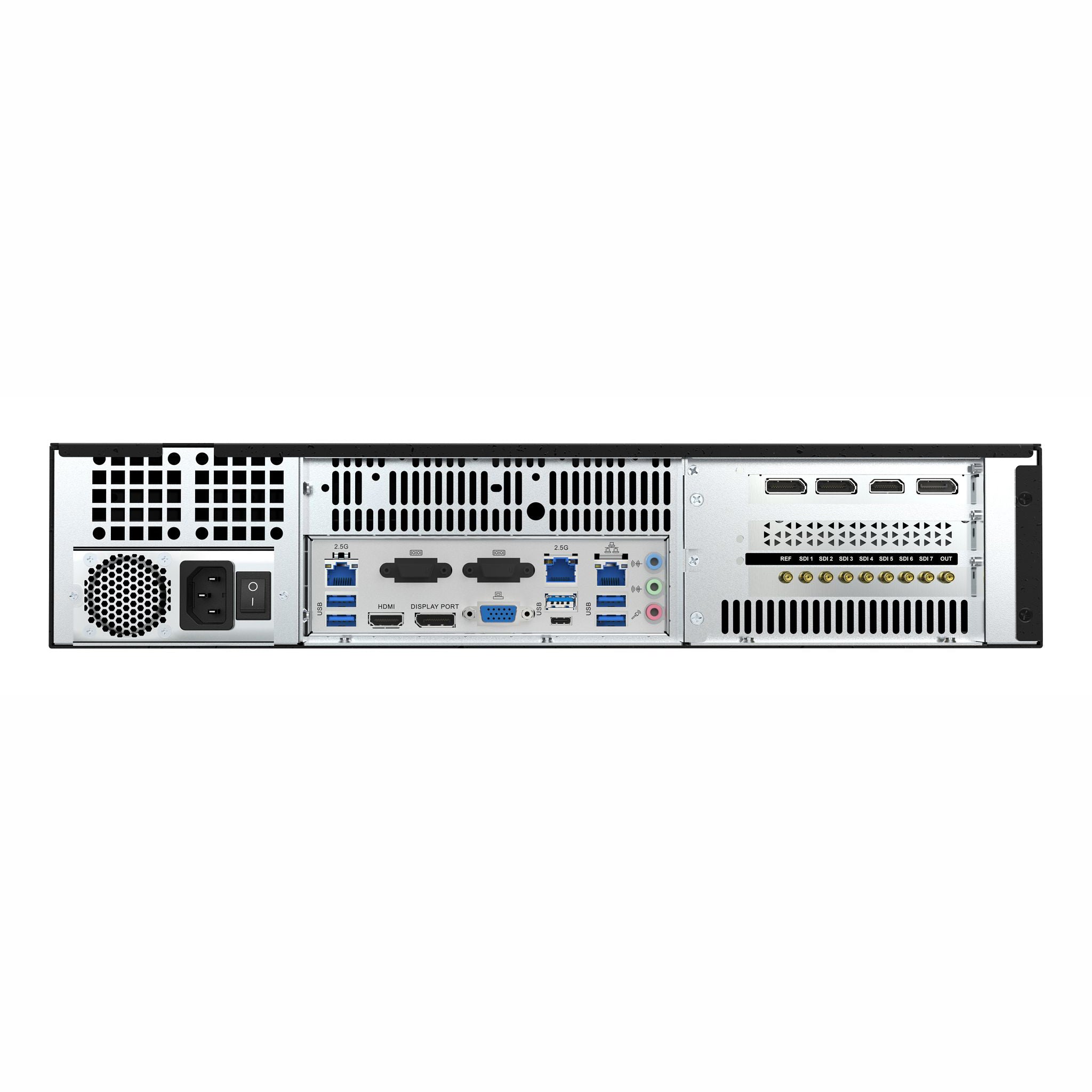
| USB Type-A (Rear): | (5) USB Type‑A 3.2 (Gen 2) connector, female; Connects to a keyboard, mouse, or data drive for system configuration; Supports one USB Type-A camera connection |
| USB Type-C (Rear): | (1) USB Type‑C 3.2 (Gen 2, 5V/3A) connector, female; Connects to a keyboard, mouse, or data drive for system configuration; Supports one USB Type-C camera connection Note: Only one USB camera connection (USB Type‑A or USB Type‑C) at a time is supported. |
| SDI REF: | (1) Reference 3G‑SDI connector (not used) |
| SDI 1-7: | (7) 3G‑SDI mini DIN connectors, female; For 3G‑SDI camera video input connections |
| SDI OUT: | (1) 3G‑SDI mini DIN connector, female; For 3G‑SDI camera video output connection (SDI to USB‑A 3.0 converter included) |
| HDMI: | (2) HDMI 2.0b connectors, female; HDMI digital video/audio output for system configuration menus; Supports one HDMI connection Note: The HDMI connector located at the center of the Automate VX2 is used for connection. |
| DisplayPort: | (4) DisplayPort™ 1.4a connectors, female; Connects to a monitor for system configuration menus; Supports one DisplayPort connection Note: The DisplayPort connector located at the center of the Automate VX2 is used for connection. |
| LAN: | (3) RJ‑45 connectors, female; 100/1000 Mbps 100BASE‑TX/1000BASE‑T Ethernet Ports |
| Audio Input: | (1) 1/8 in. 3.5 mm connector, female TRS; Unbalanced line‑level audio input |
| Mic Audio Input: | (1) 1/8 in. 3.5 mm connector, female TRS; Unbalanced line‑level audio input |
| Audio Output: | (1) 1/8 in. 3.5 mm connector, female TRS; Unbalanced line‑level audio output |
| VGA: | (1) VGA connector, female (not used) |
| COM: | (2) DB9 connectors, female (not used) |
| Controls and Indicators | |
| Power: | (1) Push button with green LED backlight; For power on and off |
| LAN (rear) | (2) LEDs on LAN port; Green LED indicates Ethernet link status; Amber LED indicates Ethernet activity |
| Video | |
| Input Signal Types: | 3G‑SDI, NDI®|HX, USB Type‑A 3.2 (Gen 2), USB Type‑C 3.2 (Gen 2, 5V/3A) |
| Output Signal Types: | 3G‑SDI (SDI to USB‑A 3.0 converter included), NDI®|HX, virtual webcam; 1080p60/59.94/50/30/29.97/25/24/23.98, 1080i60/59.94/50, 720p60/59/94/50, NTSC, and PAL resolutions; |
| Desktop Output Signal Types: | HDMI and DisplayPort for system configuration and maintenance via monitor |
| Audio | |
| Audio Input: | Dante® Networking audio input (Dante license not included), USB |
| Audio Output: | Dante® Networking audio output (Dante license not included), USB |
| Compatible Mic Systems: | For a list of compatible mic systems, refer to System Components. |
| Power | |
| Power: | 400 W, 100–240VAC |
| Environmental | |
| Temperature: | 32° to 104° F (0° to 40° C) |
| Humidity: | 5% to 90% RH (noncondensing) |
| Heat Dissipation: | 477 BTU/hr typical; 1706 BTU/hr maximum |
| Construction | |
| Chassis: | Steel, black finish |
| Front Panel: | Steel, black finish |
| Mounting: | Freestanding or 2U 19 in. rack‑mountable (adhesive feet and rack ears included) |
| Dimensions & Weight | |
| Height: | 3.47 in. (88 mm) |
| Width: | 16.81 in. (427 mm) |
| Depth: | 15.33 in. (389 mm) |
| Weight: | 17.5 lb (7.94 kg) |
Frequently Asked Questions
1. What is Crestron Automate VX and how does it improve video conferencing?
Crestron Automate VX is an AI-driven, multi-camera switching solution designed to create a "studio-quality" experience for meeting spaces. Unlike standard wide-angle cameras, Automate VX uses multiple Crestron 1 Beyond optical zoom cameras and voice-activated switching to automatically focus on the active speaker. This ensures an equitable meeting experience for remote participants by providing clear, high-definition close-ups rather than a distant view of a large boardroom.
2. How does voice-activated switching work in the Automate VX system?
The Crestron Automate VX uses data from intelligent microphone arrays to pinpoint the exact location of a person speaking. The system then automatically switches the video feed to the camera best positioned to capture that individual. With the latest Visual AI updates, the system doesn't just switch to a preset; it uses facial and torso detection to reframe and center the participant even if they move or shift in their seat, ensuring professional-grade framing without a manual operator.
3. Is Crestron Automate VX compatible with Microsoft Teams and Zoom?
Yes, Crestron Automate VX is officially certified for Microsoft Teams Rooms in large and extra-large spaces. It is also compatible with Zoom Rooms and other conferencing platforms. The system includes an SDI-to-USB 3.0 converter, allowing the high-quality multi-camera feed to be recognized as a standard USB webcam by any software codec or hardware device.
4. What are the key technical specifications of the Crestron IV-SAM-VX2-P?
The IV-SAM-VX2-P (Automate VX Pro) is a powerful rack-mount solution supporting:
- Camera Inputs: Up to 7 SDI sources or 12 NDI|HX sources.
- Visual AI: Built-in AutoFraming and Reframing capabilities.
- Recording & Streaming: 316 GB internal SSD for local recording and RTMP streaming support.
- Audio Integration: Support for Dante® networking and unbalanced line-level inputs.
- Output: High-definition video via 3G-SDI, NDI, or USB (via converter).
5. Do I need coding skills to configure the Crestron Automate VX system?
No, the system features a "No Code" configuration via the Crestron Room Designer tool. This browser-based interface allows installers to graphically map the room, place cameras, and set microphone trigger zones without writing custom code. However, for guaranteed performance, Crestron requires the purchase of 1 Beyond Camera Systems Remote Professional Services to assist with the initial deployment and optimization.
DELIVERY
- Dispatch: Within 24 Hours
- Free shipping across all products on a minimum purchase of $50.
- International delivery time - 7-10 business days
- Cash on delivery might be available
- Easy 30 days returns and exchanges
RETURNS
If you do not like the product you can return it within 15 days - no questions asked. This excludes bodysuits, swimwear and clearance sale items.
We have an easy and hassle free return policy. Please look at our Delivery & Returns section for further information.
- Frequent cleaning with a clean buff cloth without any residue of any cleaning products removes dirt.
- Dusting with a dry cloth can scratch, so lightly spritz your cleaning cloth with water.
- A vacuum cleaner will effectively remove any dust from surfaces and crevices.
- Always use a coaster for drinks, and be mindful of any other potential sources of water damage, such as flower vases.
- Sharp objects can cut right through the surface of the wood, leaving behind unsightly scratches and gouges.
- Do not place hot utensils directly on the table top to avoid damage and discoloration
- Avoid direct sunlight as it will affect your furniture. It can cause
your furniture to lose its shine and luster and begin to fade. - The table is designed to hold food, crockery and utensils, not heavy objects.
- Avoid sitting, standing, or jumping on the dining table or chairs. Also
do not throw heavy objects on the table, as this may damage the
product.
This tab is a useful tool that allows store to display different product details for each individual product. This feature provides a more comprehensive and tailored approach as it enables companies to showcase specific information related to their products.
It is an excellent way to provide customers with in-depth details such as ingredients, materials used, dimensions, and other specifications that are unique to each product. By using the product custom tab, businesses can ensure transparency and accuracy in providing product information, which builds trust and credibility among consumers. This feature also gives customers the opportunity to make informed decisions based on their preferences and needs.