Corporate & Enterprise
Professional deployments where equipment, workflow and long-term usability need to be planned together.
What are you looking for?
Popular Searches:
Popular Products
Professional RIFE solutions selected around your application, equipment, site conditions and deployment requirements.

Different projects need different equipment, capacities, layouts and operating workflows. This collection brings the relevant models together so buyers can compare the practical fit before final selection.
Compare the environment, equipment, capacity, workflow and site conditions before narrowing the final model.
Professional deployments where equipment, workflow and long-term usability need to be planned together.
Structured systems for shared spaces, managed assets and project-based requirements.
Application-led configurations for departments, facilities and operational teams where appropriate.
Use these four checks before narrowing the final model.
Confirm where the system will be used and the job it needs to support.
Record the equipment, quantity, dimensions and any capacity requirement.
Consider access, movement, storage, power, mounting or security needs as relevant.
Confirm product-specific dimensions, compatibility and options before ordering.
Products shown below are the models currently assigned to this collection.
Use the project requirement and the selected product listing together. Do not assume every feature applies to every model.
Choose around the actual use case rather than the collection name alone.
Verify the equipment count, physical dimensions and available site space.
Consider who uses the system, how often and how equipment is accessed or moved.
Check the selected product listing and confirm project-specific requirements before purchase.
The useful collection information and internal links from the established page are retained below, reorganised inside the premium collection layout.
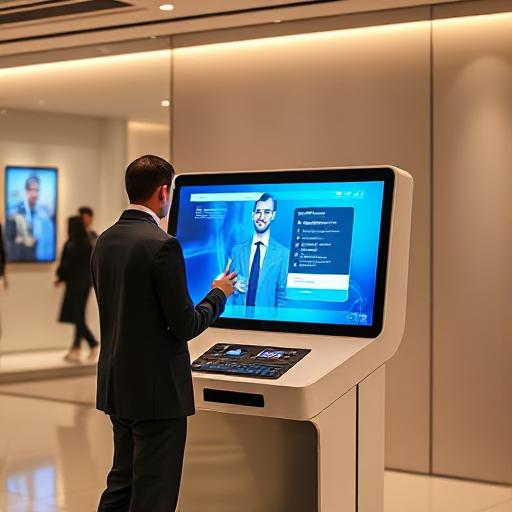
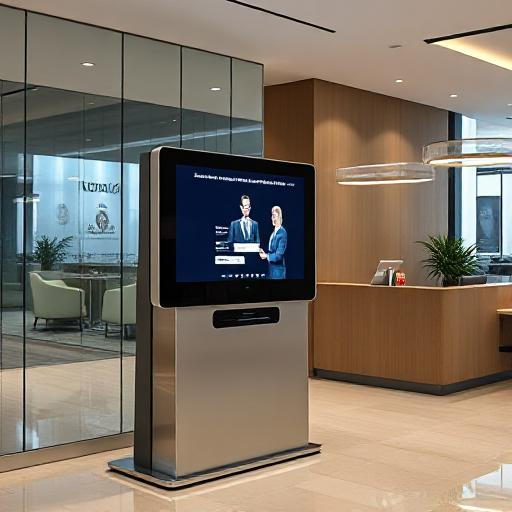
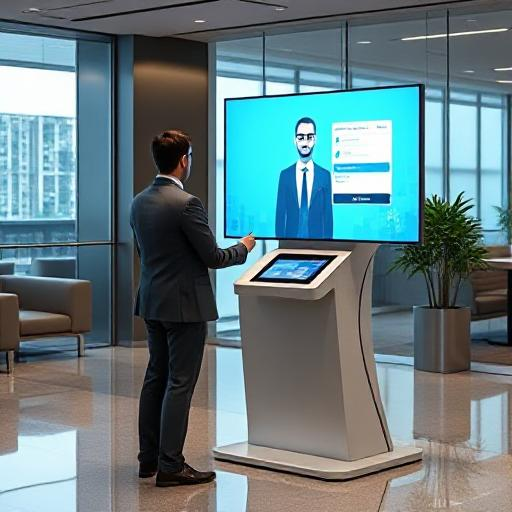
Reduce front-desk load and empower employees with AI-powered self-service kiosks that handle HR FAQs, IT helpdesk queries, visitor guidance, and workplace information — available 24/7 across your office locations.

Leave policies, payroll FAQs, onboarding information, and HR document guidance — without queuing at the HR desk.
Password resets guidance, software access queries, IT ticketing information, and common troubleshooting steps.
Direct visitors to meeting rooms, departments, or facilities with touchscreen maps and directory lookup.
Support employees and visitors in multiple languages where configured for the deployment.
Company policies, facility guides, canteen menus, event schedules — any structured information your team needs on demand.
Handle routine queries automatically so reception and admin staff can focus on higher-value tasks.
Employee or visitor approaches kiosk
Selects topic or types/speaks query
Kiosk retrieves answer from knowledge base
Response displayed on screen
Escalation to human agent where required
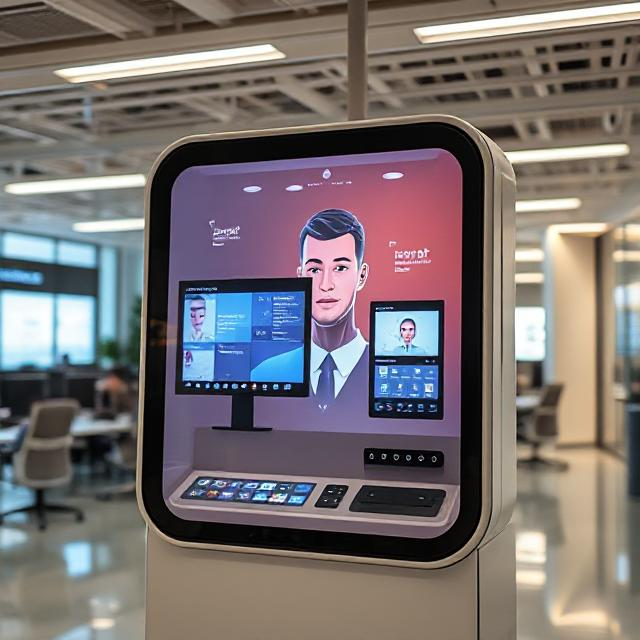
Conversational AI with digital avatar for employee self-service, HR FAQs, and visitor guidance where voice/avatar interaction is required.
View Product
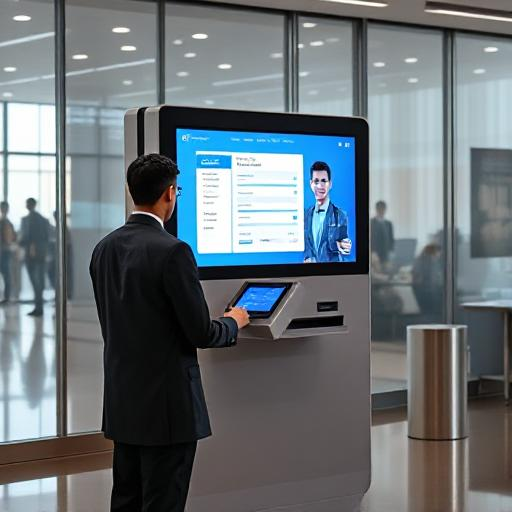
Touchscreen-first workplace kiosk for information lookup, wayfinding, and FAQ handling across office and corporate campus deployments.
View Product
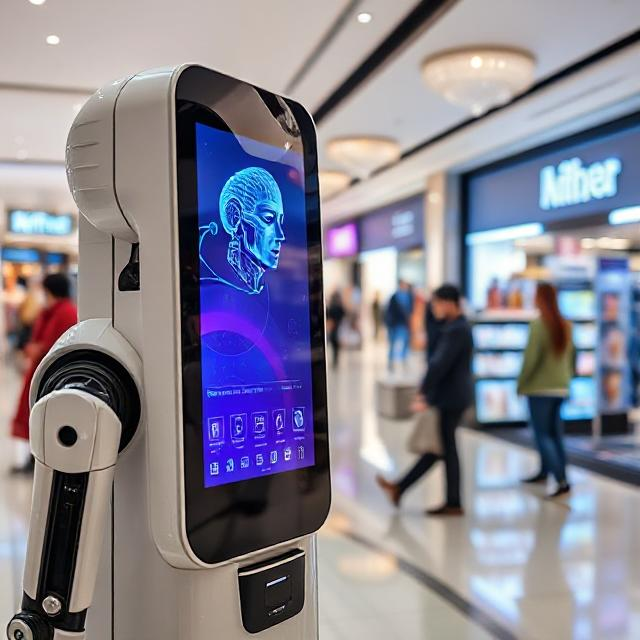
Mobile AI robot for large corporate campuses, multi-floor offices, and events where a roaming workplace assistant is required.
View Product10-step framework for selecting the right AI kiosk for your workplace deployment.
AI kiosks for front-desk automation, visitor check-in, and corporate reception.
Dedicated guide for visitor directions, department lookup, and information kiosks.
Full range of AI kiosk and digital avatar solutions from RIFE.
HR FAQs, IT helpdesk information, company policies, visitor guidance, wayfinding, canteen schedules, and any structured information loaded into the kiosk's knowledge base. Complex or sensitive queries can be escalated to a human agent.
Backend integration with HR, IT ticketing, or directory systems is configuration-dependent and project-specific. Confirm your integration requirements with the RIFE team during the scoping process.
Multilingual support is available where configured for the deployment. The languages supported depend on the knowledge base content and the AI configuration selected for your project.
The Self-Service Kiosk is touchscreen-first and suited to information lookup and wayfinding. The Avatar Kiosk adds a digital avatar and voice conversation layer for deployments where a more interactive, conversational experience is required.
Yes. RIFE AI workplace kiosks are designed for multi-location corporate deployments. Contact the RIFE team to discuss centralised content management and multi-site configuration options.
Content updates are managed through the kiosk's knowledge base configuration. The process for updating content depends on the deployment setup — confirm with the RIFE team during onboarding.
Talk to the RIFE enterprise team about your office locations, employee volume, and integration requirements.
Share the application, equipment, quantity, site conditions and preferred configuration so the right model can be discussed.
Reduce front-desk load and empower employees with AI-powered self-service kiosks that handle HR FAQs, IT helpdesk queries, visitor guidance, and workplace information — available 24/7 across your office locations.
Leave policies, payroll FAQs, onboarding information, and HR document guidance — without queuing at the HR desk.
Password resets guidance, software access queries, IT ticketing information, and common troubleshooting steps.
Direct visitors to meeting rooms, departments, or facilities with touchscreen maps and directory lookup.
Support employees and visitors in multiple languages where configured for the deployment.
Company policies, facility guides, canteen menus, event schedules — any structured information your team needs on demand.
Handle routine queries automatically so reception and admin staff can focus on higher-value tasks.
Employee or visitor approaches kiosk
Selects topic or types/speaks query
Kiosk retrieves answer from knowledge base
Response displayed on screen
Escalation to human agent where required
Conversational AI with digital avatar for employee self-service, HR FAQs, and visitor guidance where voice/avatar interaction is required.
View ProductTouchscreen-first workplace kiosk for information lookup, wayfinding, and FAQ handling across office and corporate campus deployments.
View ProductMobile AI robot for large corporate campuses, multi-floor offices, and events where a roaming workplace assistant is required.
View Product10-step framework for selecting the right AI kiosk for your workplace deployment.
AI kiosks for front-desk automation, visitor check-in, and corporate reception.
Dedicated guide for visitor directions, department lookup, and information kiosks.
Full range of AI kiosk and digital avatar solutions from RIFE.
HR FAQs, IT helpdesk information, company policies, visitor guidance, wayfinding, canteen schedules, and any structured information loaded into the kiosk's knowledge base. Complex or sensitive queries can be escalated to a human agent.
Backend integration with HR, IT ticketing, or directory systems is configuration-dependent and project-specific. Confirm your integration requirements with the RIFE team during the scoping process.
Multilingual support is available where configured for the deployment. The languages supported depend on the knowledge base content and the AI configuration selected for your project.
The Self-Service Kiosk is touchscreen-first and suited to information lookup and wayfinding. The Avatar Kiosk adds a digital avatar and voice conversation layer for deployments where a more interactive, conversational experience is required.
Yes. RIFE AI workplace kiosks are designed for multi-location corporate deployments. Contact the RIFE team to discuss centralised content management and multi-site configuration options.
Content updates are managed through the kiosk's knowledge base configuration. The process for updating content depends on the deployment setup — confirm with the RIFE team during onboarding.
Talk to the RIFE enterprise team about your office locations, employee volume, and integration requirements.