Ask about Computer Mobile Cart (MCT09)
Product SKU:- MCT09
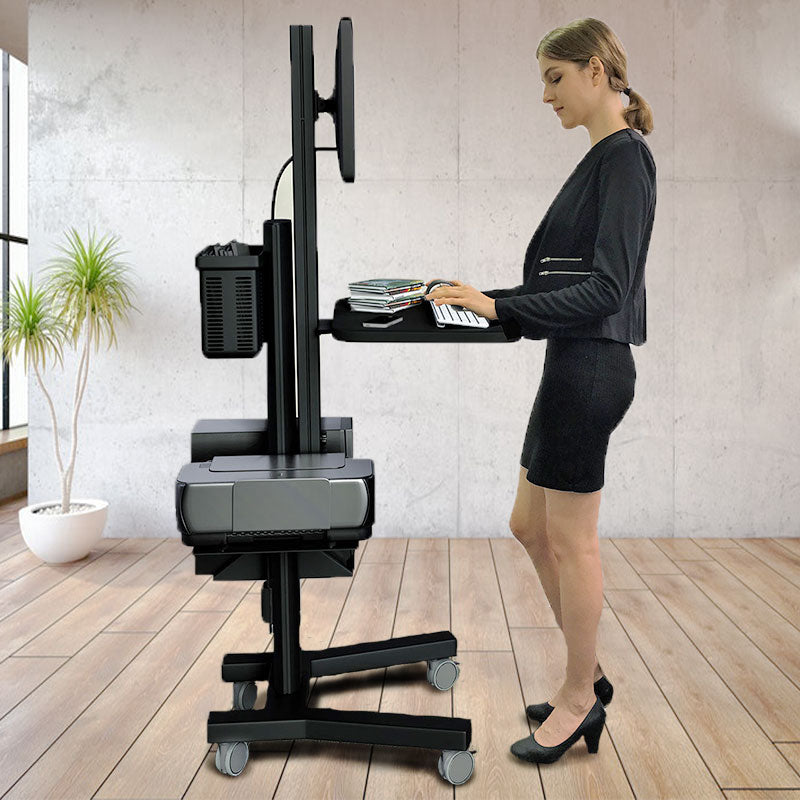
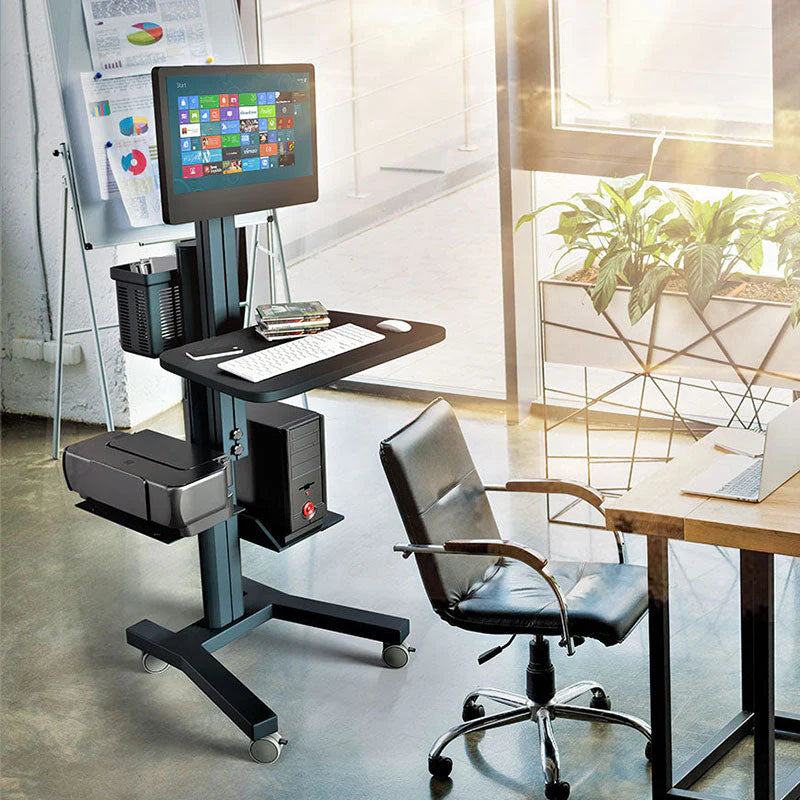
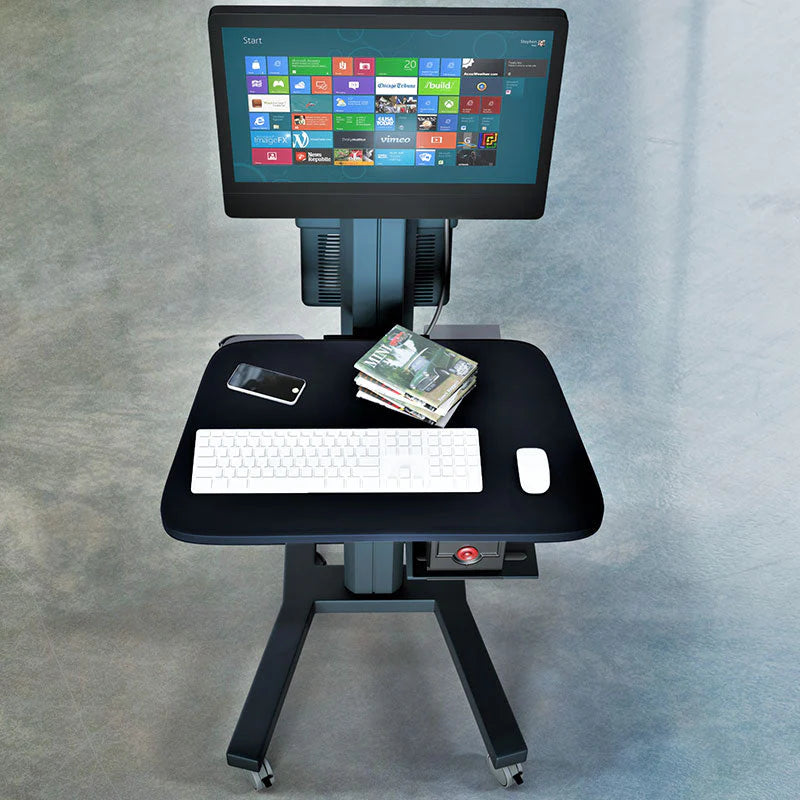
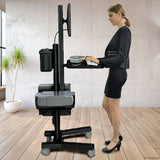
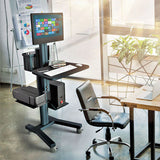
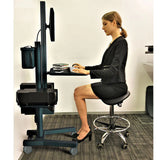
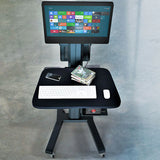
This Mobile computer (or Healthcare Cart) or Hospital Mobile workstation will move to any location in your hospital or workstation. the Point of Care computer mobile cart comes with lockable casters so you can move it and lock the caster as per where you need to work, this locking system helps to reduce accidental movements. This healthcare cart is the perfect solution for your office hospital budget and application.
Specifications |
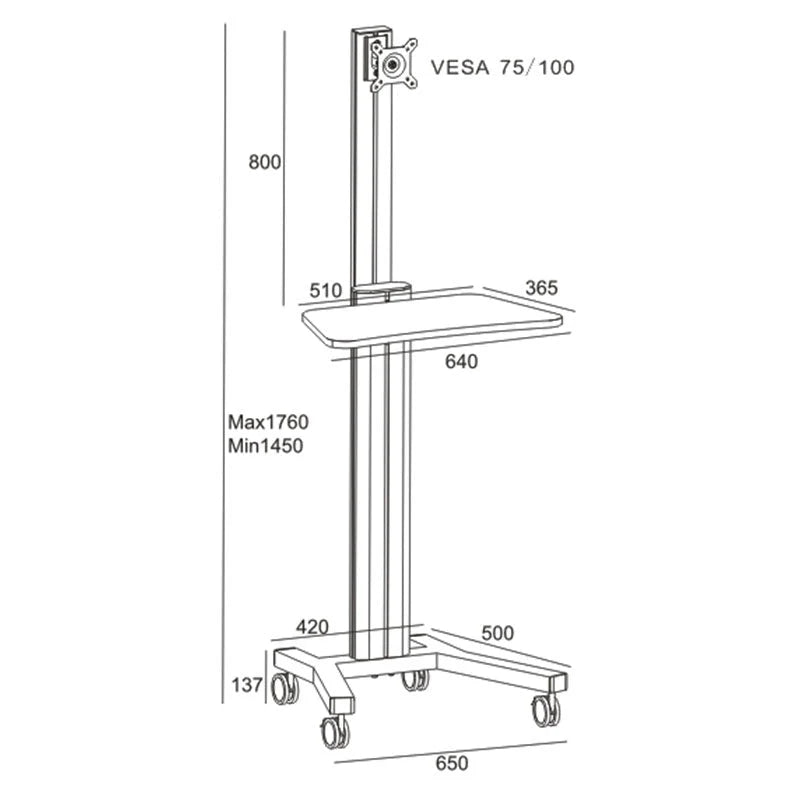
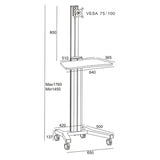
| Product Size: | 620 (L) x 500 (W) X 1450 - 1760 (H) mm |
| Max Capacity: | 70 kgs |
| Material: | Aluminum column + Metal Base + MDF Shelf for keyboard and mouse |
| Features: | Cable Management |
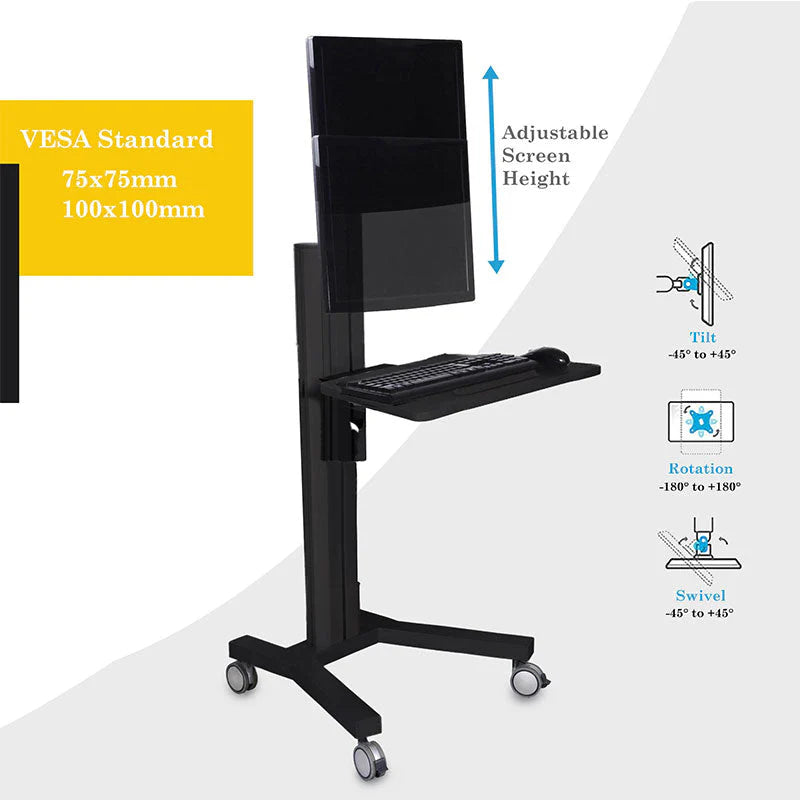
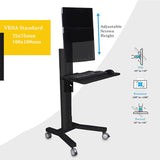
| Height adjustment: | Yes |
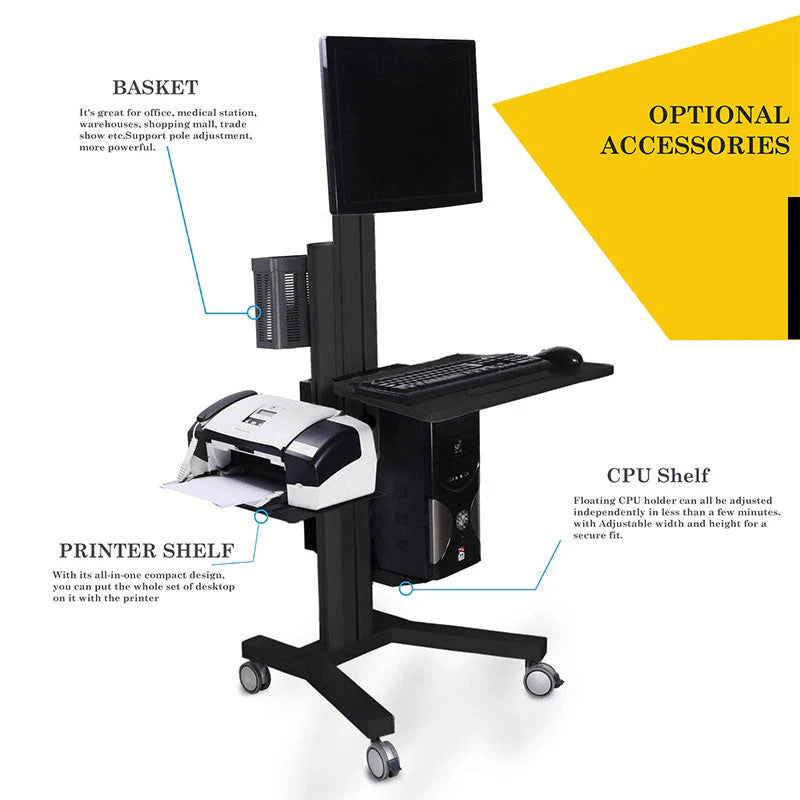
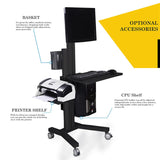
| Optional Parts: | CPU holder, Printer Shelf, Basket |
| Arms to add: | 2 monitors, 3 monitors, 4 monitors, and 5 monitors. |
| Color: | Black |
| PRODUCT CATALOG | PRODUCT MANUAL |
|---|---|
 |
|
Frequently Asked Questions
1. What are the key features of the MCT09 Mobile Computer Cart for hospitals?
The MCT09 Mobile Computer Cart is designed as a versatile hospital mobile workstation. Its key features include lockable casters to prevent accidental movement during point-of-care tasks, a sturdy aluminum and metal construction, and integrated cable management. It is an ideal solution for healthcare facilities looking for a budget-friendly and durable mobile office solution.
2. Is the MCT09 Healthcare Cart height adjustable?
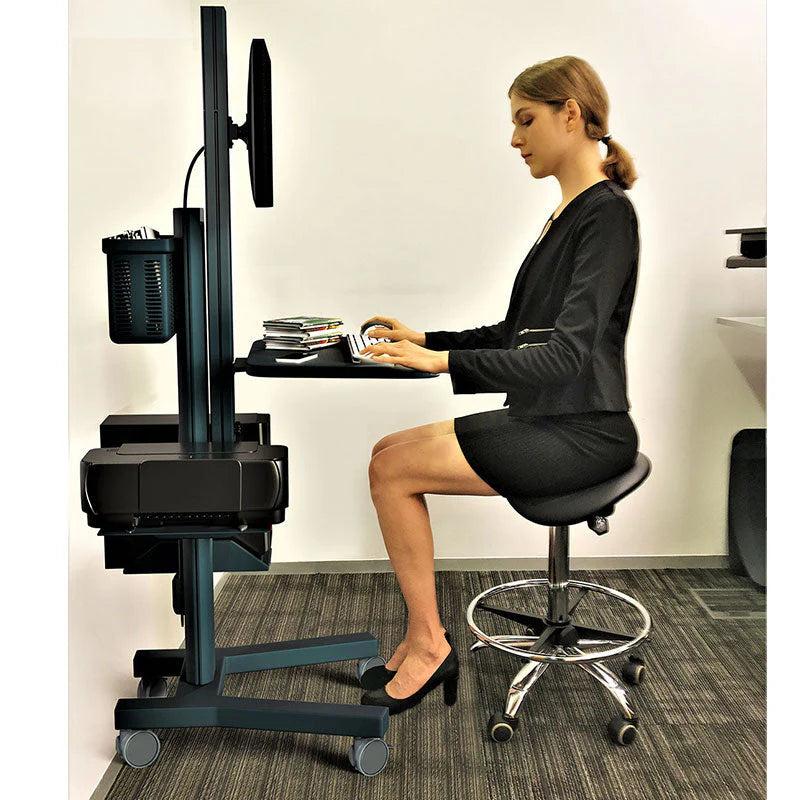
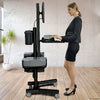
Yes, the MCT09 Healthcare Cart features height adjustability to suit different ergonomic requirements. The workstation can be adjusted from 1450 mm to 1760 mm in height. This flexibility makes it comfortable for different users to operate the computer or medical equipment while standing or moving between patient rooms.
3. Can the MCT09 Hospital Mobile Workstation support multiple monitors?
Absolutely. The MCT09 Hospital Mobile Workstation is highly customizable regarding display support. While it supports a standard setup, you can add arms to support 2, 3, 4, or even 5 monitors. This makes it an excellent choice for complex medical data visualization or multi-tasking environments.
4. What is the maximum weight capacity of the MCT09 Point of Care Cart?
The MCT09 Point of Care Cart is built to handle heavy medical equipment. It has a maximum weight capacity of 70 kgs. The unit is constructed with a durable aluminum column and a metal base, ensuring stability even when fully loaded with a computer, monitors, and optional accessories.
5. What optional accessories are available for the MCT09 Mobile Workstation?
To enhance functionality, the MCT09 Mobile Workstation offers several optional parts. You can customize the cart with a CPU holder, a printer shelf, and a storage basket. These add-ons allow hospitals to configure the cart specifically for their workflow, whether for data entry, printing labels, or carrying medical supplies.
Frequently Asked Questions
Q: What is the maximum load capacity?
A: The cart can support a maximum load of 70 kg.
Q: Is it suitable for healthcare point-of-care use?
A: Yes, it is designed as a mobile workstation for hospitals and offices.
Q: Does it include safety features for mobility?
A: Lockable casters help prevent accidental movement during use.
Q: Can monitor arms be added?
A: Yes, arms can be added to support between two and five monitors.
Q: What optional components are available?
A: Optional parts include a CPU holder, printer shelf, and basket.
DELIVERY
- Dispatch: Within 24 Hours
- Free shipping across all products on a minimum purchase of $50.
- International delivery time - 7-10 business days
- Cash on delivery might be available
- Easy 30 days returns and exchanges
RETURNS
If you do not like the product you can return it within 15 days - no questions asked. This excludes bodysuits, swimwear and clearance sale items.
We have an easy and hassle free return policy. Please look at our Delivery & Returns section for further information.
- Frequent cleaning with a clean buff cloth without any residue of any cleaning products removes dirt.
- Dusting with a dry cloth can scratch, so lightly spritz your cleaning cloth with water.
- A vacuum cleaner will effectively remove any dust from surfaces and crevices.
- Always use a coaster for drinks, and be mindful of any other potential sources of water damage, such as flower vases.
- Sharp objects can cut right through the surface of the wood, leaving behind unsightly scratches and gouges.
- Do not place hot utensils directly on the table top to avoid damage and discoloration
- Avoid direct sunlight as it will affect your furniture. It can cause
your furniture to lose its shine and luster and begin to fade. - The table is designed to hold food, crockery and utensils, not heavy objects.
- Avoid sitting, standing, or jumping on the dining table or chairs. Also
do not throw heavy objects on the table, as this may damage the
product.
This tab is a useful tool that allows store to display different product details for each individual product. This feature provides a more comprehensive and tailored approach as it enables companies to showcase specific information related to their products.
It is an excellent way to provide customers with in-depth details such as ingredients, materials used, dimensions, and other specifications that are unique to each product. By using the product custom tab, businesses can ensure transparency and accuracy in providing product information, which builds trust and credibility among consumers. This feature also gives customers the opportunity to make informed decisions based on their preferences and needs.