
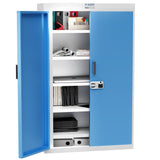
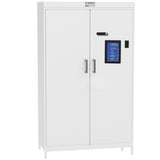
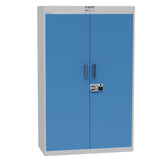
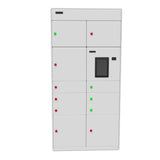
Ask about RIFE Configurable Smart Locker System for Assets & Charging
Need Help?
Get the right model recommendation.
Send your quantity, use case and accessories needed. Rife will suggest the correct configuration.
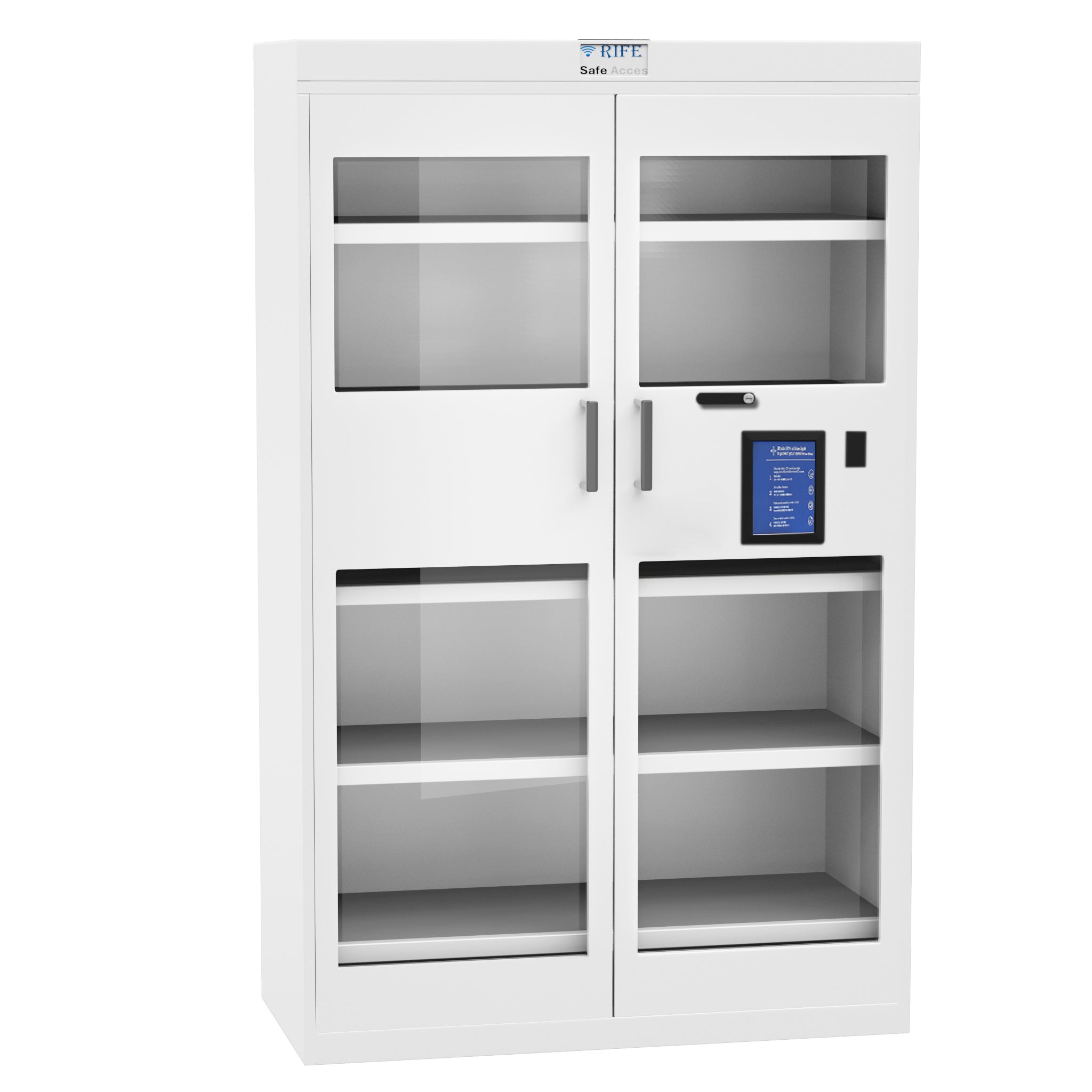
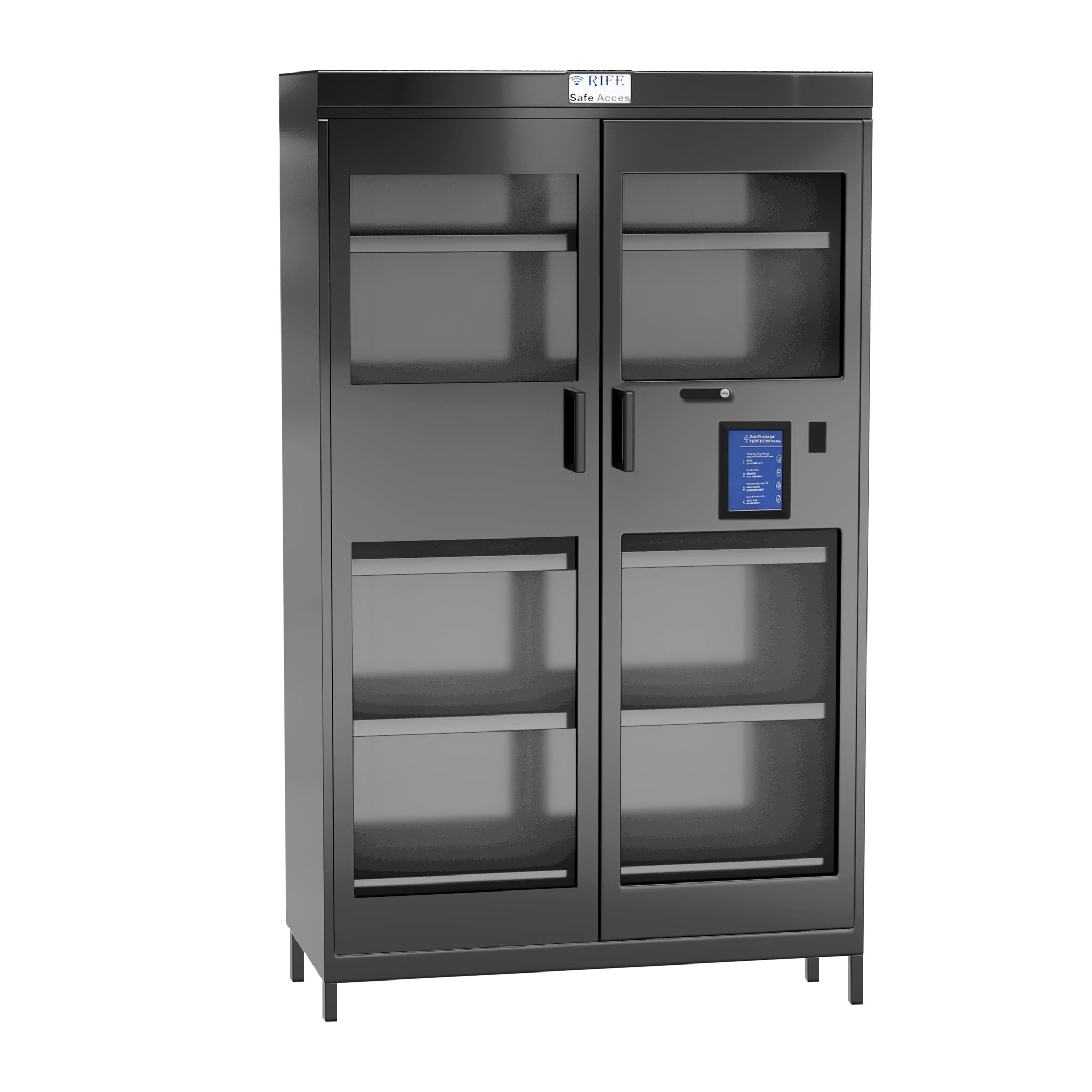
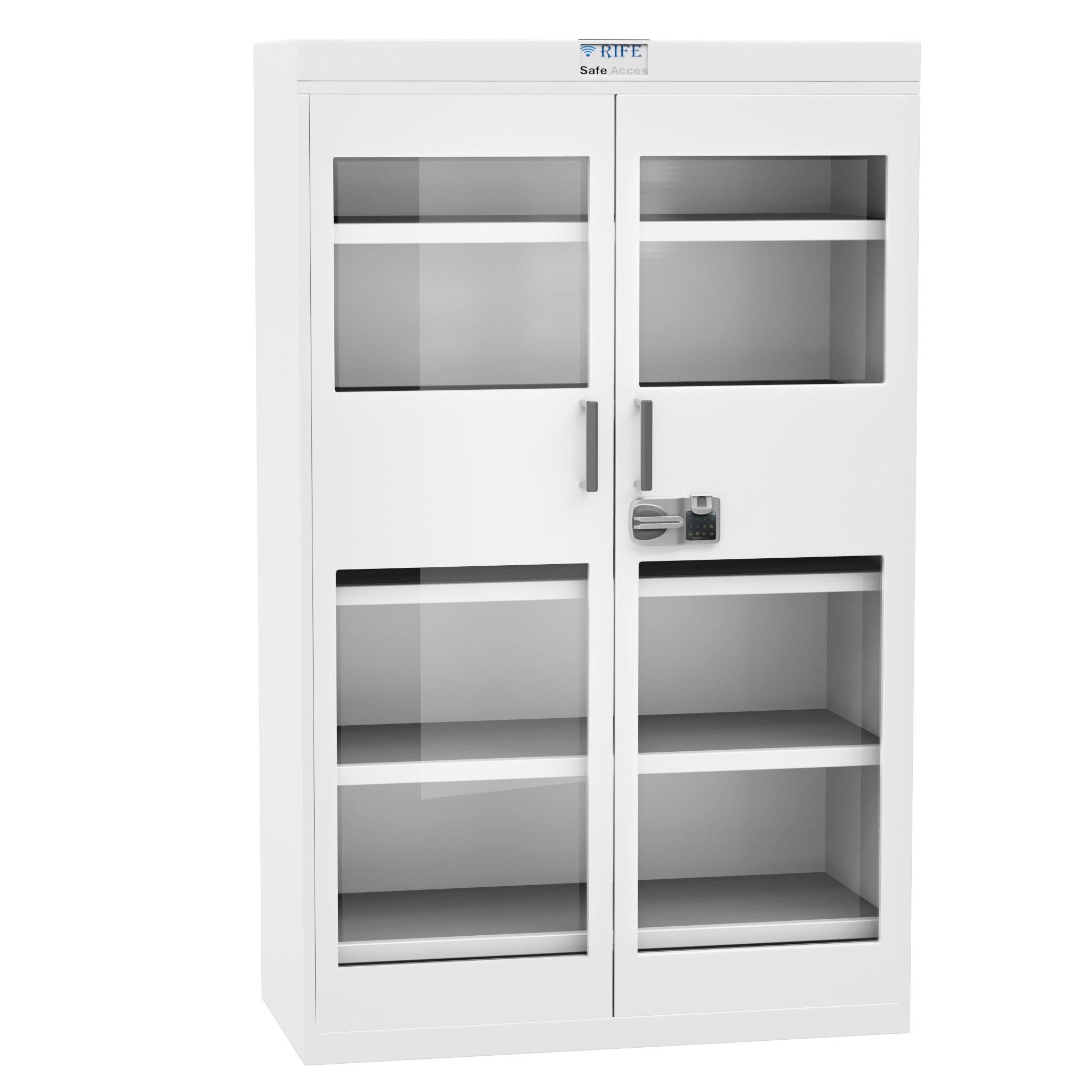
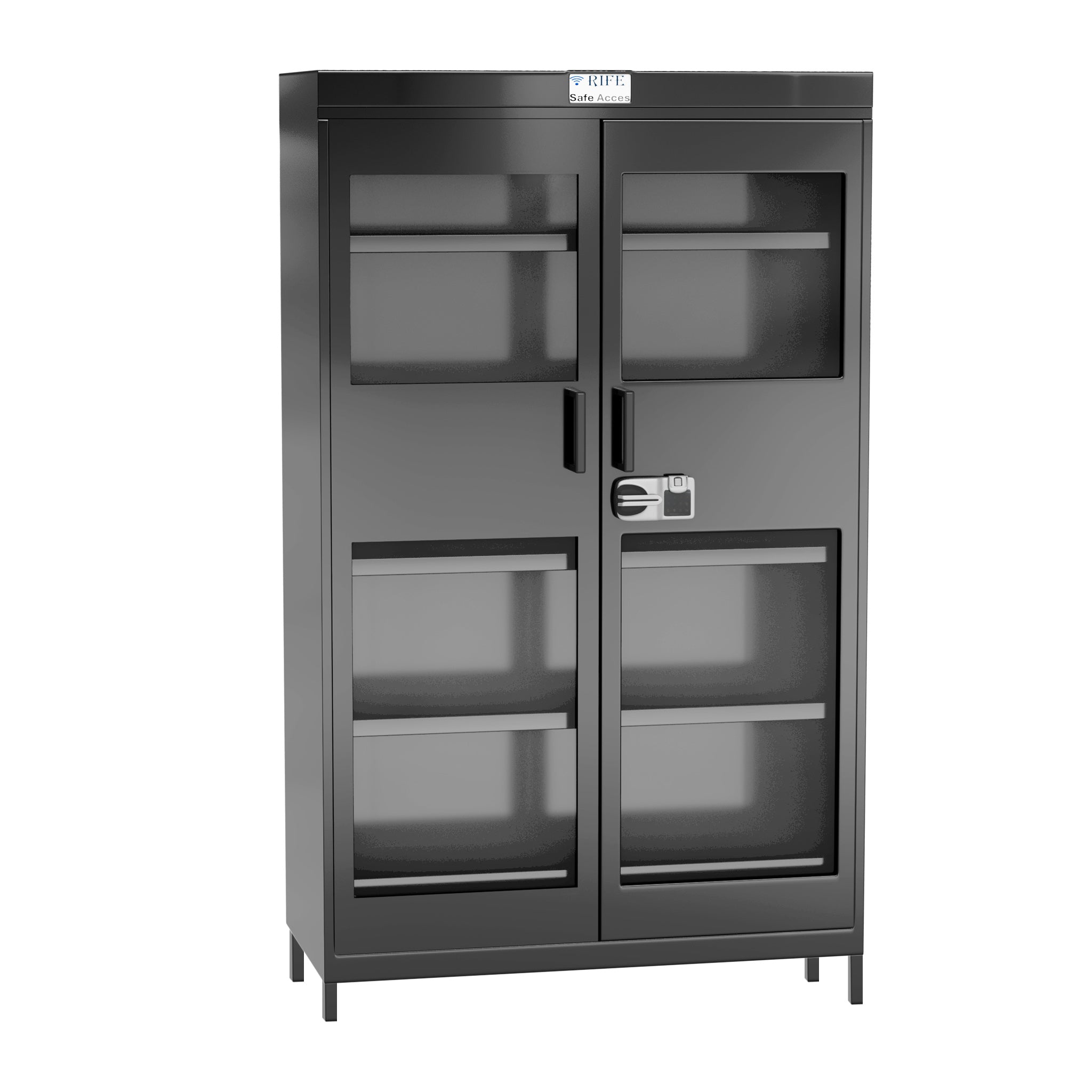
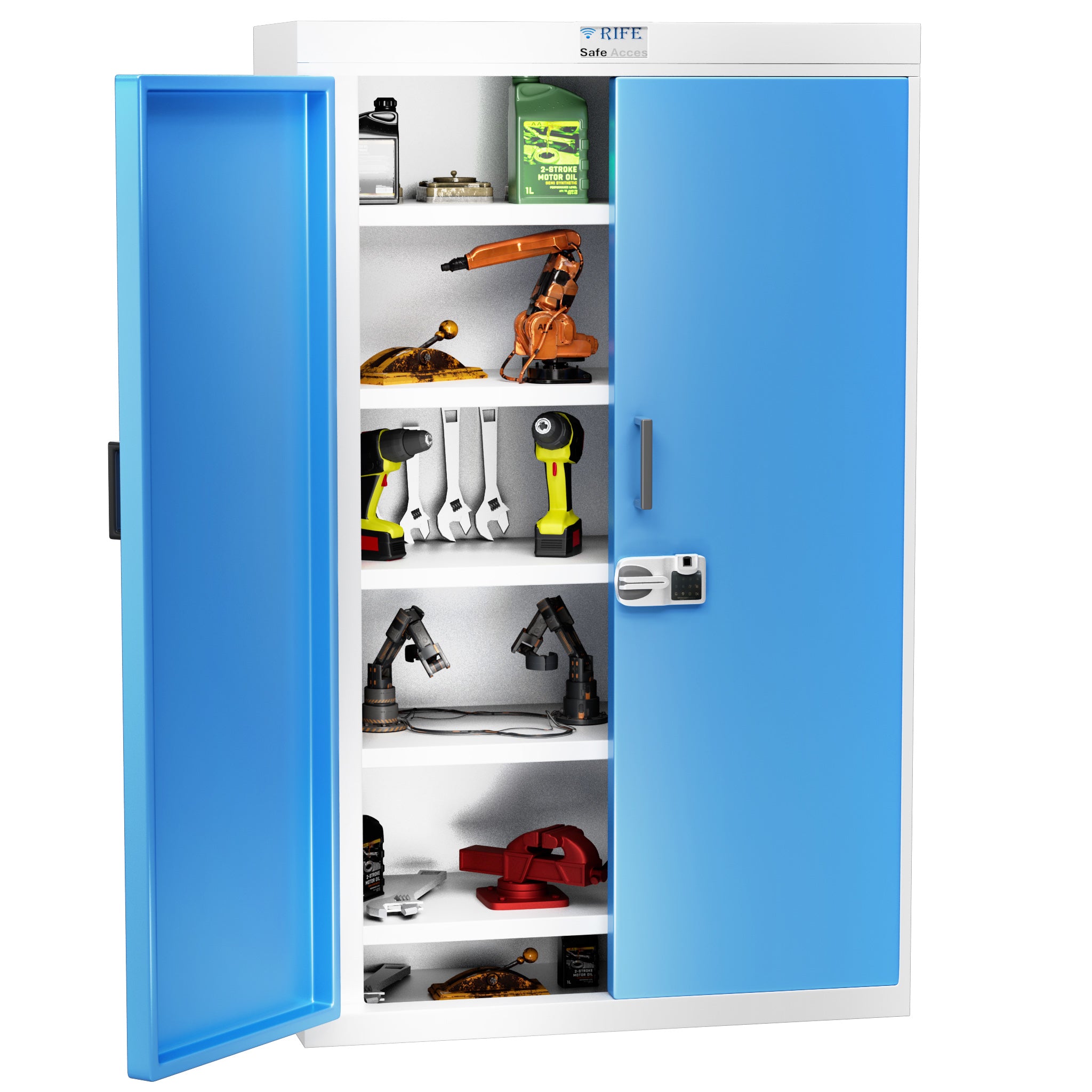
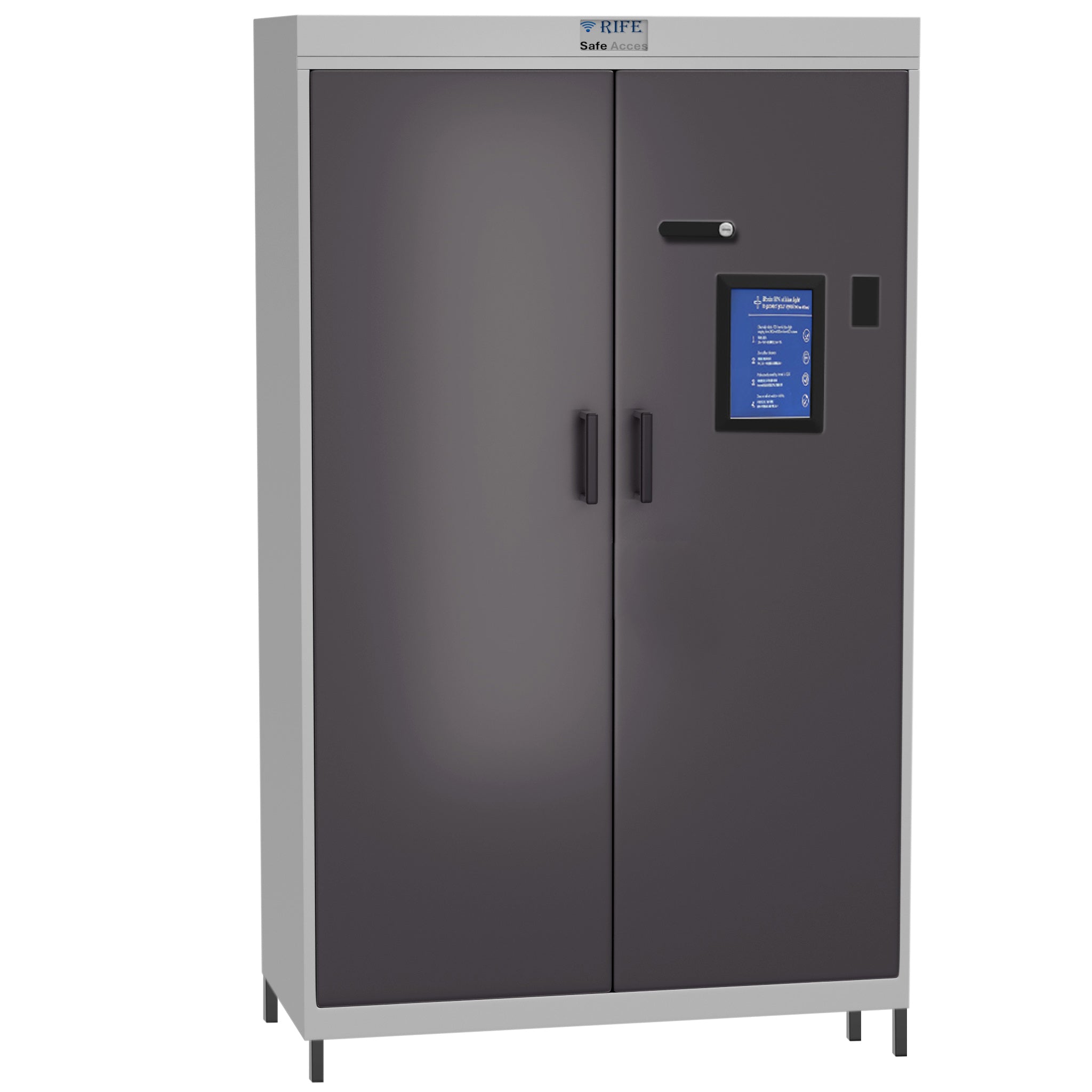
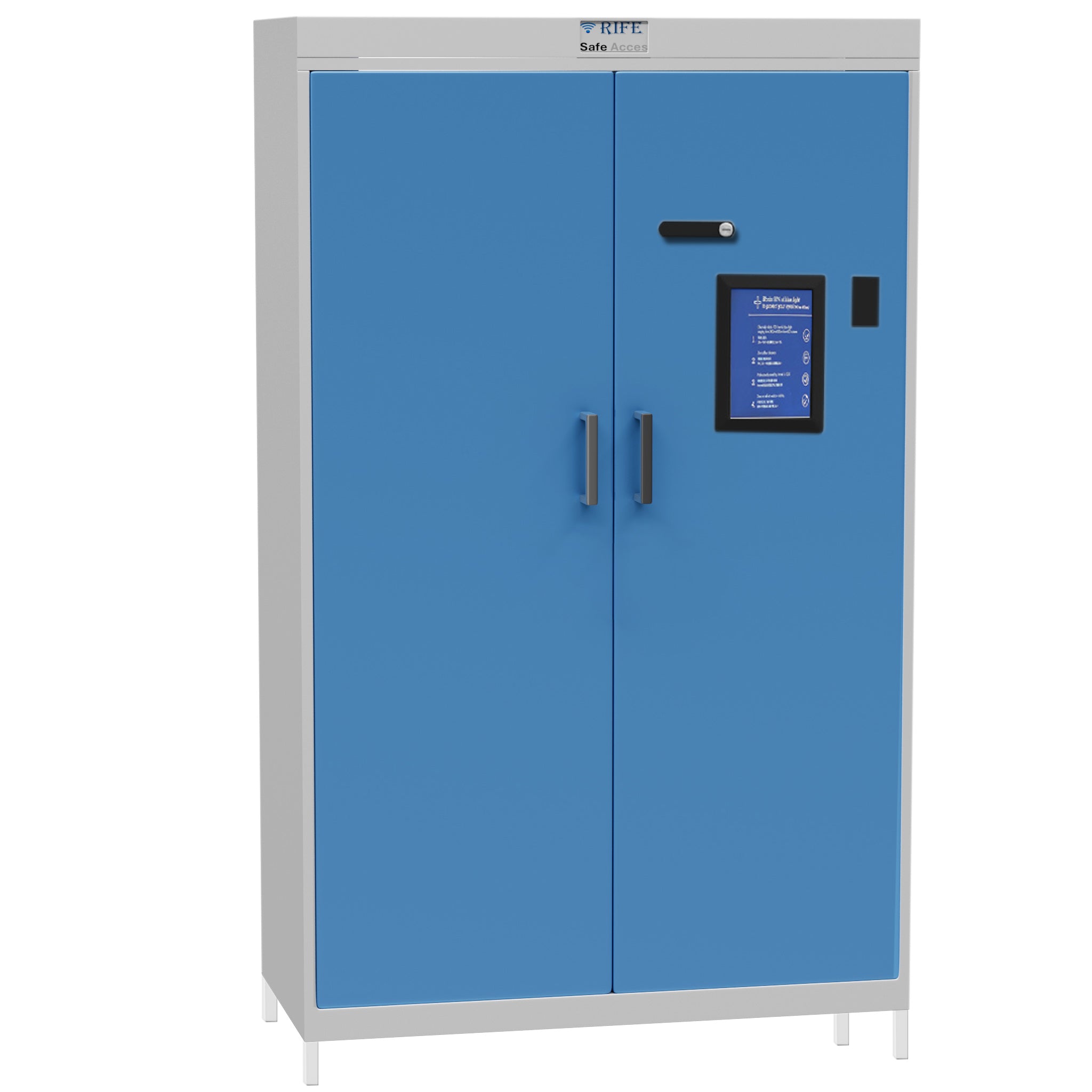
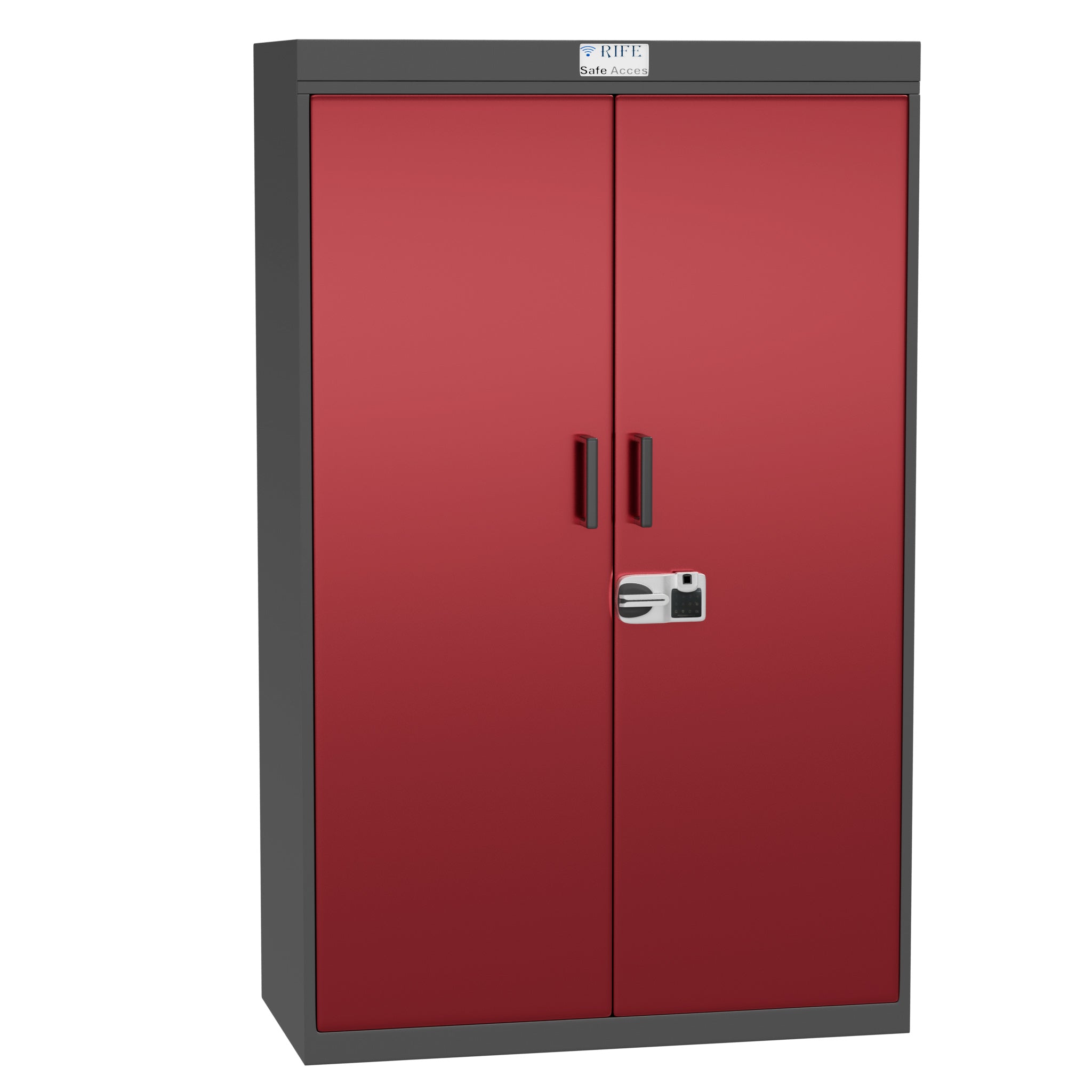
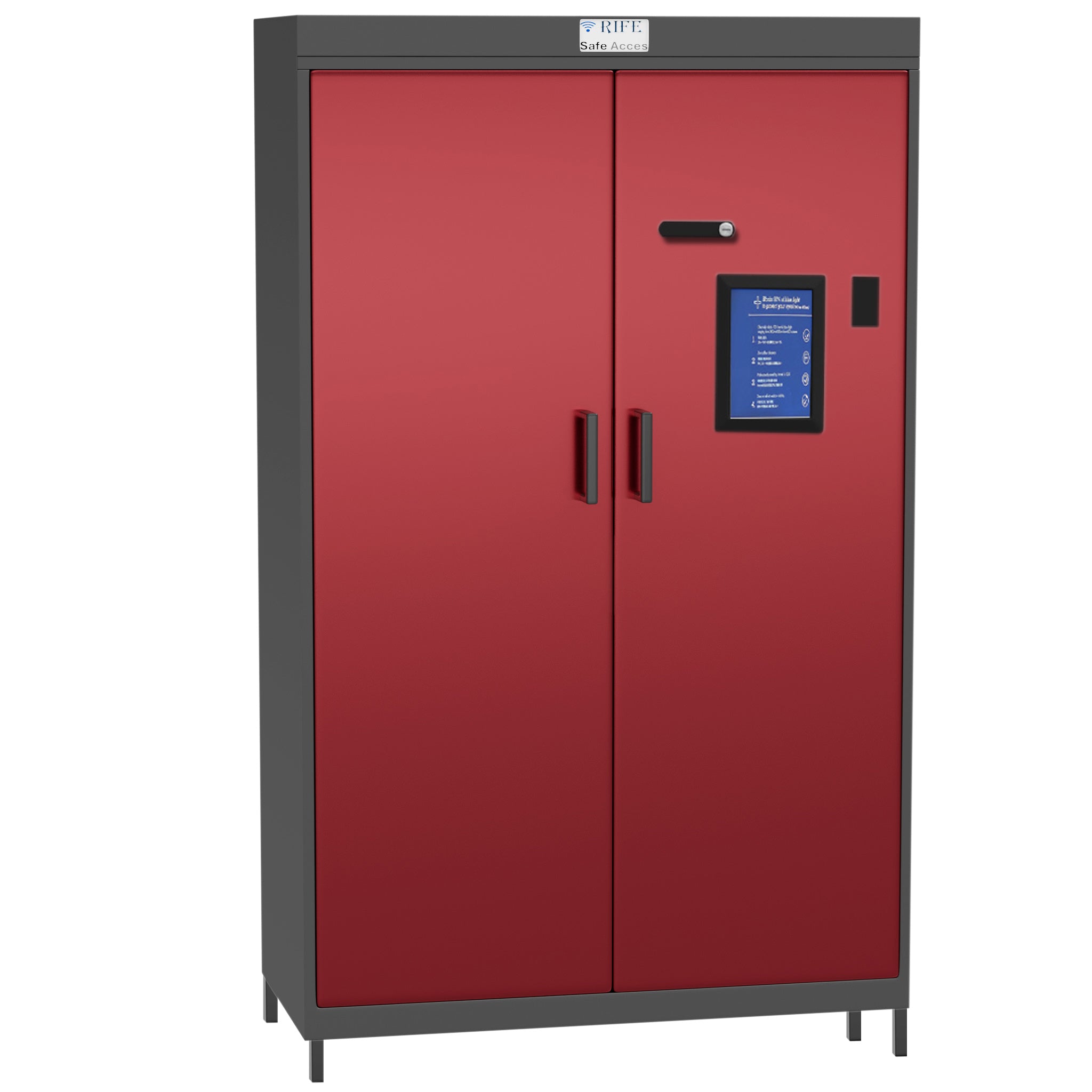
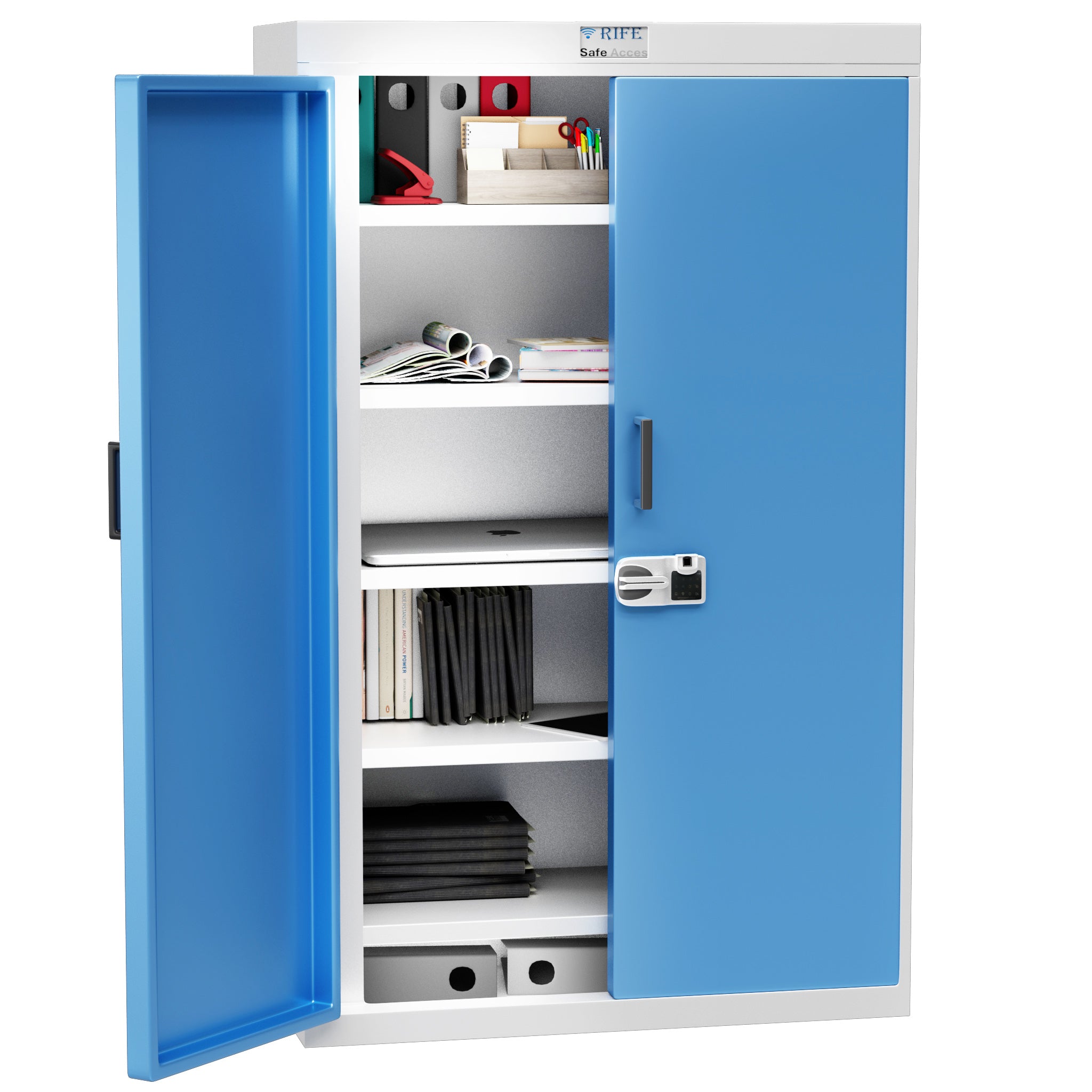
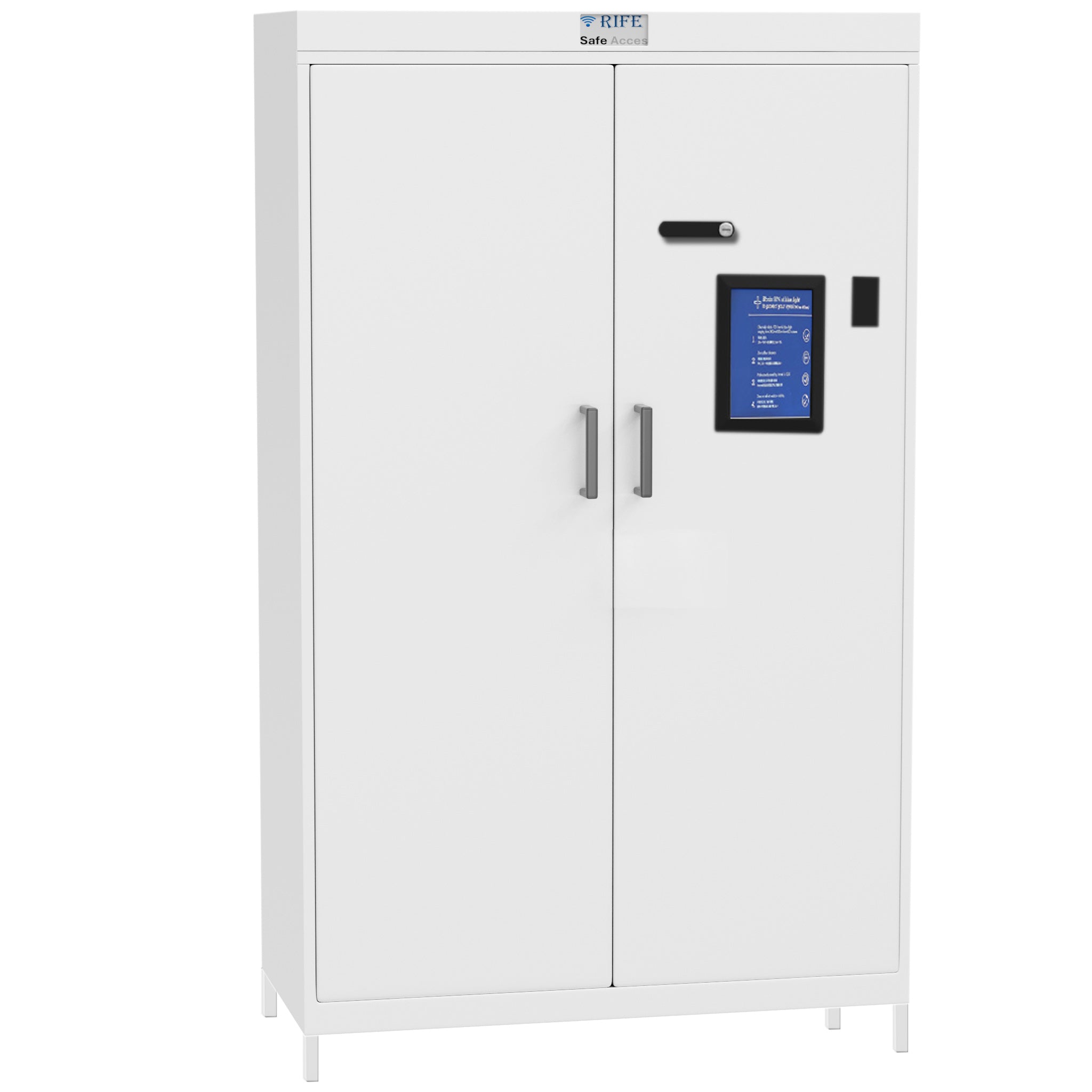
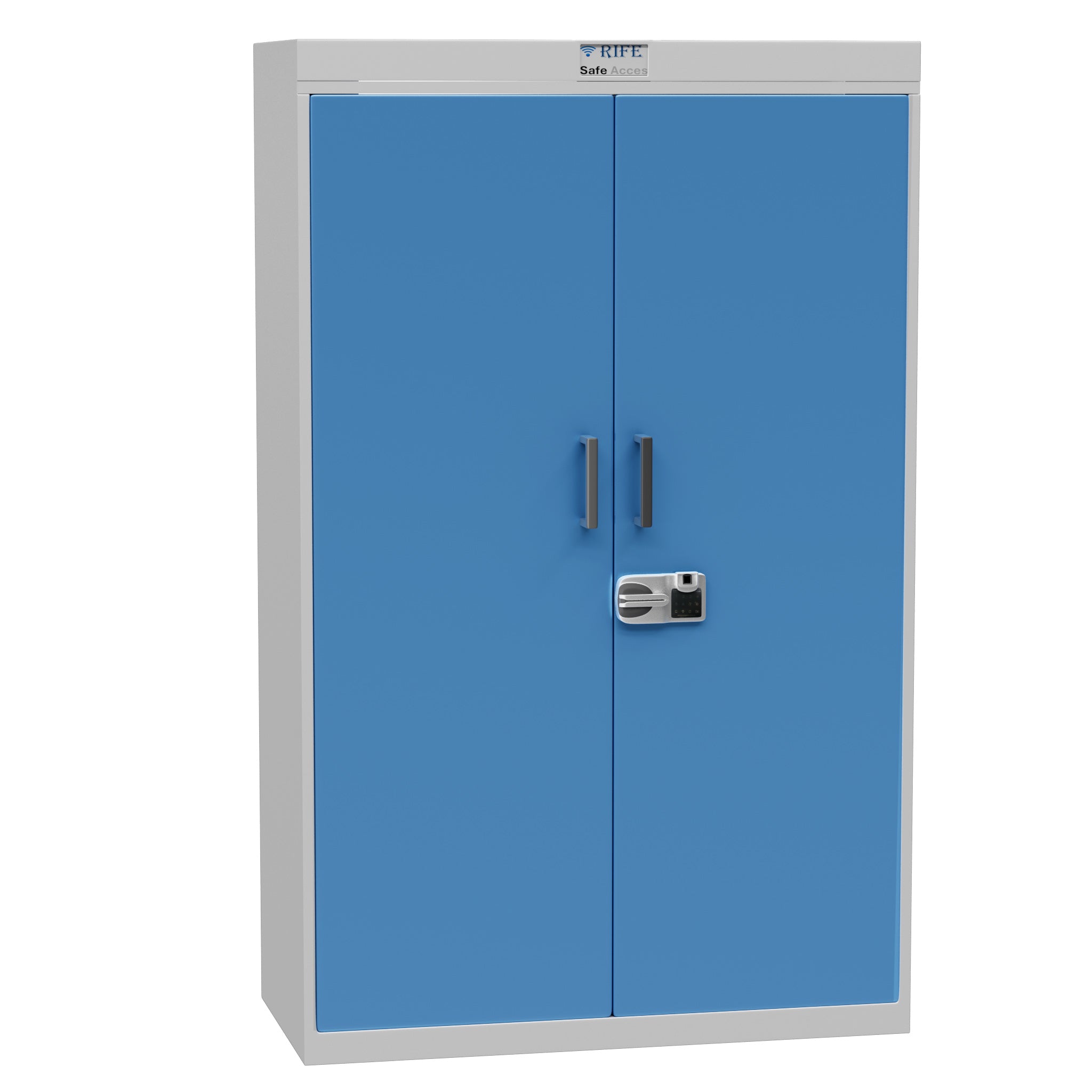
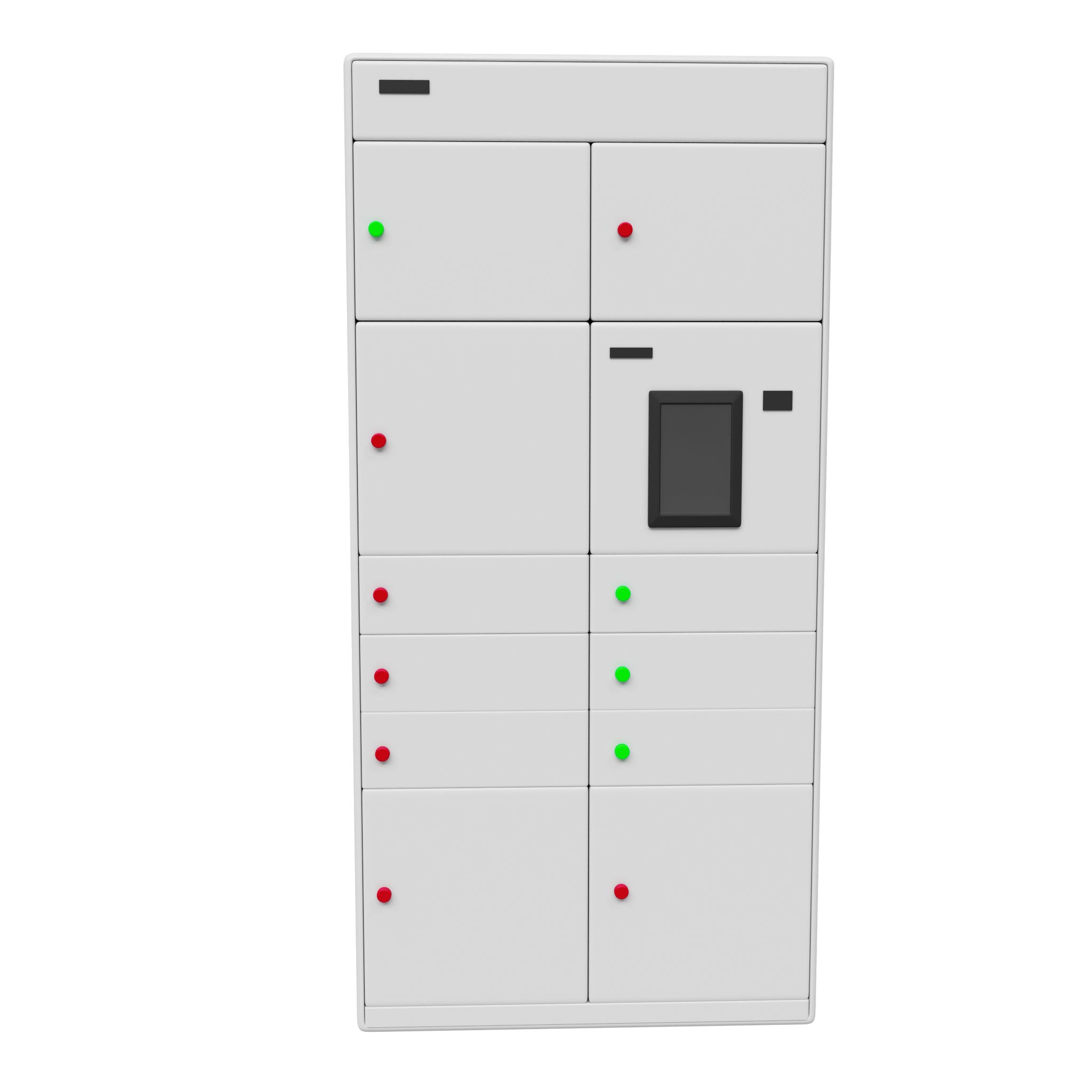
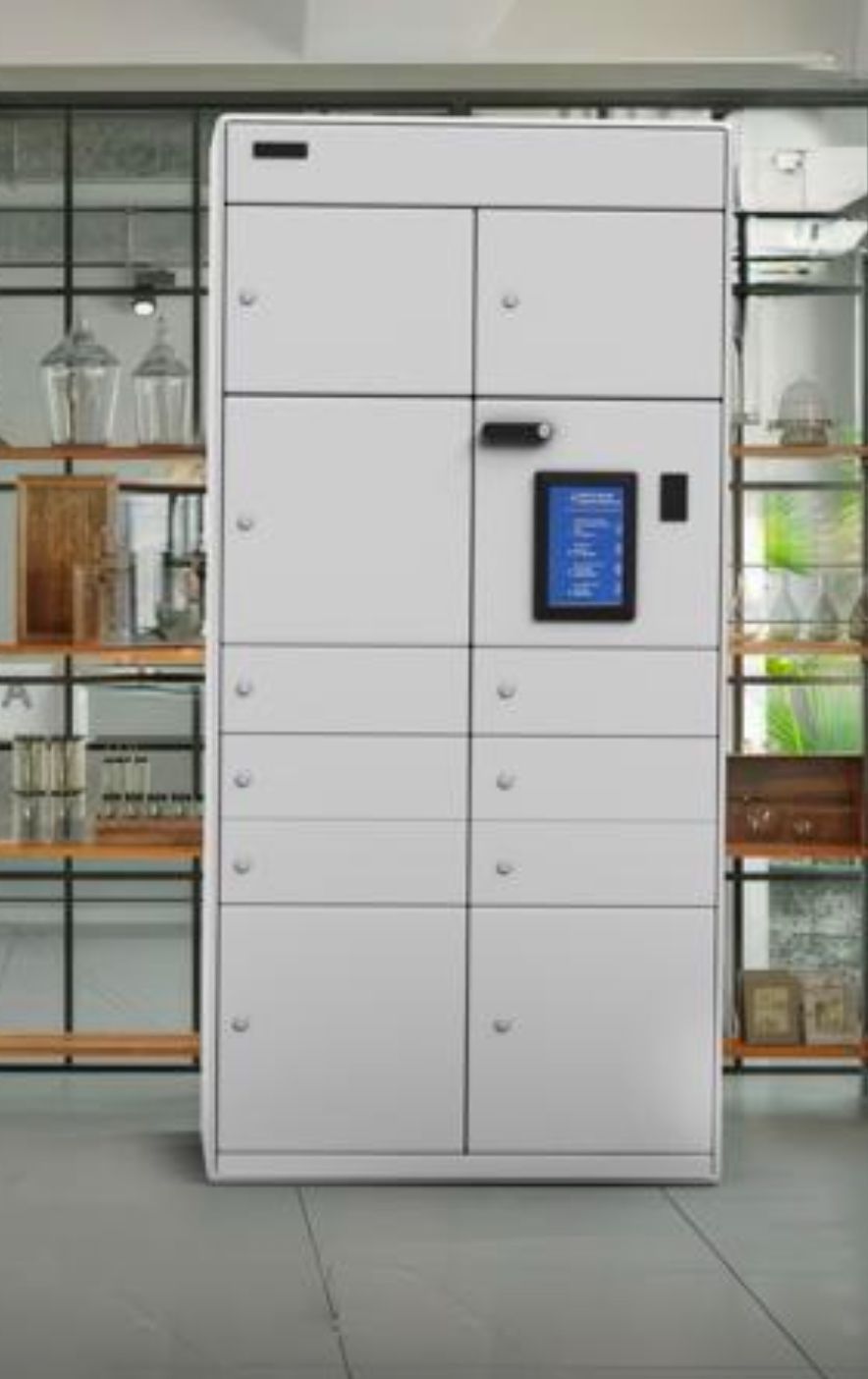
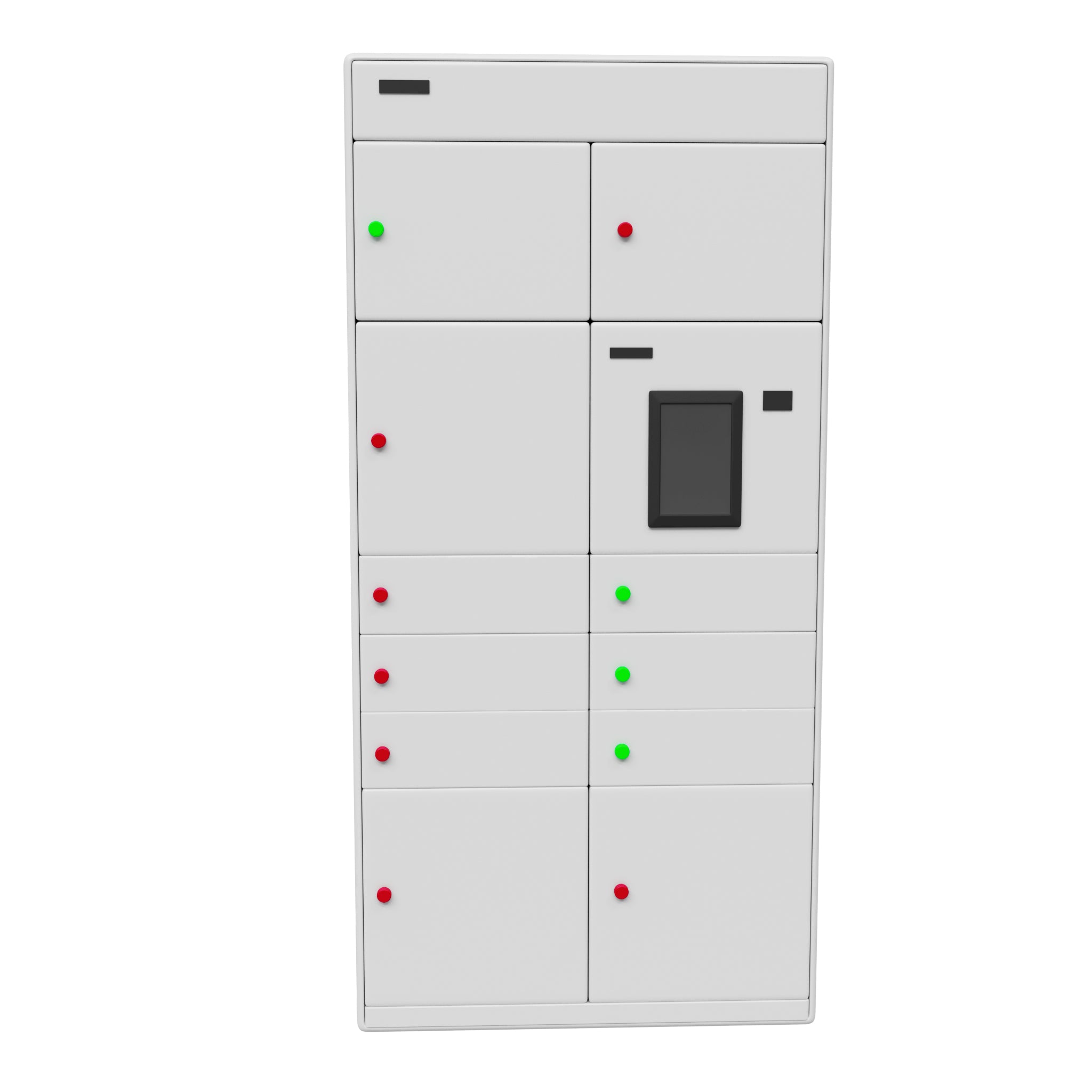
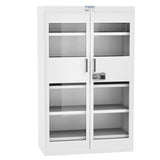
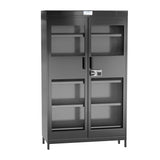
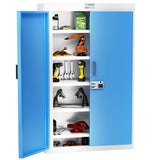
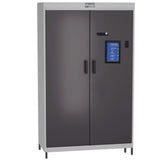
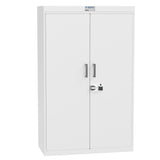
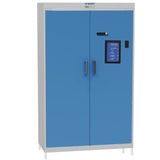
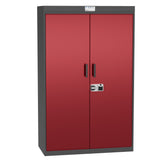
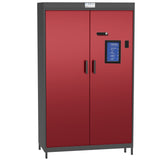
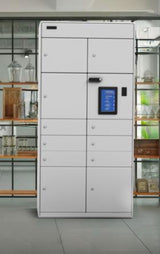
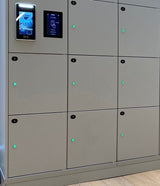
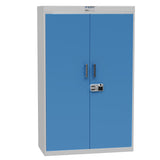
Configurable smart lockers for controlled access, secure storage and optional device charging. RIFE Smart Locker Systems are designed around the item being stored, the people who need access and the operating workflow. Compartments can be configured for employee belongings, IT assets, tools, documents, parcels, laptops, tablets and other shared equipment.
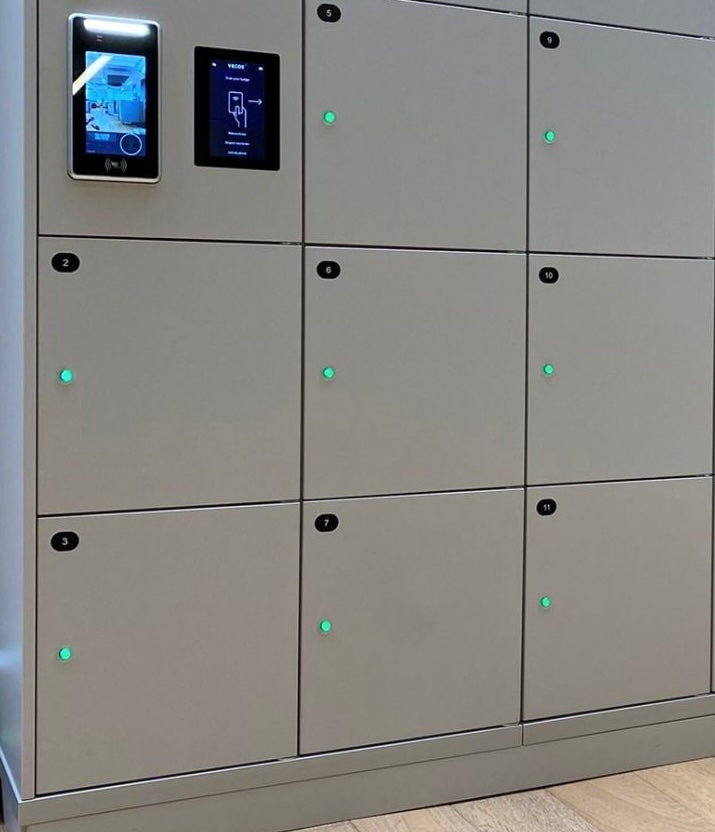
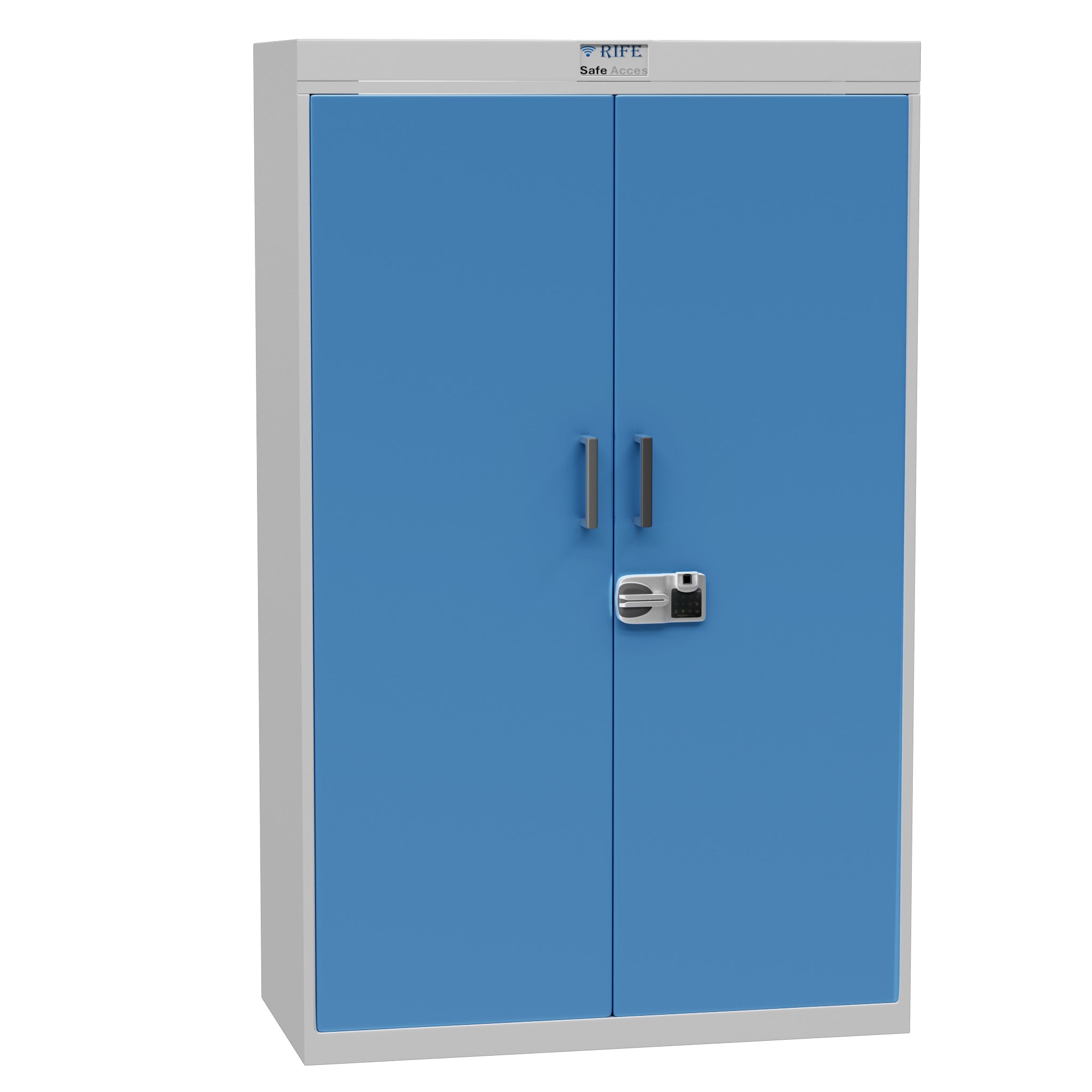
Electronic access removes the need to manage large numbers of mechanical keys. Depending on the project, the locker can use PIN, RFID card, employee credential, QR code, mobile application or biometric authentication. Optional software can record transactions and help administrators understand who accessed a compartment and when.
Assets and Workflows Managed
- Employee storage: flexible lockers for permanent staff, visitors or hot-desking teams.
- IT asset issue and return: controlled handover of laptops, tablets and accessories.
- Tools and shared equipment: accountable access for factories, maintenance teams and technical facilities.
- Parcel or document handover: secure collection without requiring continuous counter staffing.
- Powered device storage: optional AC or USB charging inside selected compartments.
Access and Management Options
- PIN-code access.
- RFID or employee-card access.
- QR-code or mobile-application access.
- Facial-recognition or other biometric access where appropriate.
- User and compartment assignment.
- Access history and audit records.
- Remote administration and usage reports, subject to software scope.
Application-Led Configuration
Smart lockers should not be selected only by the number of doors. The correct solution depends on item dimensions, user volume, peak access time, authentication method, integration requirements, power needs and whether the locker is used for permanent assignment, temporary use, issue-and-return or collection.
System Configuration
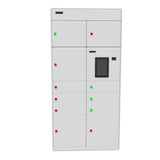
| Compartment layout | Custom sizes and mixed-door configurations available |
|---|---|
| Access options | PIN, RFID, QR, mobile app or biometric authentication |
| Charging | Optional AC, USB or USB-C charging in selected compartments |
| Software | Optional user management, assignments, access records and reports |
| Installation | Standalone module, locker bank or site-specific arrangement |
| Customisation | Colours, branding, compartment labels and workflow |
Applications and Users
RIFE Smart Locker Systems can be planned for corporate offices, schools and universities, hospitals, factories, warehouses, government facilities, data centres, libraries, hotels and other locations that require secure unattended access.
- Corporate offices: employee lockers, IT asset issue and return, visitor storage and shared-device access.
- Factories and warehouses: tools, scanners, radios, keys and charged equipment.
- Hospitals and laboratories: authorised storage for compatible devices, supplies or departmental assets.
- Universities, libraries and public facilities: self-service storage, device loans and controlled collection workflows.
Planning a Smart Locker Project
Tell RIFE what will be stored, who will use the system, how users should authenticate, whether charging is required and what information the administrator needs to see. Based on this workflow, RIFE can develop a suitable hardware and software proposal.
Software, Access and Accountability
The selected system may use PIN, RFID, biometric or other electronic access, but the final workflow must be defined for the project. User permissions, administrator overrides, transaction records, alerts and charging status should reflect the actual application. Features should be included only when they are part of the approved hardware and software scope.
Implementation Planning
Map the assets, users, compartment sizes, access events, charging requirements and exception process before finalising the cabinet layout. This avoids creating compartments that do not fit the equipment or software steps that do not match real operations.
Related Smart Locker Solutions
For warehouse tools and shared equipment, see the RIFE smart tool and equipment lockers. For laptops, tablets and phones with powered compartments, explore the RIFE smart charging lockers.
Request a Solution Proposal
Share the application, assets, user groups, access method, compartment sizes, charging needs and reporting expectations. Request a tailored smart locker proposal from RIFE.
Frequently Asked Questions
What makes a locker “smart”?
A smart locker combines electronic access control with configurable user permissions and, where required, software records of assignments, collections, issues or returns.
Can charging be added to only some compartments?
Yes. Powered and non-powered compartments can be considered within the project design, subject to the required layout and electrical load.
Can the locker use existing employee cards?
RFID or employee-card access may be possible, but card technology and integration requirements must be reviewed before confirmation.
Is every smart locker project the same?
No. The compartment sizes, access method, software workflow, charging system and installation are selected according to the application.