Corporate Workstations
Single or multi-screen mounting for cleaner desks and adjustable viewing positions.
What are you looking for?
Professional monitor arms and mounting systems for cleaner desks, flexible screen positioning and project-specific display installations.
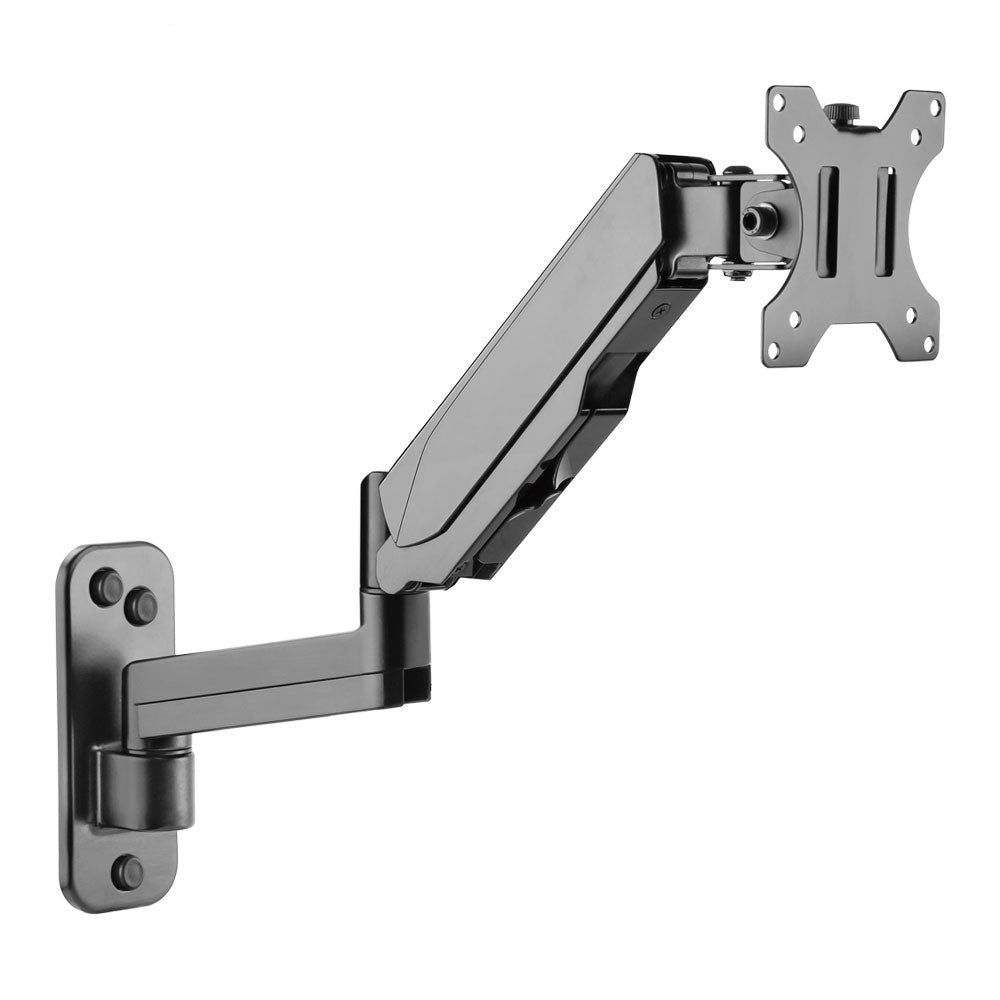
This is RIFE's broad owner page for monitor arm and monitor arms searches. Use the specialist collections below when the requirement is defined by screen count, gas-spring movement or ultrawide load.
One-screen desk arms and adjustable monitor mounts.
Dual Monitor Arms & StandsTwo-screen arms and stands for professional workstations.
Gas Spring Adjustable Arms in IndiaSmooth height and position adjustment for frequent movement.
Monitor arm for 34 inch ultrawideHigher-capacity options for large and ultrawide displays.
The right monitor mount is selected around screen count, VESA pattern, display weight, mounting surface and the adjustment range needed by the user.
Different workstations need different mounting formats, screen counts and adjustment ranges.
Single or multi-screen mounting for cleaner desks and adjustable viewing positions.
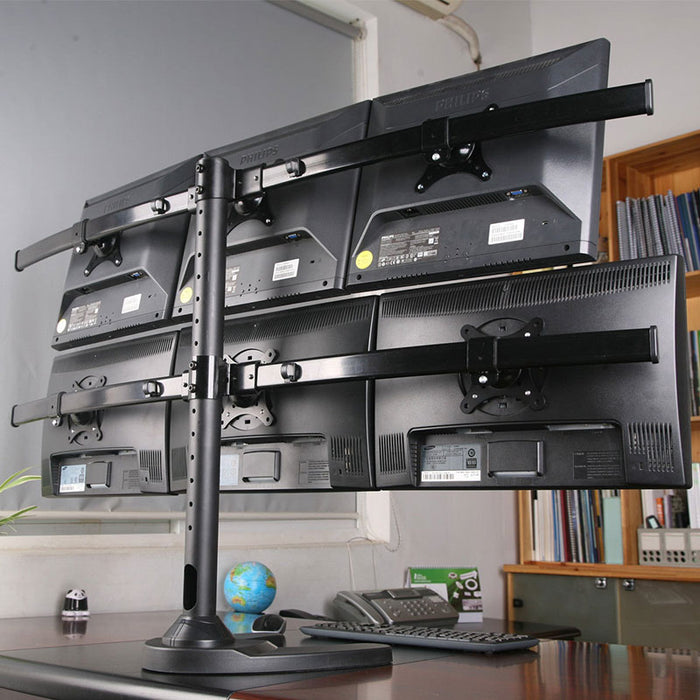
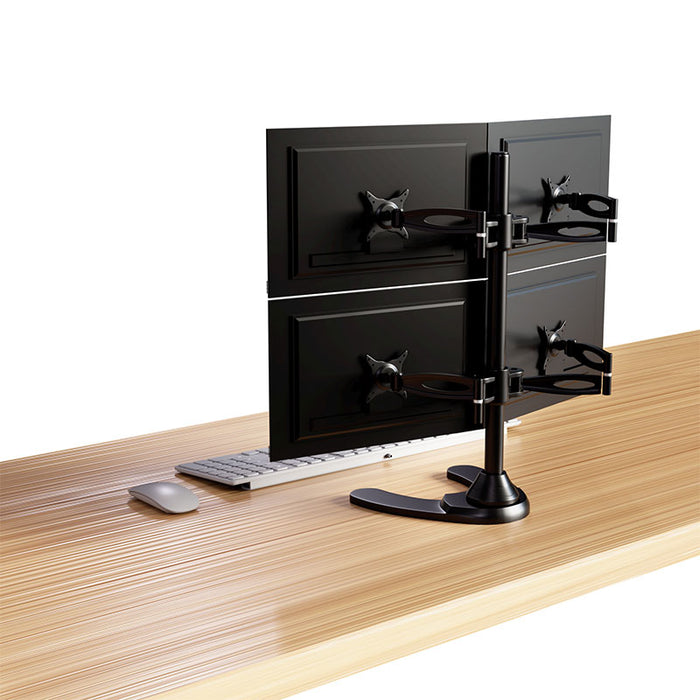
Higher-density screen layouts where positioning and desk space matter.
Desk, wall, pole or ceiling formats for project-specific mounting requirements.
Use these four checks before narrowing the final model.
Confirm single, dual or multi-monitor layout and screen orientation.
Match the display interface and desk, wall, pole or ceiling mounting condition.
Compare each screen against the product-specific supported load and fit information.
Review reach, height, articulation and cable-routing needs for the workstation.
Browse our models below, or contact us for a custom configuration.
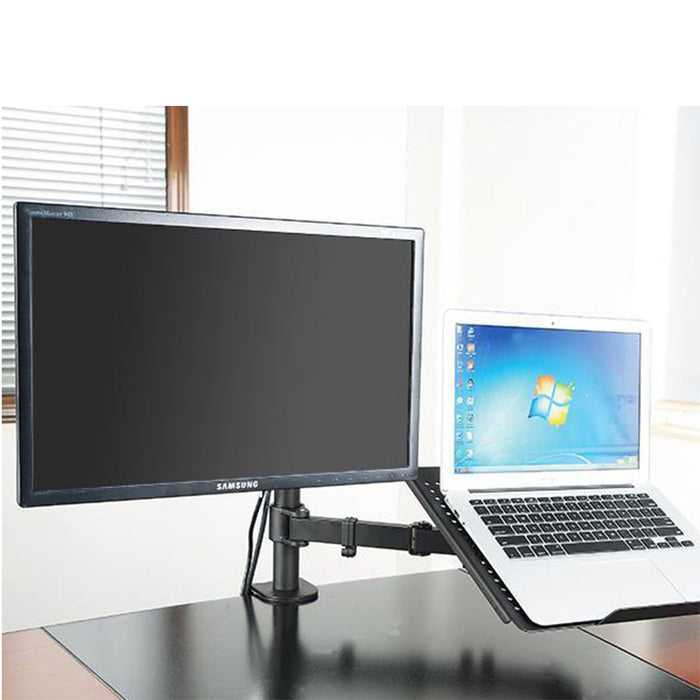
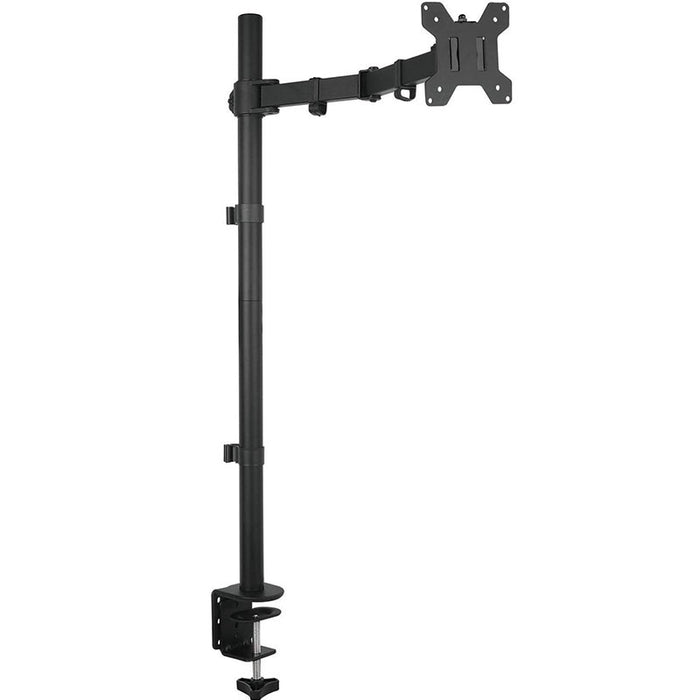
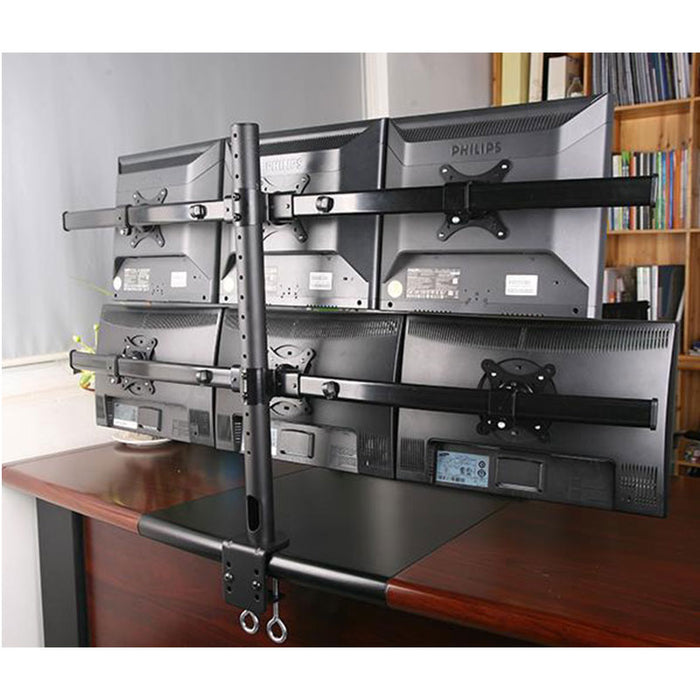
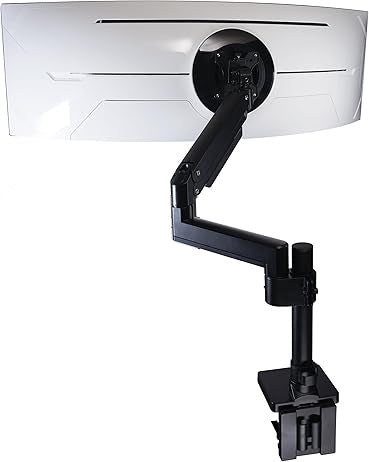
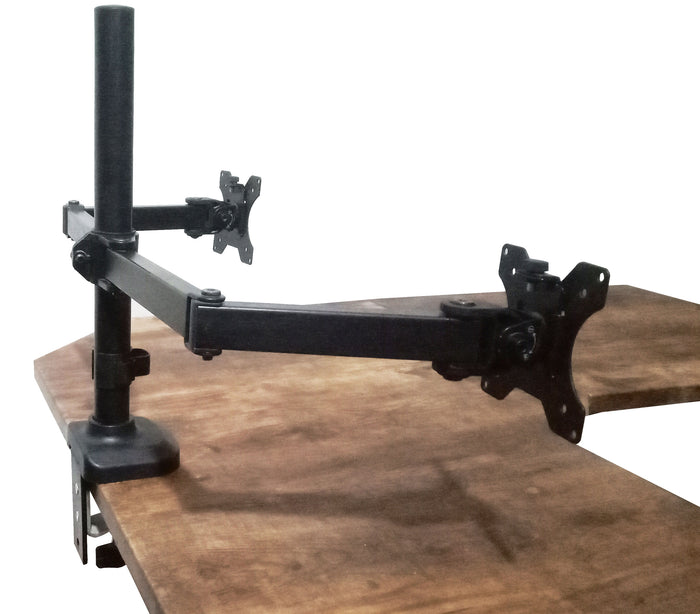
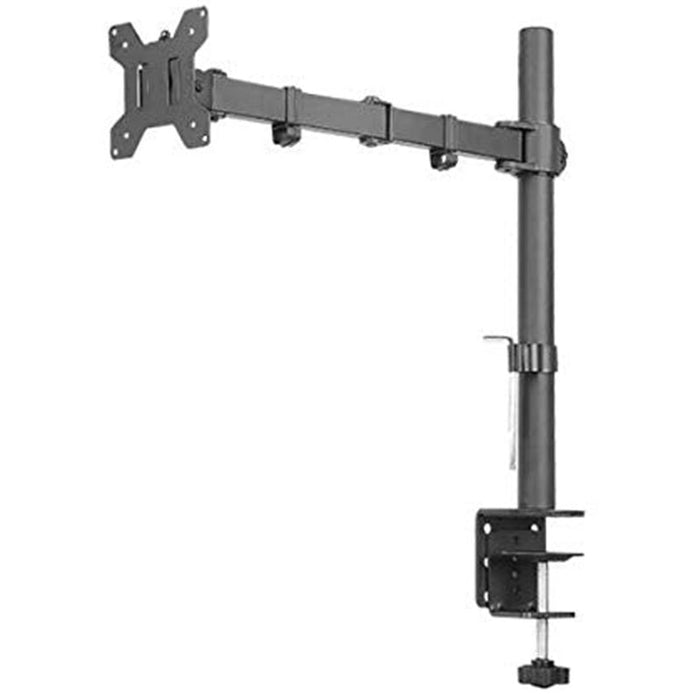
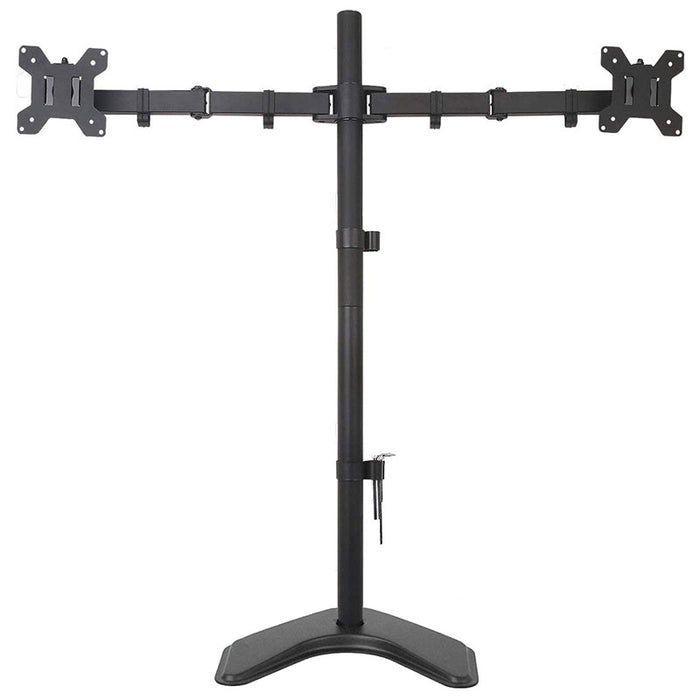
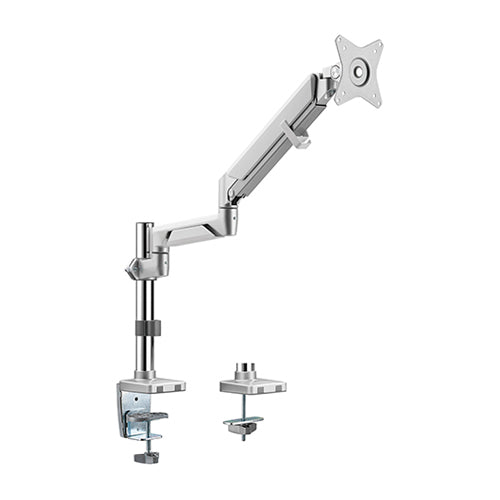
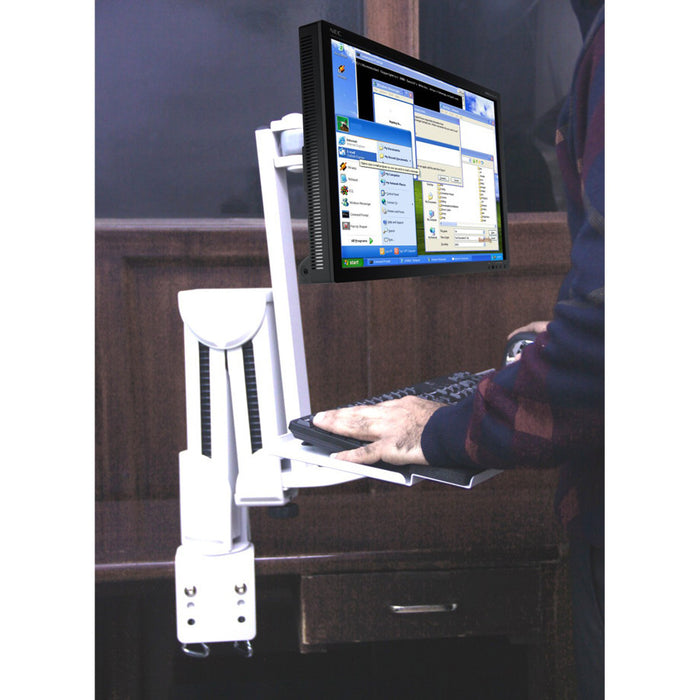
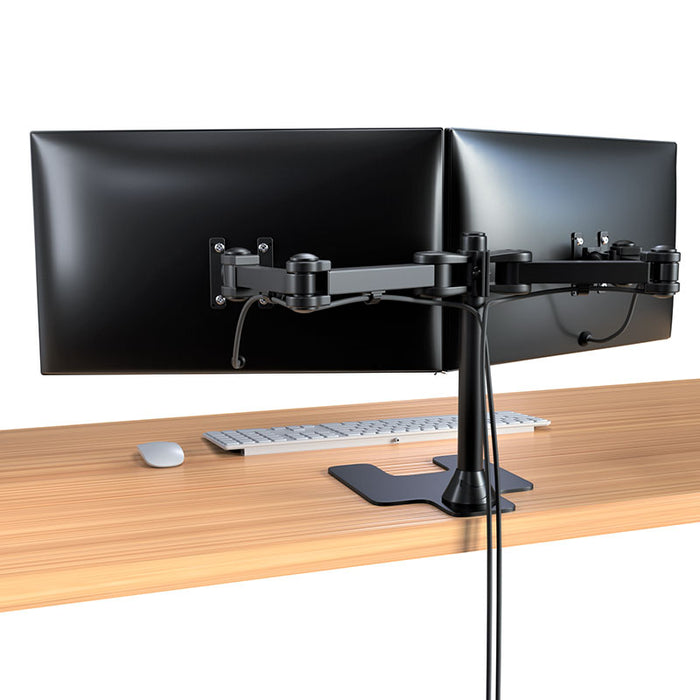
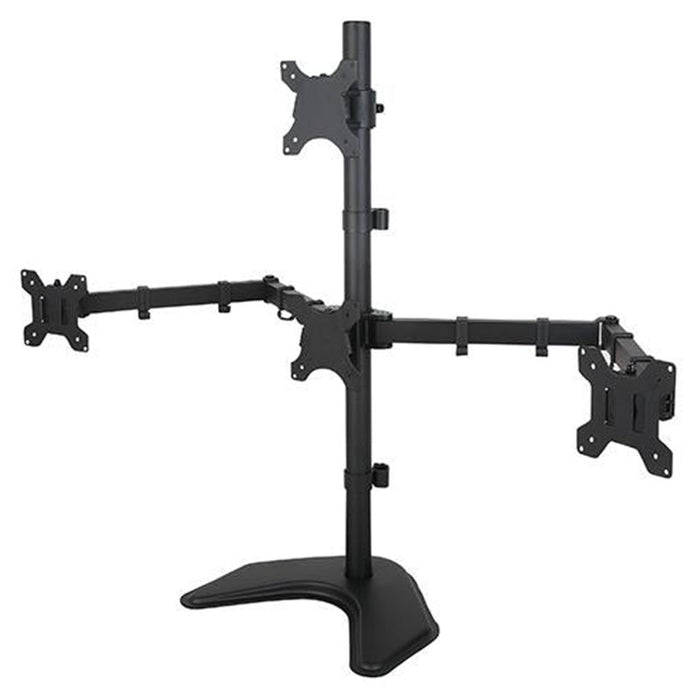
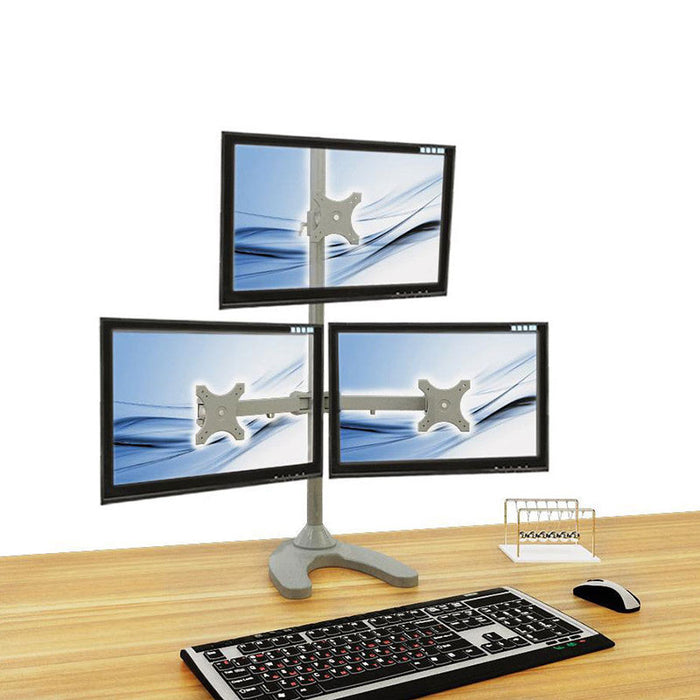
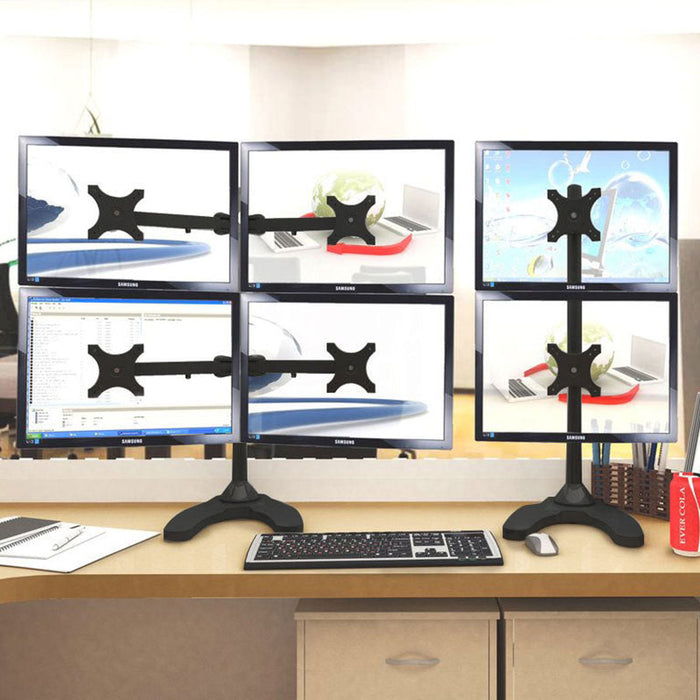
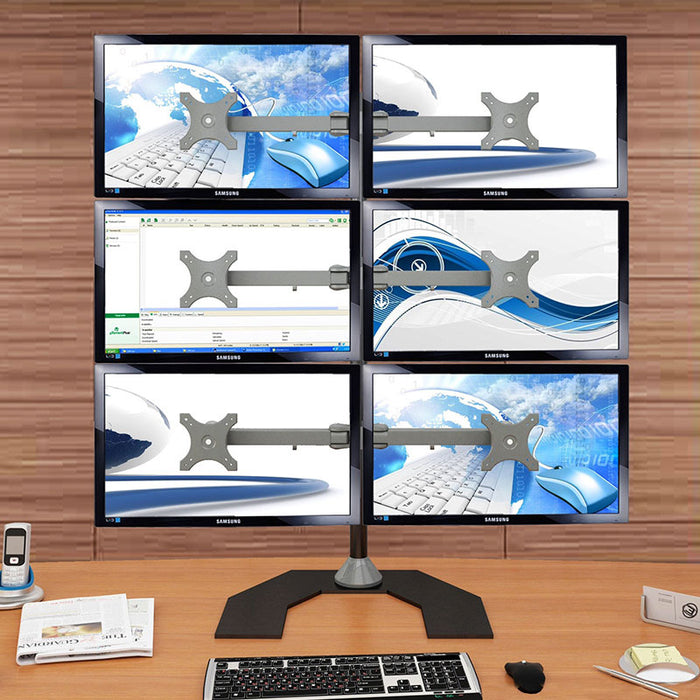

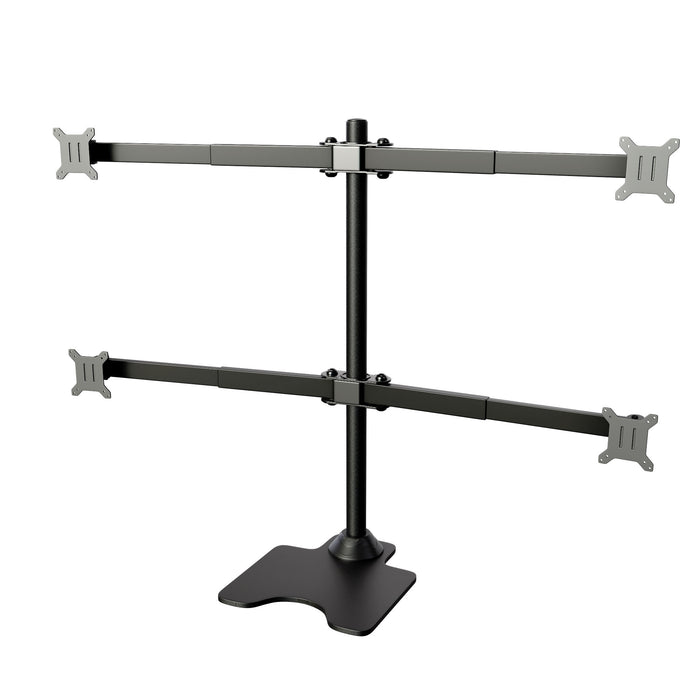
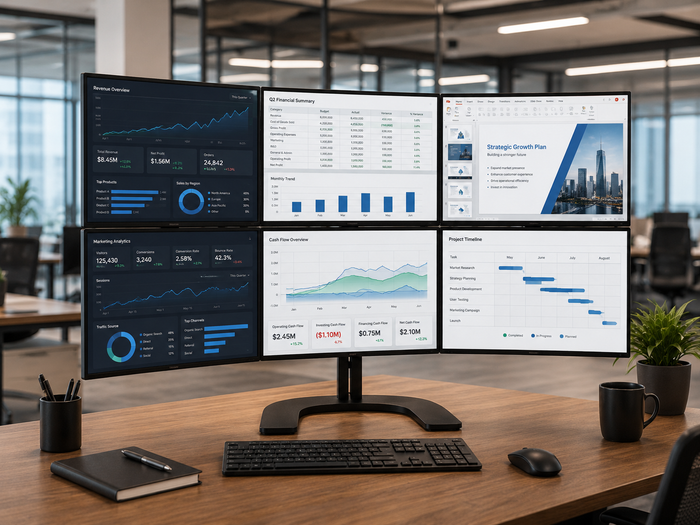
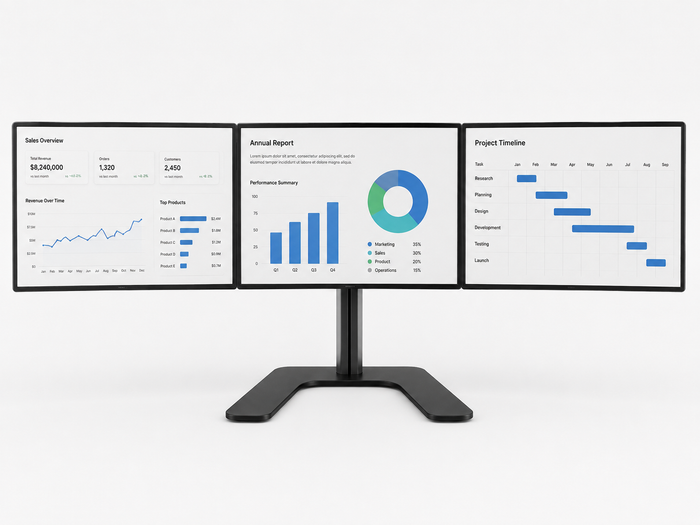
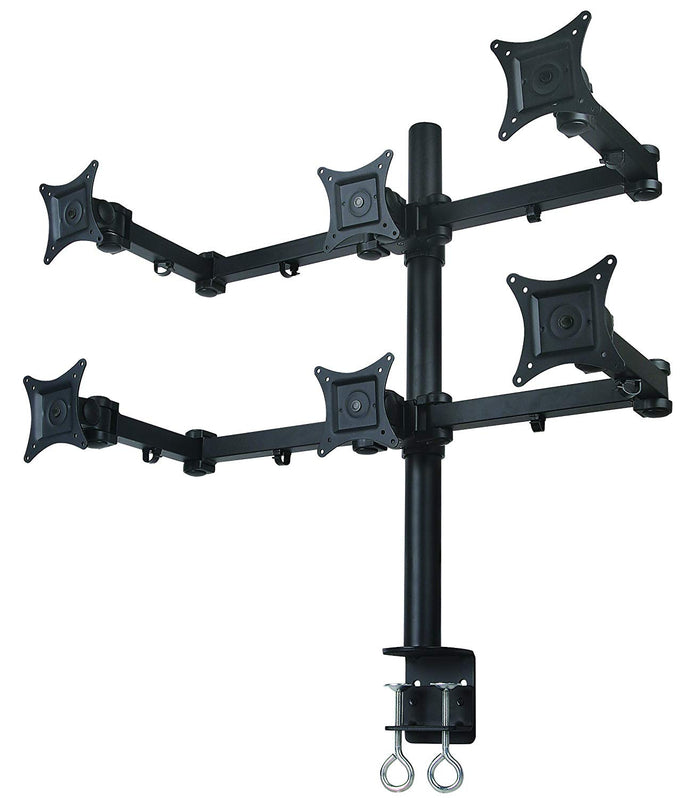
Use the project requirement and the selected product listing together. Do not assume every feature applies to every model.
Choose the arm architecture around the number and orientation of displays.
Confirm the display mounting interface against the specific product listing.
Use the actual display weight and dimensions when comparing compatible models.
Check desk thickness, wall condition, pole or ceiling requirements before final selection.
Choose the right monitor arm by checking screen count, VESA compatibility, mounting method, adjustment type and ergonomic positioning.
Optimizing your workspace is crucial for productivity and well-being. A monitor arm provides an ergonomic solution that enhances comfort, reduces strain, and maximizes desk space. Whether you're a professional designer, a gamer, or setting up a home office, understanding the benefits and types of monitor arms will help you make the right choice.
A monitor arm or monitor mount elevates your screen to an optimal viewing height, reducing neck and eye strain. By freeing up valuable desk space, a monitor arm desk mount creates a cleaner, more organized workspace. The best monitor arm offers flexibility and adjustability, allowing you to customize your setup for maximum comfort. You can also buy a monitor stand online to explore various options.
Choosing the right mounting option for your monitor arm is essential:
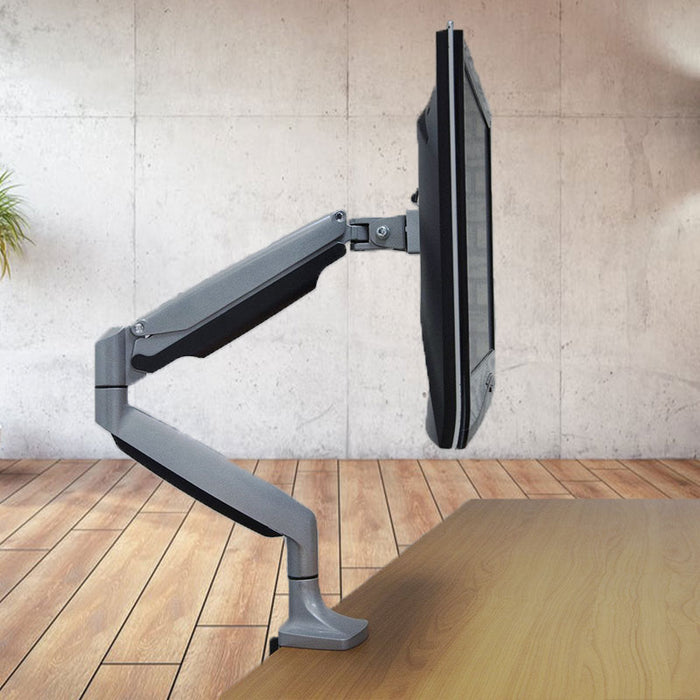
Clamp-Mounted: These monitor arms attach to the edge of your desk using a clamp. They are stable, convenient, and easy to install. Rife Technologies offers high-quality clamp-type monitor arms, making it simple to secure your setup.
Grommet-Mounted: These monitor mounts require a hole in your desk, providing a secure and permanent mounting solution. A great choice for those who prefer a fixed position.
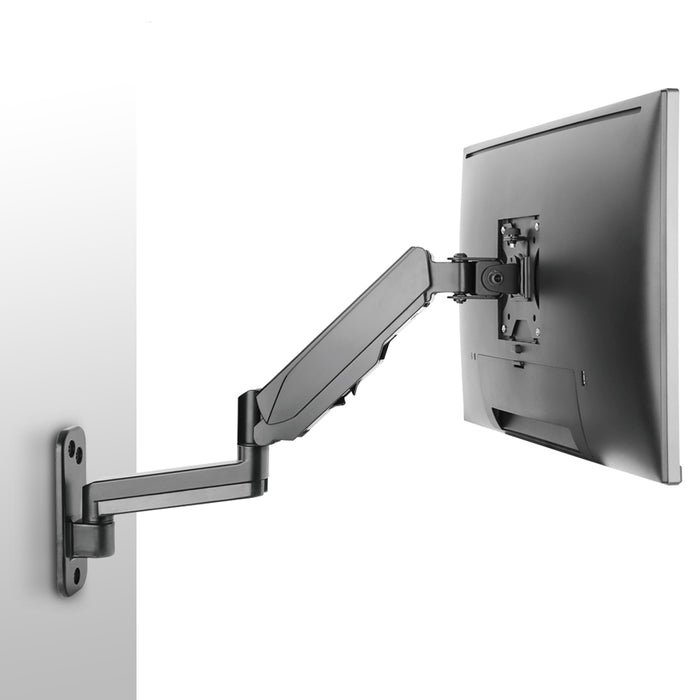
Wall-Mounted: A monitor arm wall mount saves desk space by attaching your monitor directly to the wall, offering a sleek, permanent solution. This is ideal for minimalists or those working with limited desk space.
Freestanding: This type of monitor mount arm can be placed on any flat surface for easy repositioning. If flexibility is your priority, this could be the best option for you.
The internal mechanism of a monitor arm affects its flexibility and usability:
Hydraulic (Gas Spring) Monitor Arms: These adjustable monitor arms use a gas spring mechanism for smooth and precise movement. They offer effortless adjustments and a modern look.
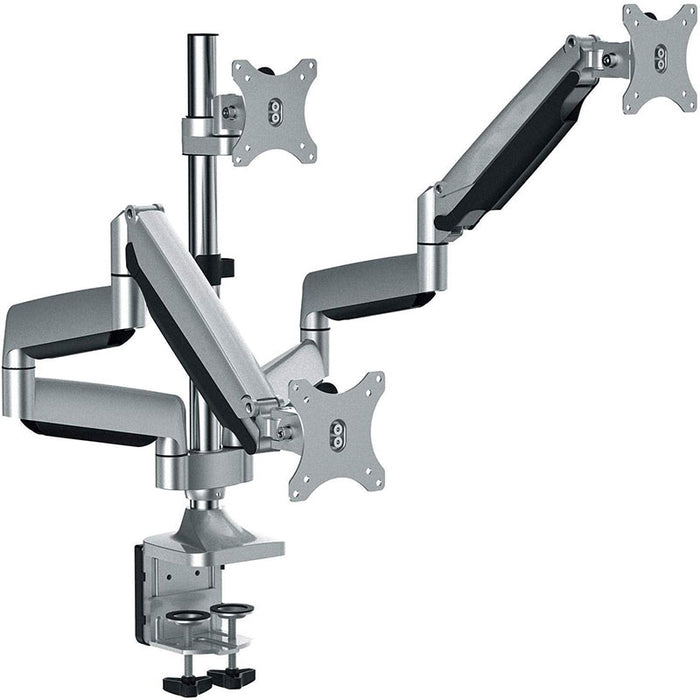
Mechanical Spring Monitor Arms: These arms use mechanical springs for adjustable tension and stability. They are a reliable and heavy-duty option, supporting single, dual, triple, and quadruple monitors.
Articulating Joints: These monitor arms provide a range of adjustments using articulating joints, making it easy to find an optimal viewing angle.
A VESA monitor arm ensures that your monitor securely attaches to a compatible mount. Most monitors have a VESA mounting pattern on the back, so it’s important to check your monitor’s specifications before purchasing a monitor holder arm. This helps you avoid compatibility issues and ensures a secure fit.
Single Monitor Arms: Designed to hold a single display, perfect for solo workstations.
Dual Monitor Arms: Designed to hold two displays, helping improve efficiency and multitasking capabilities.
Adjustability: Look for a height-adjustable monitor arm that allows easy height, tilt, swivel, and rotation adjustments for optimal ergonomics.
Cable Management: Choose a monitor stand for a table with built-in cable management to keep your workspace neat.
Flexibility: A flexible arm monitor stand offers a wide range of motion, letting you position your monitor exactly where you need it.
Consider these factors when selecting the best monitor arms:
Monitor Size and Weight: Ensure the arm can support the size and weight of your monitor. If you have a large display, such as a monitor arm for a 32-inch monitor, choose a mount arm specifically designed for that size.
Mounting Style: Select a mounting style that suits your desk and workspace needs. A desk arm is great for most setups, while a wall-mounted option might be better for saving space.
Adjustability: Look for an ergonomic monitor arm with a wide range of motion to improve your posture and comfort.
Whether you're looking for a wall mount monitor arm, a desk arm, or a monitor clamp, investing in the right ergonomic monitor stand can make a huge difference in your health and productivity. Elevate your workspace today with the perfect monitor mount arm that fits your needs and enhances your workflow.
Share the application, equipment, quantity, site conditions and preferred configuration so the right model can be discussed.