How to Adjust Gas Spring for Your Monitor Mount


How to Adjust Gas Spring for Your Monitor Mount
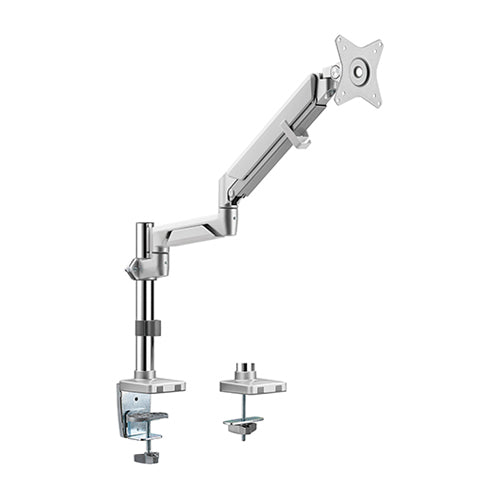
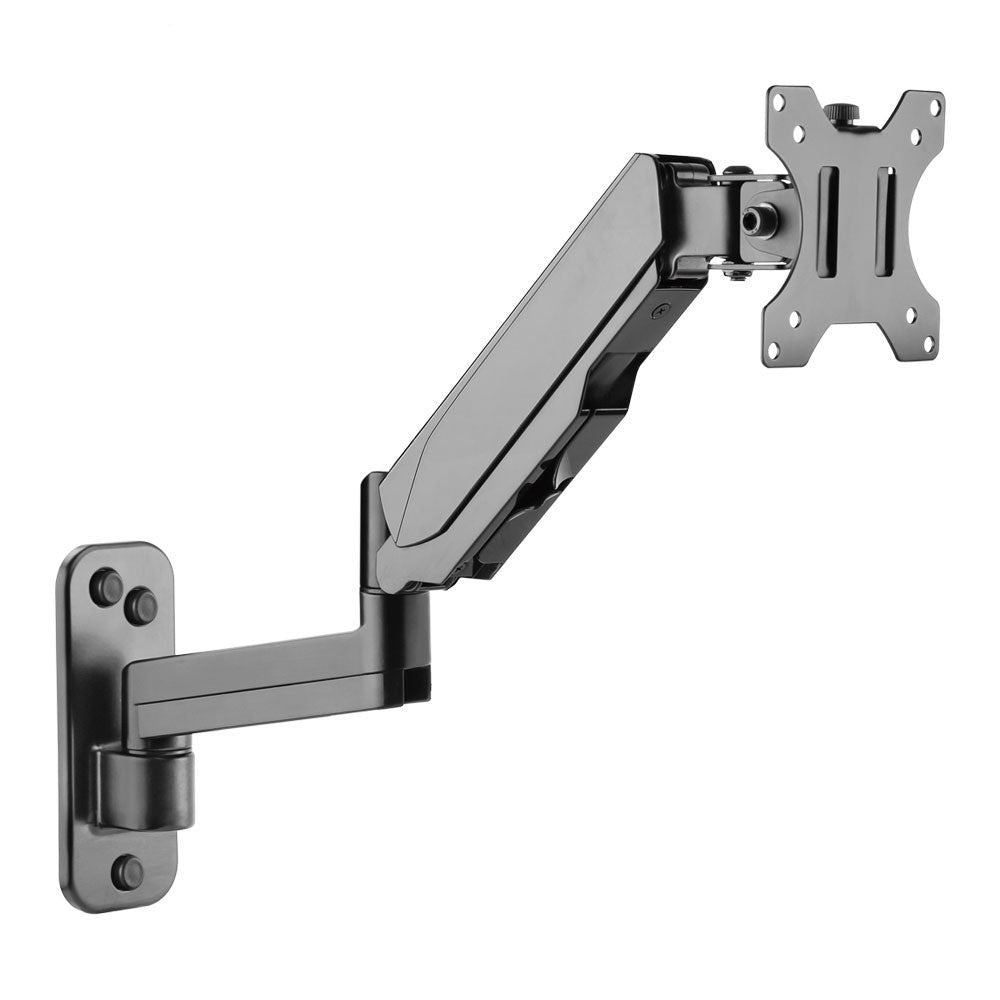
When setting up a monitor mount with a gas spring, adjusting the tension is crucial for achieving optimal ergonomics and comfort. Gas spring monitor mounts offer flexibility, allowing users to easily adjust the height, angle, and position of their monitors. However, over time or after installation, the gas spring may need to be adjusted to ensure the monitor stays in place and offers proper support.
Step 1 — Locate the Tension Adjustment Screw
To adjust the gas spring, locate the tension adjustment screw. This screw is usually found on the side or back of the arm, depending on the model. You will typically need an Allen wrench (hex key) or a Phillips screwdriver.
Step 2 — Tighten or Loosen the Tension
- Tighten the screw to increase resistance — makes the arm more rigid. Best for heavier monitors or when you want the screen to hold position without drifting.
- Loosen the screw to decrease resistance — makes the arm more fluid. Best for lighter monitors or when you want effortless repositioning.
Step 3 — Test and Fine-Tune
After adjusting, gently move the monitor to your desired height and angle. The monitor should hold its position without drifting up or down. If it still drifts, tighten the screw by a quarter turn and test again. Repeat until the arm holds firm.
Step 4 — Lock the Adjustment
Once you find the optimal tension, ensure the adjustment screw is securely tightened to prevent it from shifting during daily use.
Quick Troubleshooting
- Monitor droops down: Tighten the tension screw.
- Monitor floats up: Loosen the tension screw slightly.
- Arm feels stiff and hard to move: Loosen the tension screw.
- Screw is fully tightened but monitor still droops: Your monitor may exceed the arm’s weight capacity — consider upgrading to a heavy-duty model.
Need Help Choosing the Right Arm?
Our team can recommend the right RIFE gas spring arm for your monitor size and weight. All RIFE arms ship pan-India with installation support.
Talk to Our Team → Shop All Gas Spring Arms →