How a Smart IT Asset Locker Simplifies Device Issue & Return
How a Smart IT Asset Locker Simplifies Device Issue & Return
A practical 8-step look at how employees can securely collect and return shared laptops while IT teams retain real-time accountability and transaction visibility.

Key Takeaways
The 8-Step Smart IT Asset Locker Workflow
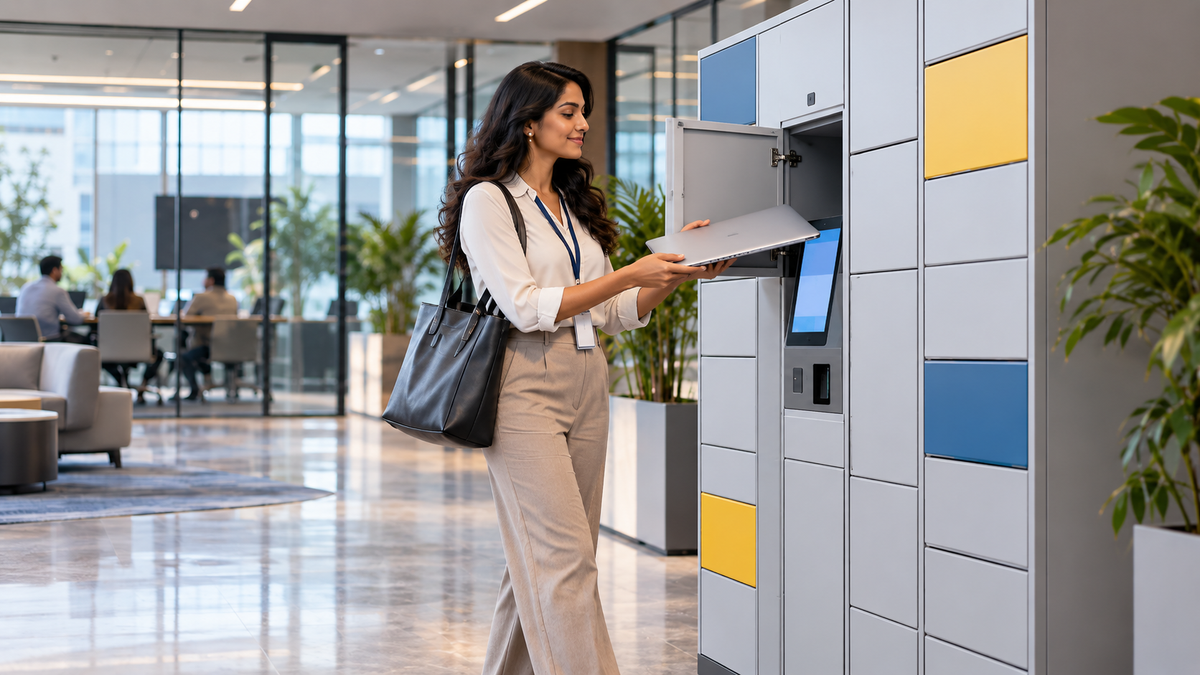
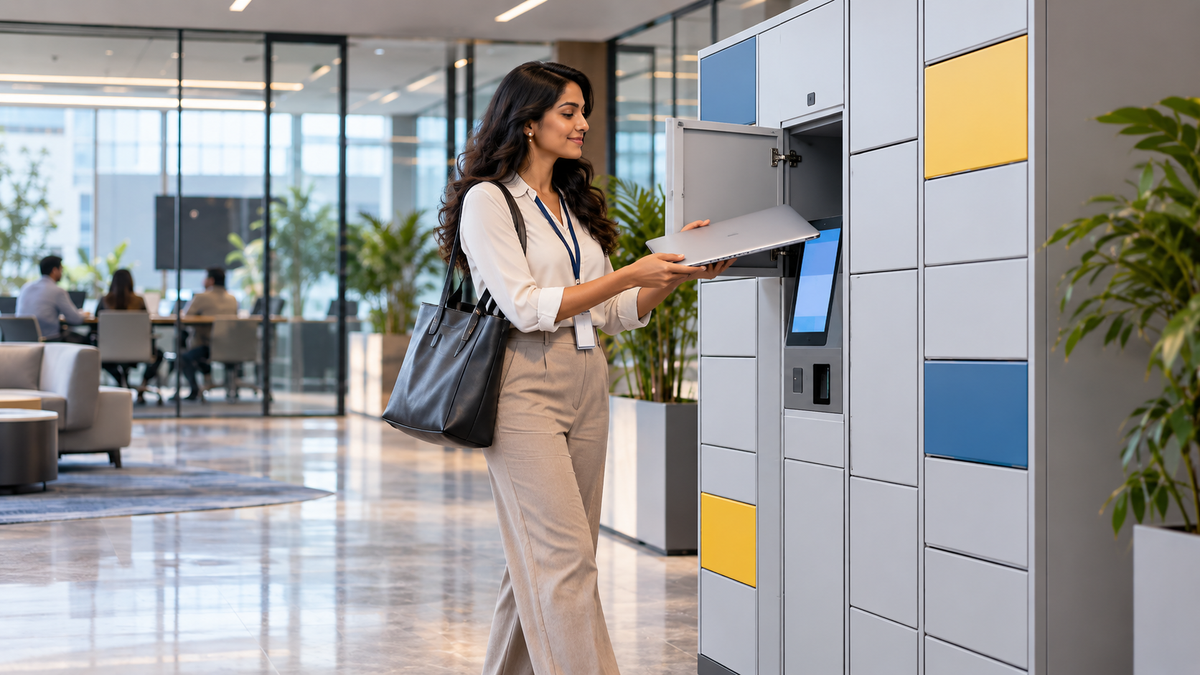
From the moment an employee needs a device to the point where IT receives an updated record, the locker turns a manual handover into a controlled self-service process.

An employee needs a laptop or device for a project and decides to collect it from the smart locker.

Instead of waiting at an IT counter, the employee goes directly to the self-service locker.

The employee verifies identity using the configured credential or access method.

The system releases only the compartment assigned to the authorised transaction.
The allocated device is collected without requiring an IT staff member to perform a physical handover.

The employee gets straight to work while the issue event remains associated with the asset workflow.

At the end of the task or shift, the laptop is returned to the designated secure compartment.

The transaction record can update automatically, giving IT visibility into who had the device and when it was returned.
Watch the Explainer Video
This video brings the complete issue-return sequence together: employee need, self-service collection, productive use, return and IT visibility.
Explore the RIFE Omni Smart IT Asset Locker →Why this matters for IT teams
A smart locker does more than store laptops. It changes how shared devices are issued, returned and audited.
Employees can collect authorised devices without waiting for an IT staff member to be physically available.
Issue and return transactions can be linked to the user, device, time and locker action.
Self-service access removes avoidable delays from routine laptop lending and return workflows.
IT teams can track device state, custody and exceptions through the connected software workflow.
What is a smart IT asset locker?
A smart IT asset locker is a secure self-service storage system for controlled devices such as laptops, tablets, test equipment and other shared IT assets. Depending on the project configuration, access can be linked to RFID cards, PINs, QR codes or biometric authentication, while software records the issue and return workflow.
Why replace manual laptop handovers?
Traditional laptop lending often depends on spreadsheets, paper registers, email approvals or a staffed IT counter. Those methods can work at small scale, but they become harder to manage when employees work across shifts, offices or flexible schedules. A locker provides a controlled physical handover point that can operate outside normal help-desk hours.
What the system can record
- Employee or authorised user identity
- Assigned device or locker compartment
- Issue date and time
- Return date and time
- Current custody or availability status
- Overdue or exception events where configured
Where organisations use smart IT asset lockers
Common applications include employee laptop lending, onboarding and offboarding, break-fix device exchange, shift-worker equipment issue, contractor devices, training laptops and shared IT pools. The cabinet layout, bay sizes, authentication method and software integration should be configured around the actual workflow.
For projects that need a broader issue-return workflow, see the RIFE Omni Smart IT Asset Locker. For employee personal-storage applications rather than IT device custody, see RIFE Employee Smart Lockers.
Smart IT Asset Locker Questions
Can employees collect laptops without an IT staff member present?
Yes, when the workflow is configured for self-service. Authorised users can authenticate and collect an assigned device from the locker.
Can the system record who has each device?
The issue-return workflow can associate the user with the asset and transaction time, providing an audit trail for custody and return status.
Can the locker be used for returns as well as issue?
Yes. The same controlled compartment workflow can support device collection and return, subject to the project configuration.
Can it integrate with existing IT asset-management systems?
Integration can be reviewed through APIs or structured data exchange depending on the software platform and project requirements.
Can locker compartments be sized for different devices?
Yes. Smart locker projects can be configured around laptops, tablets, peripherals and other equipment dimensions, subject to technical feasibility.
Simplify device issue & return with RIFE Smart Lockers.
Build a self-service workflow around your users, devices, bay sizes, authentication method and IT asset-management process.