Poly Video Conferencing Solutions for Meeting Rooms in India

Poly video conferencing equipment is used in meeting rooms that require integrated cameras, microphones, speakers and room collaboration functions.
The correct Poly configuration depends on room size, seating arrangement, preferred meeting platform and whether the organisation wants a USB-based or dedicated room system.

Start with the Room, Not the Model
Before comparing individual devices, classify the room.
Small huddle room
A small meeting room may require:
- Compact camera or video bar
- Wide field of view
- Built-in microphones
- One display
- Simple laptop or room-system connection
Medium meeting room
A medium room may need:
- Greater camera coverage
- Additional microphone pickup
- Larger display
- Dedicated room computer or appliance
- Touch controller
Large conference room
A large room can require:
- PTZ camera
- Optical zoom
- Expansion microphones
- Additional speakers
- Multiple displays
- Central AV processing
- Professional room integration
USB-Based Conferencing
A USB system allows users to connect a laptop to the room camera and audio equipment.
This approach can be suitable when:
- Users need flexibility
- Several meeting platforms are used
- The organisation prefers bring-your-own-device meetings
- A dedicated room account is not required
Cable access and user instructions should remain simple.
Dedicated Room Systems
A dedicated room system can provide:
- Calendar-based meeting launch
- Touch controller
- Room account
- Standardised user experience
- Central administration
- Reduced dependence on individual laptops
The proposed device must support the organisation’s chosen meeting environment and room licence.

Camera Coverage
Check whether the camera can clearly frame:
- Participants nearest the display
- Participants at the far end of the table
- People seated at the sides
- Presenters standing in the room
The camera’s field of view and zoom capability should match the room dimensions.
Audio Coverage
Good audio is often more important than extremely high video resolution.
Assess:
- Number of participants
- Table size
- Room acoustics
- Microphone range
- Expansion microphone support
- Speaker volume
- Echo cancellation
Display and Mounting
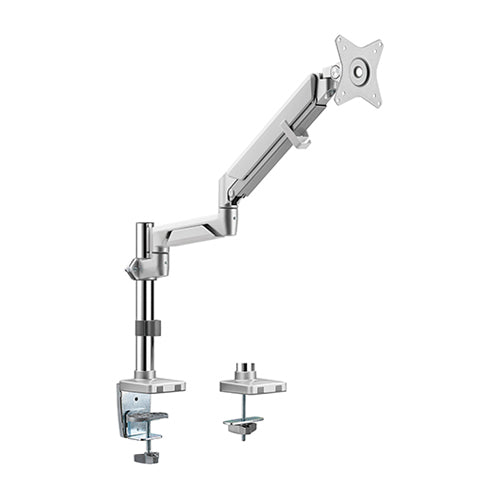
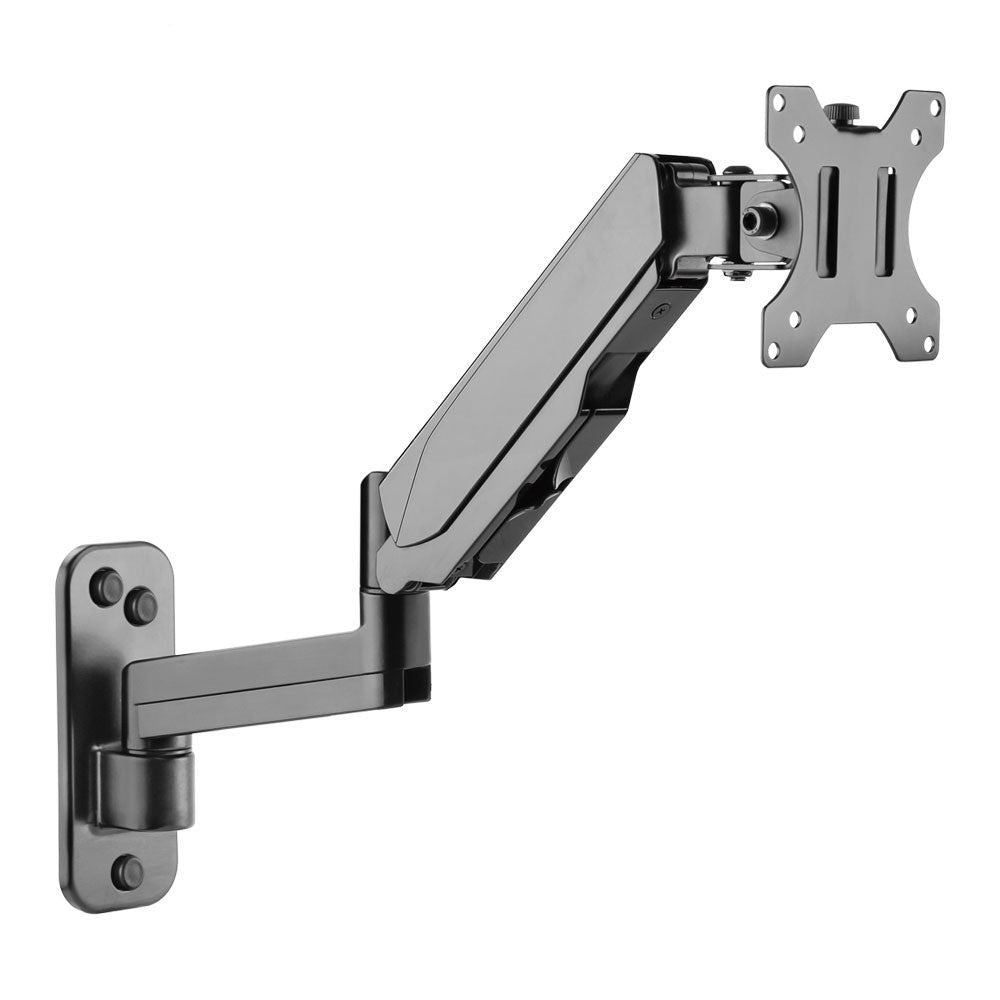
The display can be installed on:
- Wall mount
- Fixed floor stand
- Mobile TV trolley
- Video conference cart
- Dual-screen stand
A mobile cart such as the RIFE VCT01 or RIFE VCT09 is useful when the Poly conferencing equipment needs to move between rooms.

Cable Management
Plan connections for:
- Camera
- Microphones
- Speakers
- Display
- Room computer
- Touch controller
- Network
- Power
Cables should remain organised and accessible for service.
Questions to Ask Before Buying
- What is the room size?
- How many participants will attend?
- Which meeting platform is used?
- Is laptop connection required?
- Is a dedicated room system preferred?
- Does the room need one or two displays?
- Are expansion microphones required?
- Will the system remain fixed or move between rooms?
- Who will provide installation and support?
Complete Room Planning
A well-selected camera cannot solve problems caused by poor lighting, strong echo or incorrect screen placement.
The system should be planned together with:
- Room layout
- Display
- Furniture
- Lighting
- Network
- Acoustic treatment
- User controls
RIFE can help integrate compatible conferencing hardware with mobile carts, display stands and meeting-room installations.