RIFE Meeting-Room Solutions with Poly Video Conferencing
A successful meeting-room project requires more than supplying a camera or conference phone. The display, audio, camera position, network, furniture and user controls must work as one system.
RIFE helps organisations plan complete meeting-room and mobile video conferencing setups around the selected collaboration equipment.
Understanding the Requirement
The planning process begins with:
- Room dimensions
- Seating capacity
- Table shape
- Primary meeting platform
- Internal and external meeting patterns
- Number of displays
- Camera requirement
- Audio requirement
- Fixed or mobile installation
This prevents the organisation from purchasing equipment that is technically capable but unsuitable for the room.
Small Meeting-Room Solutions
A small room may use:
- Compact Poly video or audio device
- One television or professional display
- USB laptop connection
- Dedicated room appliance
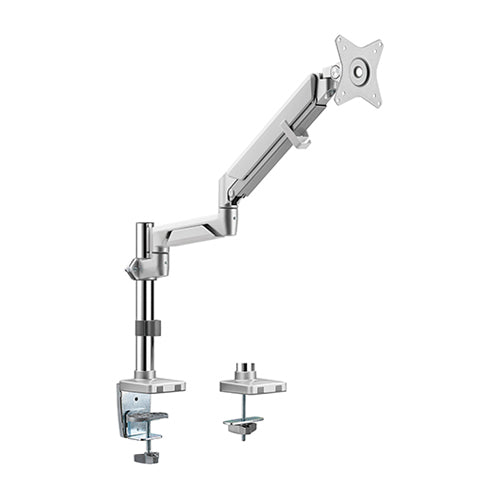
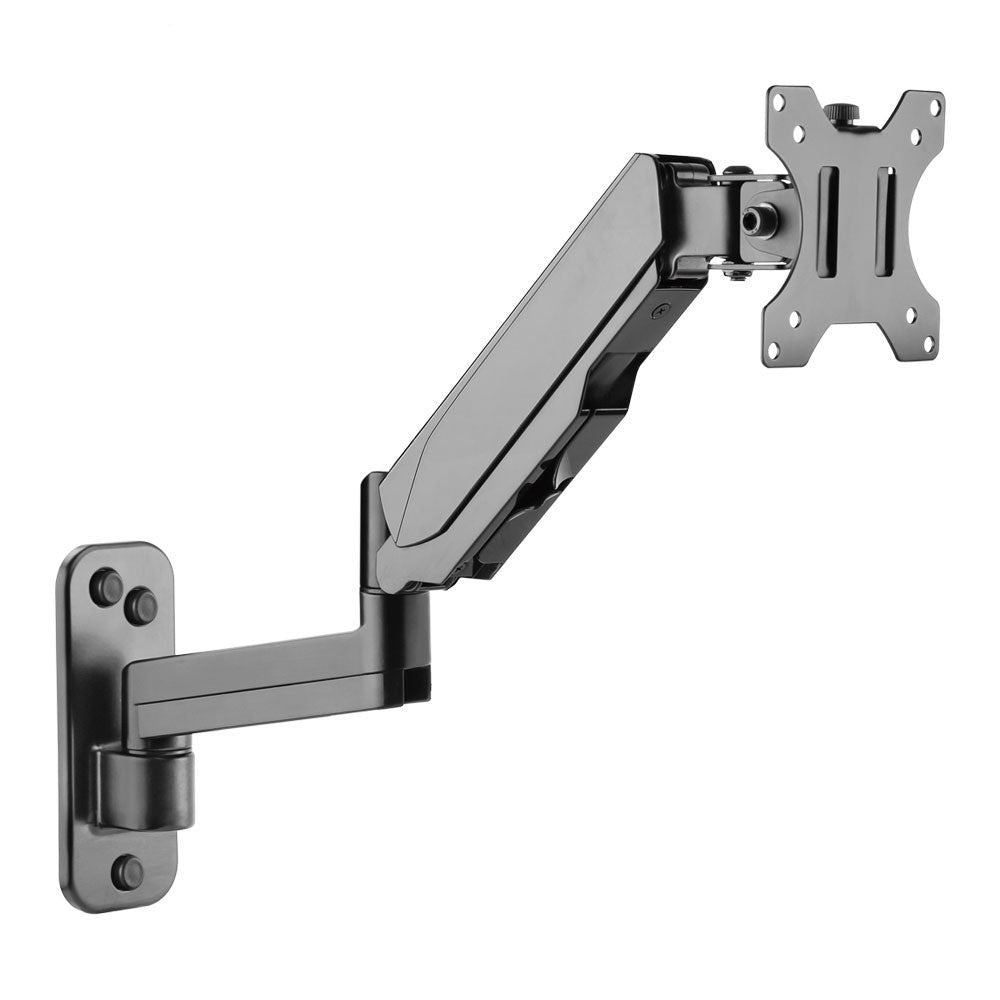
- Simple wall or tabletop mounting
The camera should provide a sufficiently wide view for participants seated close to the display.
Medium Meeting-Room Solutions
A medium room may require:
- Video bar or room system
- Larger display
- Additional microphone coverage
- Touch controller
- Equipment shelf or cabinet
- Better cable management
- Professional installation
Boardroom Solutions
A boardroom can require:
- One or two large displays
- PTZ camera
- Multiple microphones
- Additional speakers
- AV equipment rack
- Room-control interface
- Acoustic planning
- Structured cabling
The system should be tested from every seating position.
Mobile Video Conferencing
A mobile conference trolley can support organisations that do not need a fixed system in every room.
The trolley can hold:
- Display
- Camera
- Mini PC or conferencing appliance
- Speakerphone or soundbar
- Touch controller
- Cables
- Lockable equipment storage
The complete system can then move between meeting rooms, classrooms and training areas.
Display Selection and Placement
The display should be sized according to the viewing distance and content.
For hybrid meetings, participants must be able to see:
- Remote attendees
- Shared presentations
- Spreadsheets
- Documents
- Whiteboards
A dual-screen setup may improve the experience in larger rooms.
Camera Placement
The camera should be positioned close to eye level.
Check:
- Field of view
- Distance to the farthest participant
- Table width
- Camera height
- Optical zoom
- Preset requirements
- Automatic framing
Audio Planning
Every participant should be heard clearly.
The solution may use:
- Integrated microphones
- Conference phone
- Expansion microphones
- Table microphones
- Ceiling microphones
- Separate room speakers
Room echo should be assessed before installation.
Network and Platform Readiness
Confirm:
- Available bandwidth
- Wired network access
- Firewall configuration
- Room account
- Meeting licence
- Guest-meeting capability
- Device administration
RIFE Video Conferencing Range
The RIFE VCT01, RIFE VCT09, RIFE VCT-CAB and RIFE VCT09-D dual-screen trolley cover small-room through to boardroom configurations.
Installation and Support
A complete deployment may include:
- Site assessment
- Equipment recommendation
- Mounting or trolley supply
- Cabling
- Configuration
- Testing
- User training
- Technical support
Why Integrated Planning Matters
Selecting individual components without considering the room can result in poor camera coverage, unclear audio and difficult operation.
RIFE’s role is to help connect the conferencing equipment with the physical meeting environment.