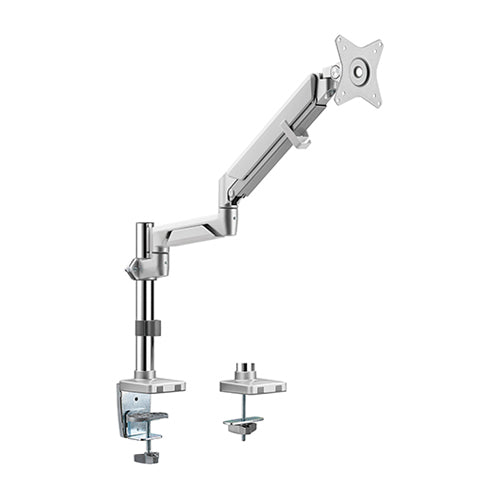
VESA Mounts and TV Wall Mounts: Complete Selection Guide
Choosing a TV or monitor mount becomes easier when you understand VESA compatibility, display weight and the different mounting options available.
A screen size such as 55 inches does not by itself confirm that a particular mount will fit. Two televisions of the same size may have different weights, mounting-hole patterns and rear-panel designs.
What Is a VESA Mount?
VESA refers to the standard arrangement of mounting holes on the back of many televisions, monitors and professional displays.
A VESA measurement is normally shown in millimetres. For example, VESA 400 × 400 means:
- The horizontal distance between mounting holes is 400 mm
- The vertical distance between mounting holes is 400 mm
The mount must support both the display’s VESA pattern and its actual weight.
How to Find the VESA Pattern
The VESA pattern may be available in:
- The display specification sheet
- The manufacturer’s website
- The television or monitor manual
- A label on the rear of the screen
It can also be measured directly from the centre of one mounting hole to the centre of the corresponding hole.
Measure horizontally first and vertically second.
Common Types of TV Mounts
Fixed TV wall mount
A fixed mount keeps the screen close to the wall. It is suitable when the viewing position will not change.
Typical applications include:
- Reception areas
- Meeting rooms
- Digital signage
- Bedrooms
- Permanent presentation spaces
Tilting TV wall mount
A tilting mount allows the screen angle to be adjusted vertically.
It can be useful when the television is installed above normal eye level or where reflections need to be reduced.
Full-motion TV wall mount
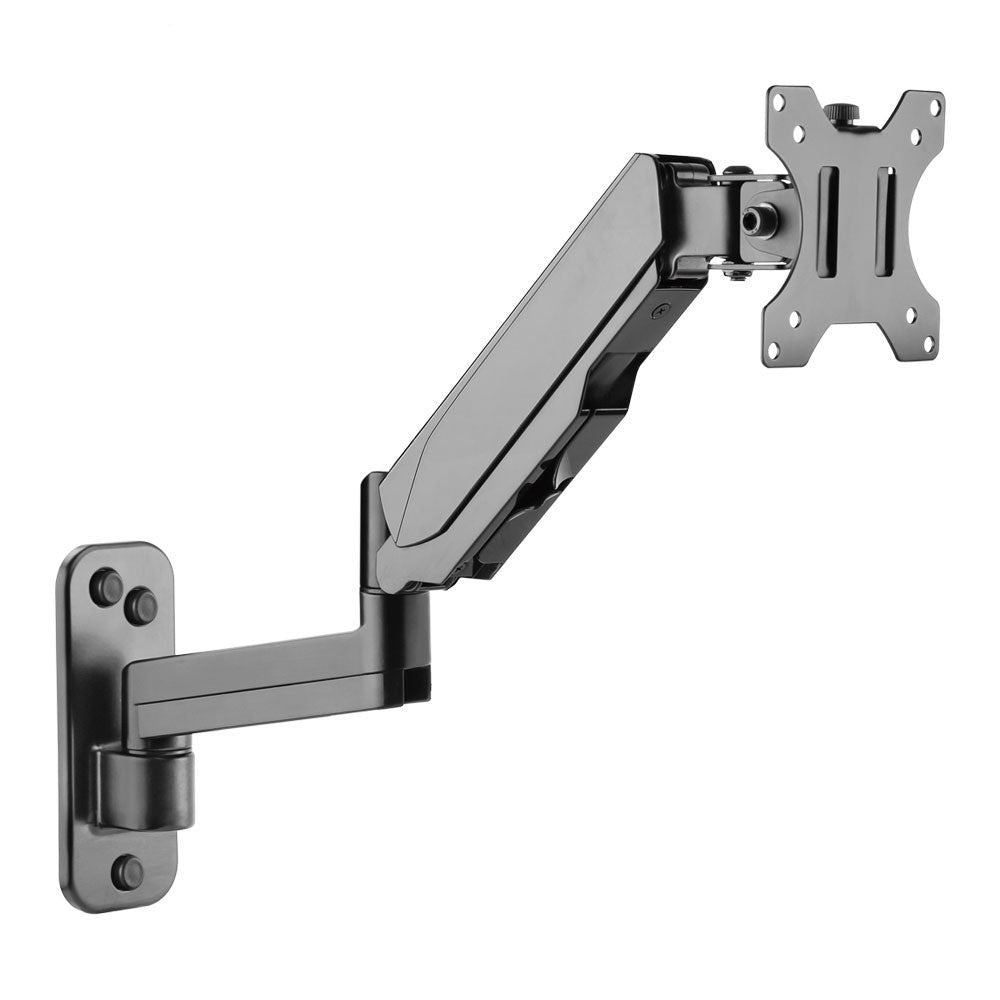
A full-motion mount may allow extension, swivel and tilt.
It is suitable for rooms where the screen needs to face different seating positions or where maintenance access is required behind the display.
Ceiling mount
A ceiling mount may be considered where wall mounting is not possible. Structural support, ceiling height and cable routing must be assessed carefully.
TV floor stand
A floor stand supports the screen without requiring a wall. Fixed floor stands are useful in reception areas, showrooms and commercial spaces.
Mobile TV trolley
A mobile TV trolley includes castor wheels so the screen can move between rooms. It is suitable for offices, schools, training areas and video conferencing. Browse the TV trolley collection for available options.
Tabletop TV stand
A tabletop stand replaces the original television feet or pedestal. It can be useful when the supplied legs are missing, damaged or too widely spaced for the furniture.
Screen Weight Is as Important as VESA
A mount may support the correct VESA pattern but still be unsuitable if the television exceeds its load capacity.
Always confirm the screen weight without the original tabletop base. Accessories such as soundbars, cameras and media players may require separate support.
Check the Wall Structure
Different wall materials require different installation methods.
Common wall types include:
- Reinforced concrete
- Brick
- Concrete block
- Timber framing
- Metal framing
- Gypsum partition
A lightweight partition should not be assumed to support a large television without reinforcement.
Cable and Port Access
Before installing the mount, check where the display’s ports are positioned.
The bracket should not block:
- HDMI ports
- Power input
- Network connection
- USB ports
- Antenna connections
- Ventilation openings
Right-angle connectors may be useful where the screen sits close to the wall.
Viewing Height
The centre of the screen should normally be positioned close to the audience’s natural viewing level.
The correct height depends on:
- Seating arrangement
- Viewing distance
- Room use
- Screen size
- Whether viewers are seated or standing
RIFE Mounting Options
The RIFE R704 is a full-motion wall mount, and the RIFE R504 is a tilting wall mount, both subject to confirmed VESA pattern and screen weight.
Information Required for Mount Selection
Provide:
- Screen brand and model
- Screen size
- Screen weight
- VESA pattern
- Wall or floor application
- Required movement
- Viewing height
- Installation location
RIFE can help identify a fixed, tilting, full-motion, tabletop, floor-standing or mobile mounting solution.