Are Laptop Stands Worth It? The Benefits of Using One
With remote work and long hours spent on computers becoming the norm, laptop stands have gained popularity among professionals, students, and gamers. But are they really worth it? Let’s explore the benefits of using a laptop stand and answer some common questions. Is a Laptop Stand Worth It? Yes, a laptop stand is worth the investment, especially if you use your laptop for extended periods. A laptop stand helps improve posture, reduces strain on your neck and back, and enhances productivity. It can also contribute...
A Complete Guide to Different Types of Monitor Mounts and Stands
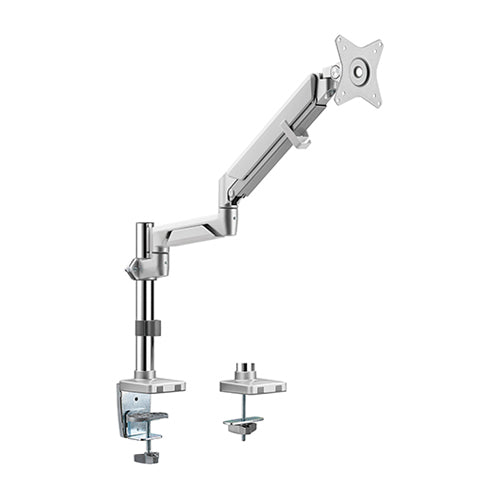
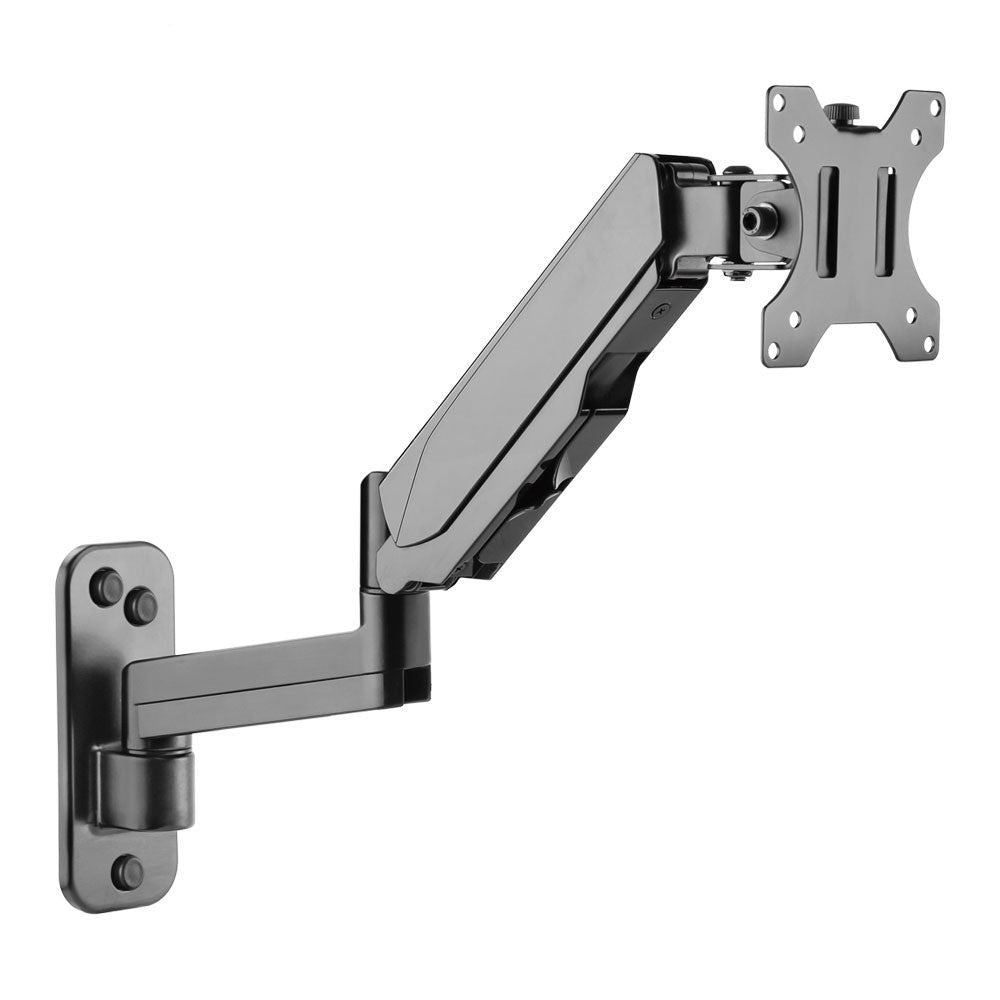
Choosing the right monitor mount or stand is essential for optimizing ergonomics, improving productivity, and enhancing your workspace. Whether you need a simple stand or an adjustable monitor arm, understanding the various types will help you make an informed decision. This guide explores different types of monitor mounts and stands while answering common questions about their functionality. Types of Monitor Mounts and Stands 1. Fixed Monitor Stands A fixed monitor stand is the most basic type, typically included with a monitor. It provides limited height...
Can All Monitors Be Mounted? Understanding VESA Compatibility
Mounting a monitor is a great way to save desk space, improve ergonomics, and create a cleaner workspace. However, not all monitors are designed to be mounted. This guide will answer common questions about monitor mounting and VESA compatibility to help you determine whether your monitor can be attached to a stand or wall mount. Are All Monitors Mountable? Not all monitors are mountable. While many modern monitors come with mounting options, some budget models or ultra-thin designs may not have the necessary mounting holes....
How to Measure VESA and Check Display Mount Compatibility
VESA compatibility is one of the most important checks when selecting a TV wall mount, monitor arm, floor stand or mobile display trolley. This guide explains how to measure the mounting holes and confirm whether a display will fit the proposed support system. What Does VESA Mean? Most compatible televisions and monitors have four threaded mounting holes on the rear panel. The horizontal and vertical distances between these holes form the VESA pattern. For example: VESA 100 × 100 means 100 mm horizontally and vertically...