Smart Lockers for IT Equipment and Hybrid Offices | RIFE
How Smart Lockers Help Manage IT Equipment in Hybrid Offices
Hybrid and flexible working have changed how organisations distribute IT equipment.
Employees may work from the office, home, client locations or shared workspaces. Laptops, tablets and accessories frequently move between users and locations.
Traditional asset registers may show who was originally assigned a device, but they may not accurately reflect temporary loans, repairs, replacements or returned equipment.
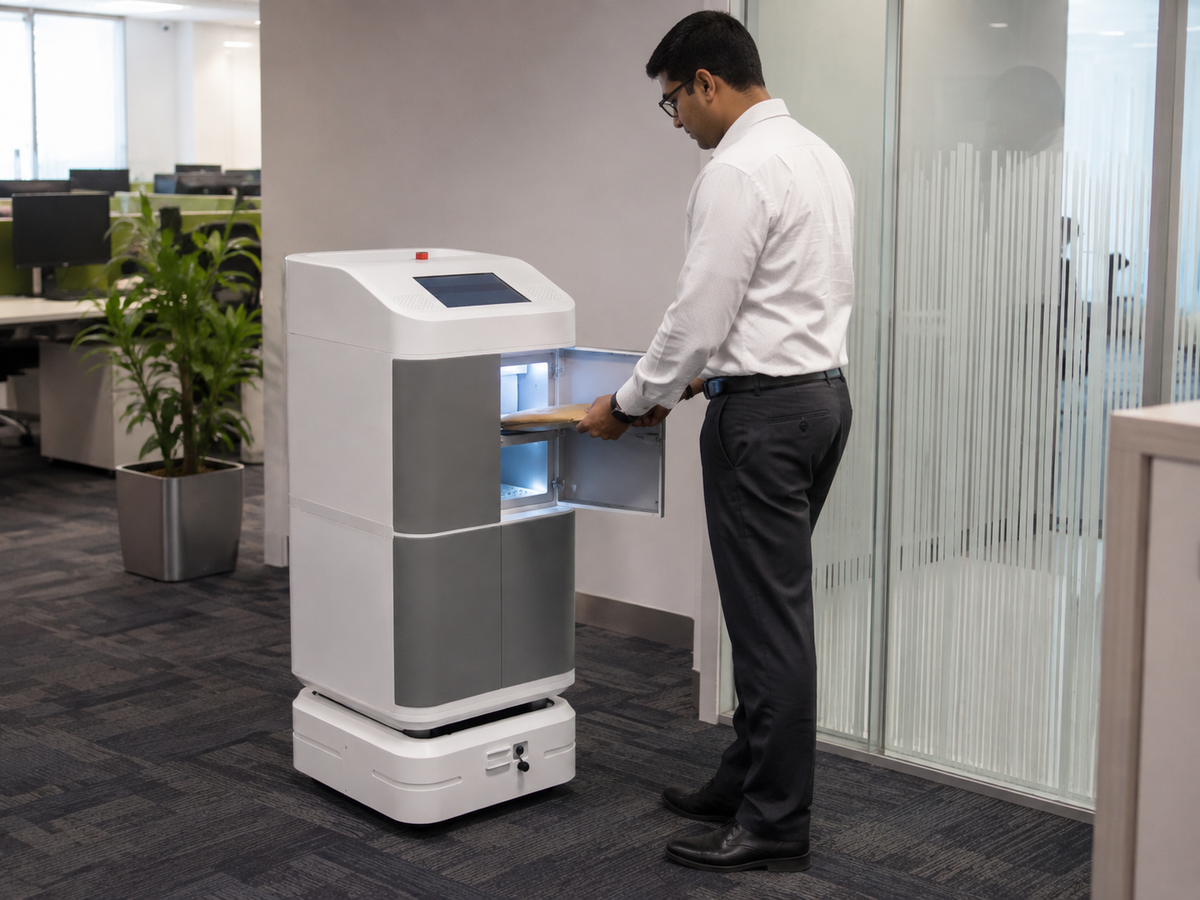
Smart IT equipment lockers create a secure handover point for issuing and returning workplace technology.
Hybrid-workplace asset-management guidance highlights the growing difficulty of maintaining accountability when devices move between employees, offices and remote setups. Smart lockers address this by recording access and equipment handovers through integrated software.
Common IT equipment-management problems

IT and administration teams may encounter:
- Employees waiting for laptops
- Temporary devices being issued without records
- Returned laptops left at reception
- Chargers and accessories becoming separated
- Devices awaiting repair being mixed with working stock
- No clear record of who last used a shared device
- Difficulty supporting employees outside normal IT-desk hours
- Replacement equipment not being available quickly
Automated laptop collection
An authorised employee can receive a PIN, QR code or other credential.
After authentication, the locker opens the compartment containing the assigned equipment.
The system records:
- Employee
- Device
- Locker
- Collection time
- Expected return
- Administrator who created the transaction
This allows equipment to be collected without requiring an IT employee to be physically present.
Returning equipment securely
Employees leaving the organisation or completing a temporary project can return equipment through a locker.
The system can:
- Provide a return credential
- Open the correct compartment
- Record the return
- Notify the IT team
- Preserve the chain of custody
- Mark the equipment for inspection
This can be particularly useful where employees work different schedules or where IT support is centralised.
Managing replacement and loan devices
When an employee’s laptop requires repair, the IT team can place a replacement device inside a locker.
The employee receives access and collects it at a convenient time.
The faulty device can be returned through another compartment.
The software can maintain separate statuses such as:
- Available
- Reserved
- Issued
- Returned
- Awaiting inspection
- Under repair
- Ready for redeployment
- Retired
Charging and accessory storage
Laptop and device lockers can include:
- AC sockets
- USB-C charging
- Charger storage
- Compartments for docking stations
- Headset storage
- Keyboard and mouse storage
- Protective-case storage
The internal layout should be based on the complete device kit, not only the laptop dimensions.
Improved accountability
The system can record who accessed each compartment and when.
Where barcode, QR or RFID identification is included, it can also record the exact device.
Automatic transaction history helps IT teams investigate missing equipment and maintain more accurate asset records. Smart-locker platforms commonly provide remote monitoring, permissions and audit reporting for shared IT equipment.
Equipment lifecycle support
Locker data can support different stages of the IT asset lifecycle:
New-device deployment
Provide newly configured equipment to employees.
Temporary loan
Issue laptops, tablets or accessories for short periods.
Break-fix replacement
Exchange a faulty device for a working replacement.
Repair collection
Secure equipment awaiting IT inspection.
Employee offboarding
Collect company-owned equipment from departing staff.
Redeployment
Prepare returned equipment for another employee.
Retirement
Separate equipment that should no longer be issued.
Integration opportunities
Depending on the project, the locker may integrate with:
- Employee directory
- Identity-management system
- IT service desk
- Asset-management platform
- HR system
- Access control
- Email or SMS notification service
For example, an approved IT support ticket could create a locker transaction and send the employee a collection credential.
Selecting an IT equipment locker
Provide:
- Laptop dimensions
- Number of devices
- Number of users
- Charger type
- Required accessories
- Fixed or dynamic allocation
- Access method
- Return workflow
- Software-integration requirements
- Required reports
Frequently Asked Questions
Can the locker manage temporary laptop loans?
Yes. An expected return time and user transaction can be created.
Can returned equipment be separated from ready-to-use equipment?
Yes. Different compartments or statuses can be used for returned, faulty and available devices.
Can the locker charge laptops?
Yes, subject to the selected charging system and device requirements.
Conclusion
Smart IT equipment lockers provide a controlled handover process between employees and IT teams.
They can support equipment deployment, temporary loans, repairs, replacements and offboarding while maintaining secure transaction records.
Suggested internal links
- Smart Equipment Issue & Return Locker
- Laptop and Tablet Management Locker
- Smart Charging Locker
- Equipment Management Solutions