AI Avatar Kiosks for University Admissions, Campus Tours & Student Services
A practical guide to using AI avatar kiosks in admissions, wayfinding, events and student services across universities and campuses.

For many universities, the first challenge is not advanced automation in the back office. It is the repeated front-of-house work of answering the same questions every day. Prospective students ask about courses, departments, forms and fee counters. Visitors ask where to go. Existing students need guidance on offices, services and procedures. Staff become bottlenecks simply because information delivery remains highly manual.
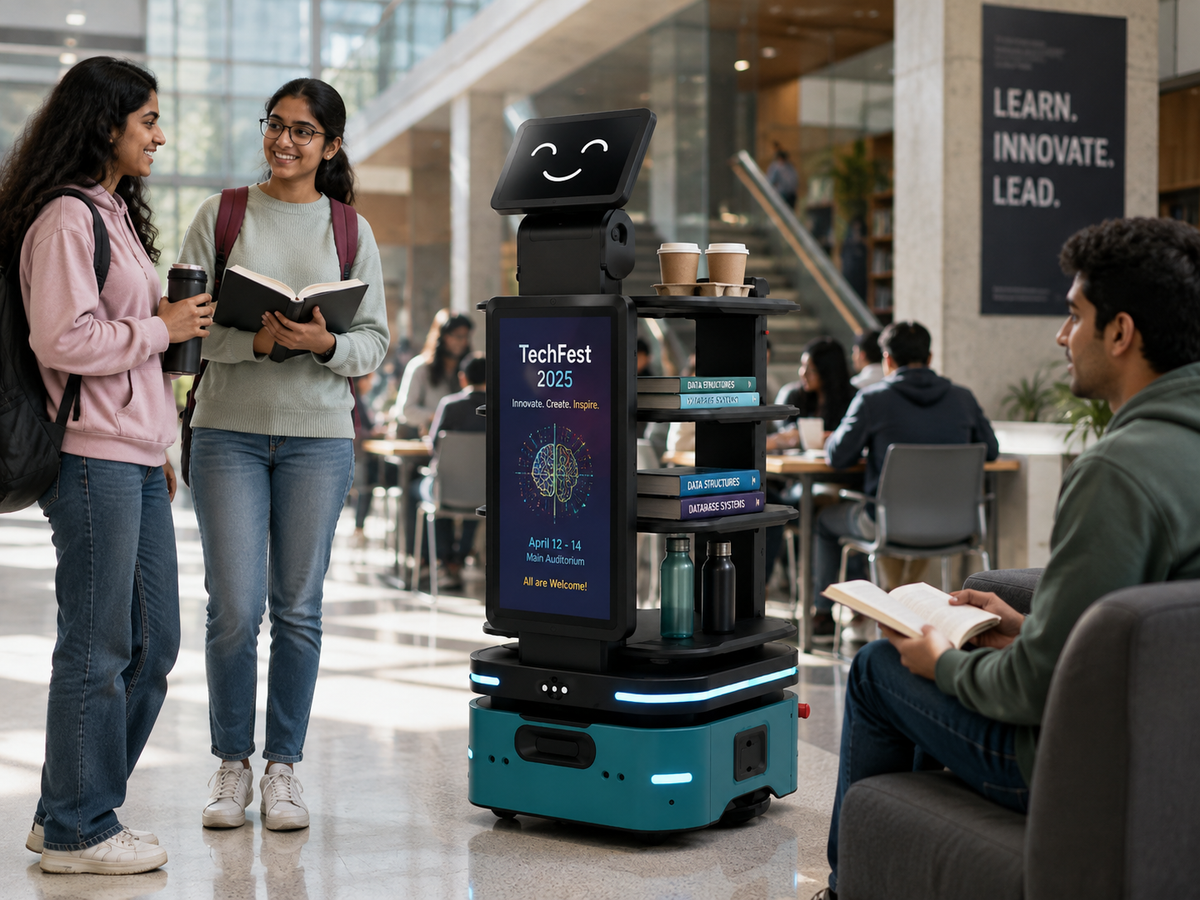
An AI avatar kiosk gives the campus a visible, conversational help point. Instead of forcing users through a static menu tree, the system can listen to a question, respond in natural language and show approved information, maps, links or next steps on screen. This makes it especially useful for admissions lobbies, main reception zones, libraries, student-service centres and open-day events.
Key takeaways
- Answer recurring admissions and campus questions consistently
- Guide visitors using voice, touch and on-screen directions
- Reduce queues at busy counters during peak seasons
- Support multilingual communication for parents and visitors
- Escalate complex or personal cases to staff when needed
Best university use cases for AI avatar kiosks
Admissions is an obvious first use case because it creates repetitive information demand. An AI avatar can explain approved admissions steps, document requirements, office timings and how to reach the correct counter or department. During campus tours and open-house events, the same kiosk can act as a digital guide for maps, building locations and event schedules.
Student-service workflows are another strong fit. The kiosk can answer common questions about finance office timings, examination office location, library services, accommodation desk, transport desk or help-centre procedures. It should not replace secure personal-record access unless the institution deliberately designs an authenticated workflow.
- Admissions guidance and document-process explanation
- Campus tours, event schedules and interactive wayfinding
- Student-service FAQs and office-location guidance
- Multilingual information assistance
- Lead capture or enquiry routing where required

Why conversational guidance works better than static kiosks
Traditional information kiosks often fail because the user must understand the menu structure before getting help. A conversational interface flips that model. The student or parent explains the need in normal language, the system interprets the request and the digital avatar responds with an explanation plus screen-based guidance.
This reduces friction for first-time visitors and can feel far more approachable in complex environments. The screen can still show buttons, maps, forms, QR links or printed directions where needed, but the experience starts from a human-style question rather than a rigid interface tree.
- Natural-language interaction lowers friction
- The avatar can clarify unclear questions
- On-screen content can reinforce spoken guidance
- The workflow remains easier to expand than a hard-coded menu tree

Deployment and governance considerations
The most important design principle is content control. A university avatar should answer from approved information sources such as campus maps, department data, event schedules, admissions instructions and service FAQs. This helps the institution maintain consistency and keep public information separate from personal or restricted data.
The second principle is escalation. The kiosk should know when to hand the case to staff: missing records, special approvals, fee disputes, accessibility requests or personal student matters. A well-designed pilot defines these boundaries clearly before the system is scaled.
- Use institution-approved knowledge sources
- Separate public FAQs from authenticated student data
- Define escalation routes for exceptions
- Plan hardware location, acoustics and network support
- Measure usage by the questions actually asked

Want to pilot an AI avatar on your campus?
Share your location, top questions, desired languages and whether you need maps, forms, QR codes, lead capture or back-end integrations. Rife can structure a realistic university pilot.
Talk to Rife