AI Avatar Digital Signage for Interactive Visitor Service

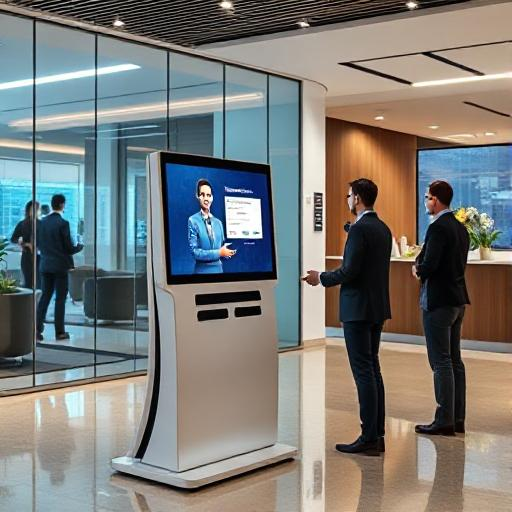
AI avatar digital signage combines a visual display with a virtual presenter. Instead of only showing static advertisements or looping videos, the system can greet visitors, explain services and guide people through a facility.
It can be used in corporate offices, hospitals, hotels, retail stores, exhibitions and educational institutions.

What Is an AI Avatar?
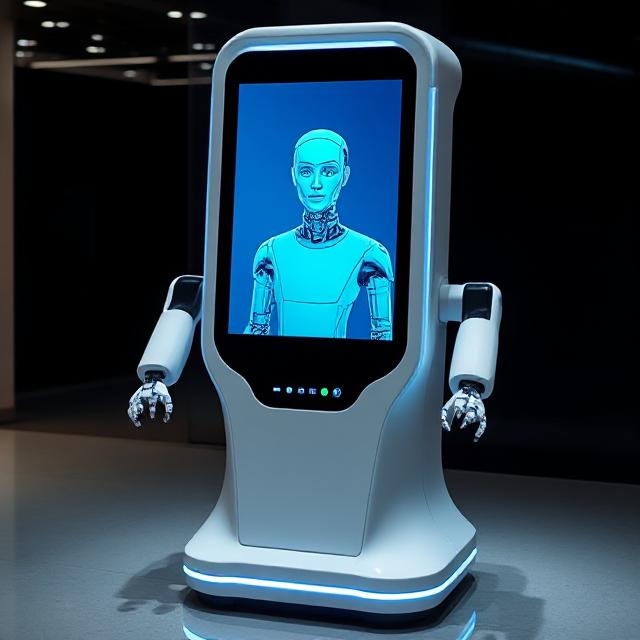
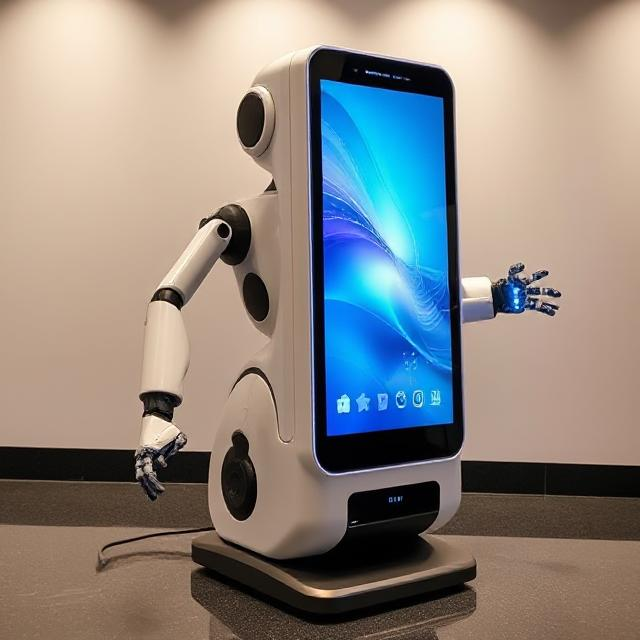
An AI avatar is a computer-generated presenter displayed on a screen or kiosk.
Depending on the software, visitors may interact using:
- Touch screen
- Voice
- On-screen buttons
- Text input
- QR codes
The avatar may act as:
- Virtual receptionist
- Product adviser
- Hospital information assistant
- Visitor guide
- Training presenter
- Multilingual information host
Difference from Conventional Signage
Traditional digital signage normally shows scheduled advertisements, announcements or videos.
An AI avatar can add an interactive layer. Visitors can select a topic, ask a supported question or follow an on-screen process.
The level of intelligence depends on the software, approved knowledge base and integrations.

Applications
Corporate reception
The avatar can greet visitors, explain check-in procedures and provide office directions.

Hospitals
It can provide general directions and explain registration steps. It should not replace qualified medical advice.
Retail stores
The avatar can explain products, highlight promotions and direct customers to departments.
Hotels
It can provide information about facilities, events, restaurants and local services.
Education
Schools and universities can use avatars for campus guidance, admissions information and orientation.
Exhibitions
A virtual presenter can explain products repeatedly and collect visitor enquiries.

Hardware Requirements
A system may require:
- Commercial display
- Touch screen
- Computer
- Camera
- Microphone
- Speakers
- Internet connection
- Floor stand or kiosk enclosure
The RIFE RK-16 Indoor Digital Signage Stand is one option for housing an interactive display.
Content and Knowledge Planning
The organisation must decide:
- Which questions the avatar may answer
- Which languages it should support
- When it should refer users to staff
- How information will be updated
- Who will approve the answers
Outdated information can reduce visitor trust, so content ownership should be clearly assigned.
Privacy
Where cameras, microphones or personal information are involved, the organisation should define how data is collected, processed and retained.
Visitors should be informed when recording or data collection occurs.
Benefits
Potential benefits include:
- Consistent information
- Multilingual support
- Extended availability
- Reduced repetitive work for staff
- Interactive visitor engagement
- Standardised service explanations
The system should always provide a clear route to human assistance for complex, sensitive or urgent situations.