
01
Request
Employee needs an IT asset.
What are you looking for?


Ask about IT Equipment Distribution Lockers
Need Help?
Send your quantity, use case and accessories needed. Rife will suggest the correct configuration.
Move routine laptop, tablet and accessory handovers away from manual registers and IT desk queues. RIFE smart locker workflows can provide controlled self-service access, transaction logging and configurable return processes for shared IT assets.
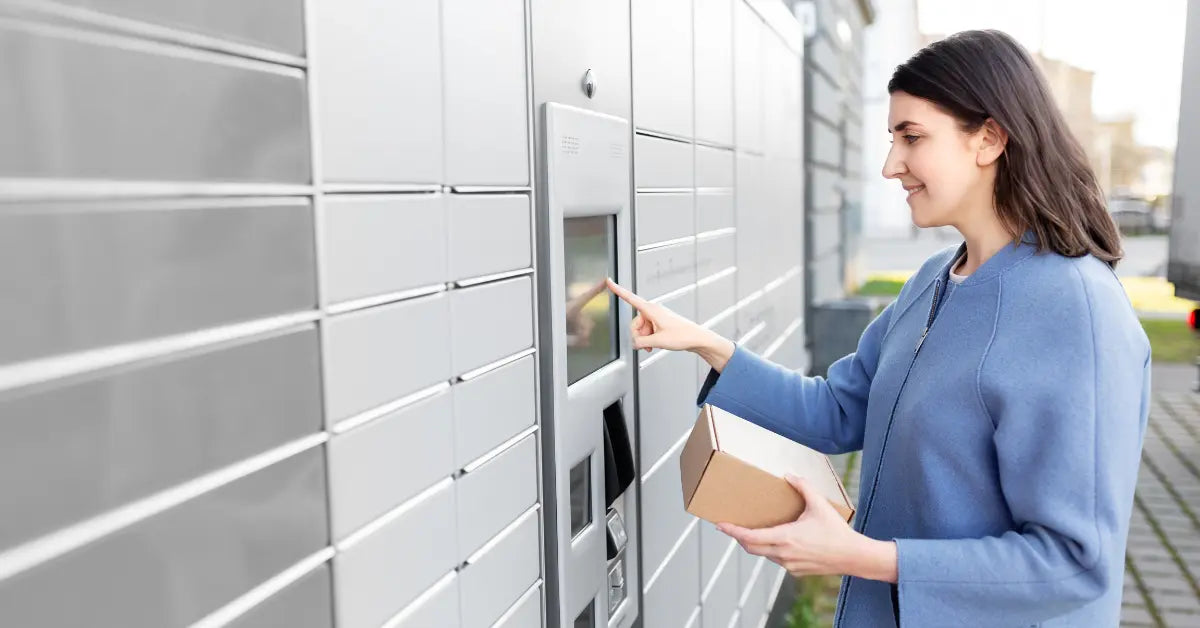
Queues grow. Tracking fails. Accountability drops.
The exact workflow, authentication method and integration depend on the project configuration. The sequence below shows the typical issue-and-return logic used for smart IT asset lockers.
Employee needs an IT asset.

User goes to the assigned smart locker.
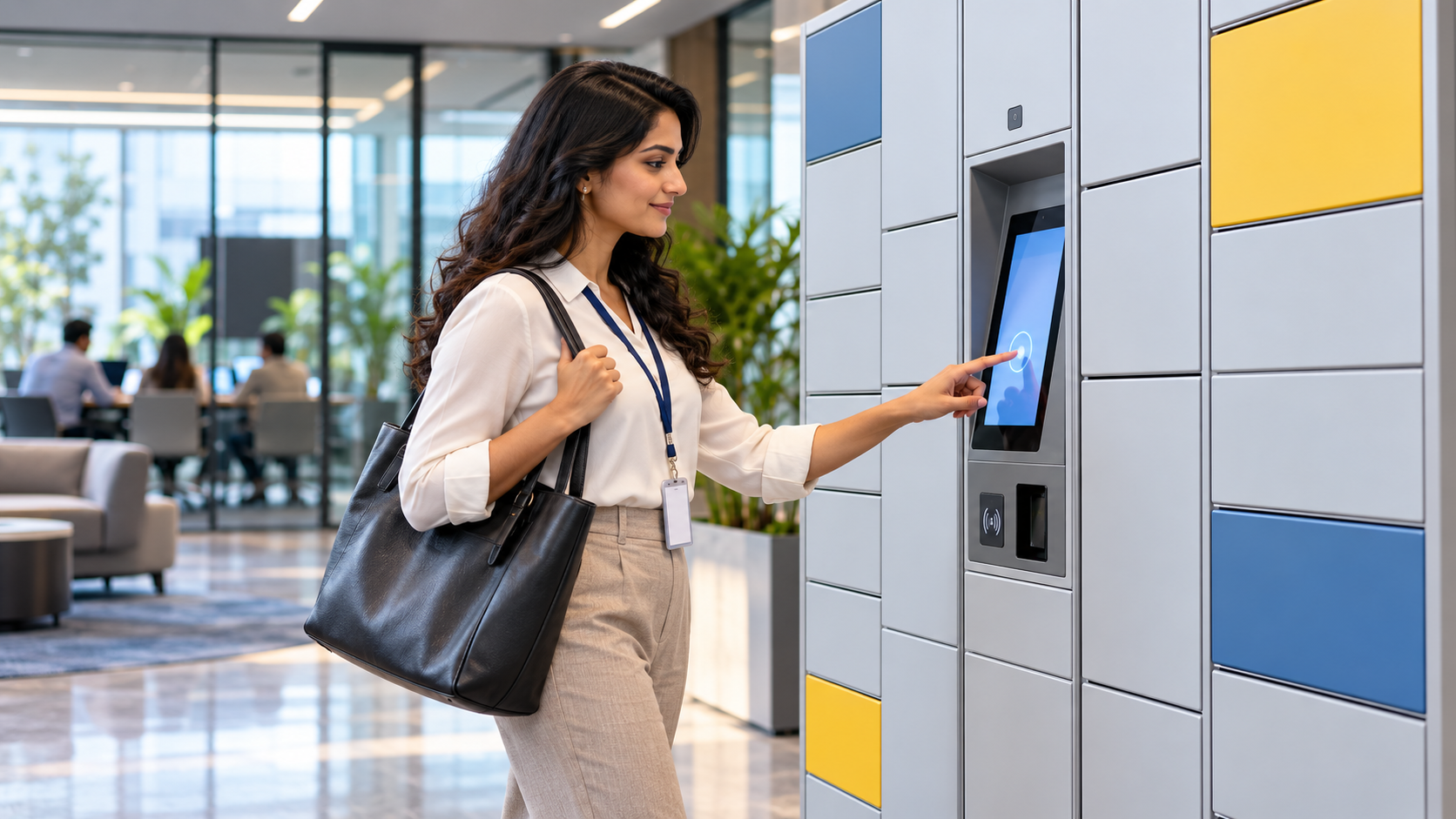
User verifies identity at the terminal.

The assigned compartment becomes accessible.

The user collects the assigned device.

The device is available for productive work.

The device is returned to the designated compartment.
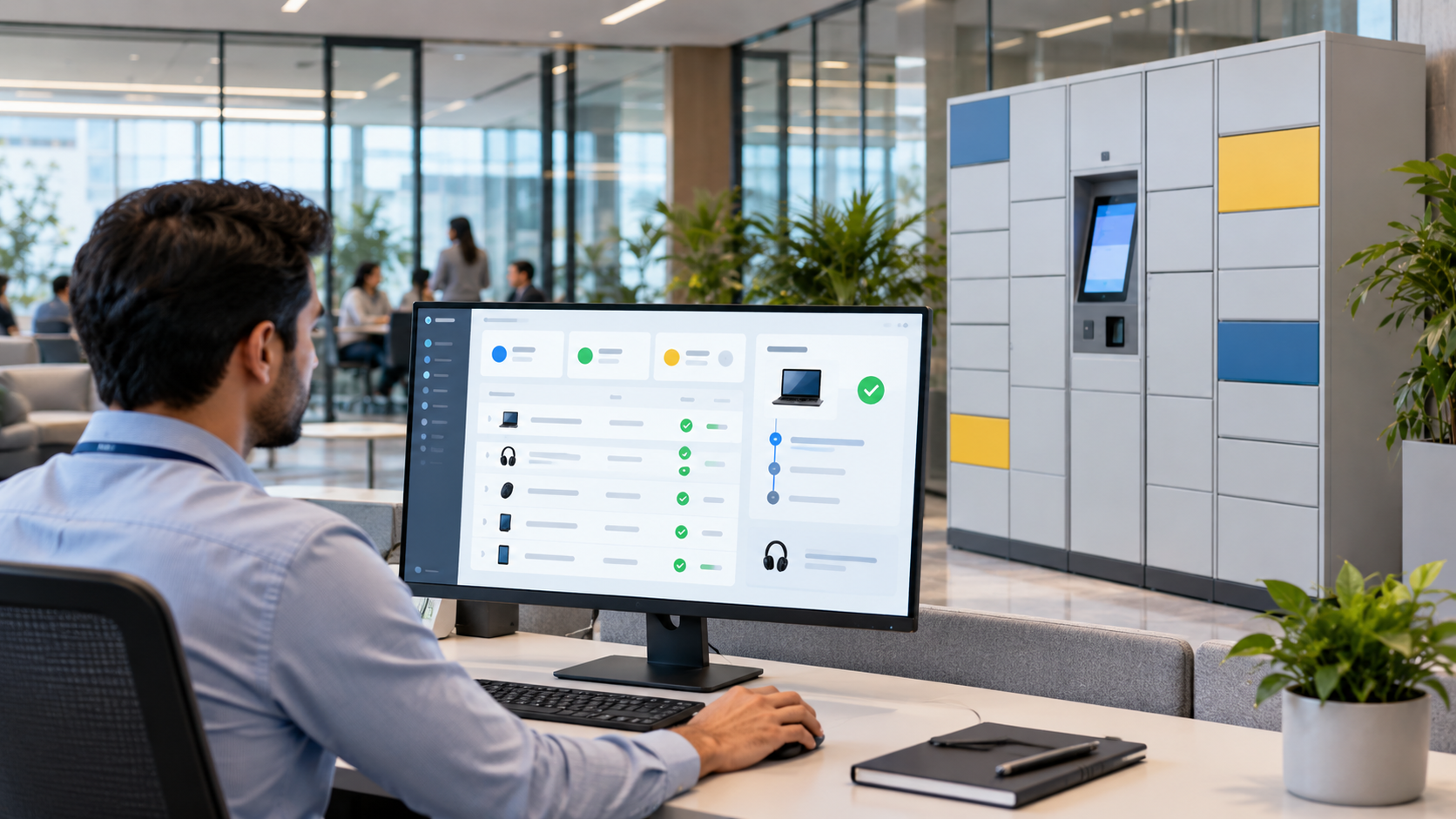
IT can review asset status and transaction accountability.
Move routine device collection and return away from repeated desk-based issue processes.
Transaction logs can create a clearer record of who accessed or returned an assigned asset.
Configured self-service workflows can make approved devices available outside normal IT desk hours.
Return workflows can be configured to capture condition or fault information for break-fix processes.
Dedicated compartments provide a defined location for laptops, tablets and compatible accessories.
Integration requirements should be reviewed project-by-project with the relevant access, HR or IT workflow platform.
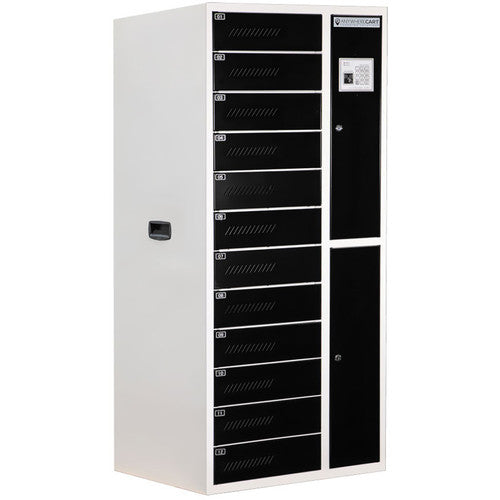
Device type, compartment size, charging requirement, authentication method and software integration should be confirmed before quotation.
Laptop loans, replacement devices, accessories and break-fix exchanges.
Shared laptops and devices for students, labs and support teams.
Controlled access to approved equipment when the IT desk is not continuously staffed.

Self-service IT asset issue, return and break-fix workflows.

Laptop lending and asset management with controlled access.

Smart device lending for organisations with shared equipment fleets.
Typical projects include laptops, tablets and compatible portable IT equipment. Compartment dimensions must be matched to the actual fleet.
Yes. The workflow can be designed around controlled issue, return, swap or break-fix processes depending on the project.
Charging can be included where the selected locker and compartment configuration supports the required power arrangement.
Integration is project dependent. RIFE should review the target access-control, HR, ITSM or other third-party platform before confirming scope.
RIFE can review the device fleet, compartment sizes, access method, charging requirements and required workflow before quotation.