Advanced Mobile Workstations for Smart Classrooms and Modern Offices

The shift toward digital environments in India has changed how schools and businesses operate. Educational institutions following the National Education Policy (NEP) 2020 and corporate offices in cities like Bengaluru, Mumbai, and Delhi are increasingly moving away from fixed desks. Advanced mobile workstations are at the center of this change, providing the flexibility needed for digital teaching, data display, and remote management.

Enhancing Digital Teaching and Presentations
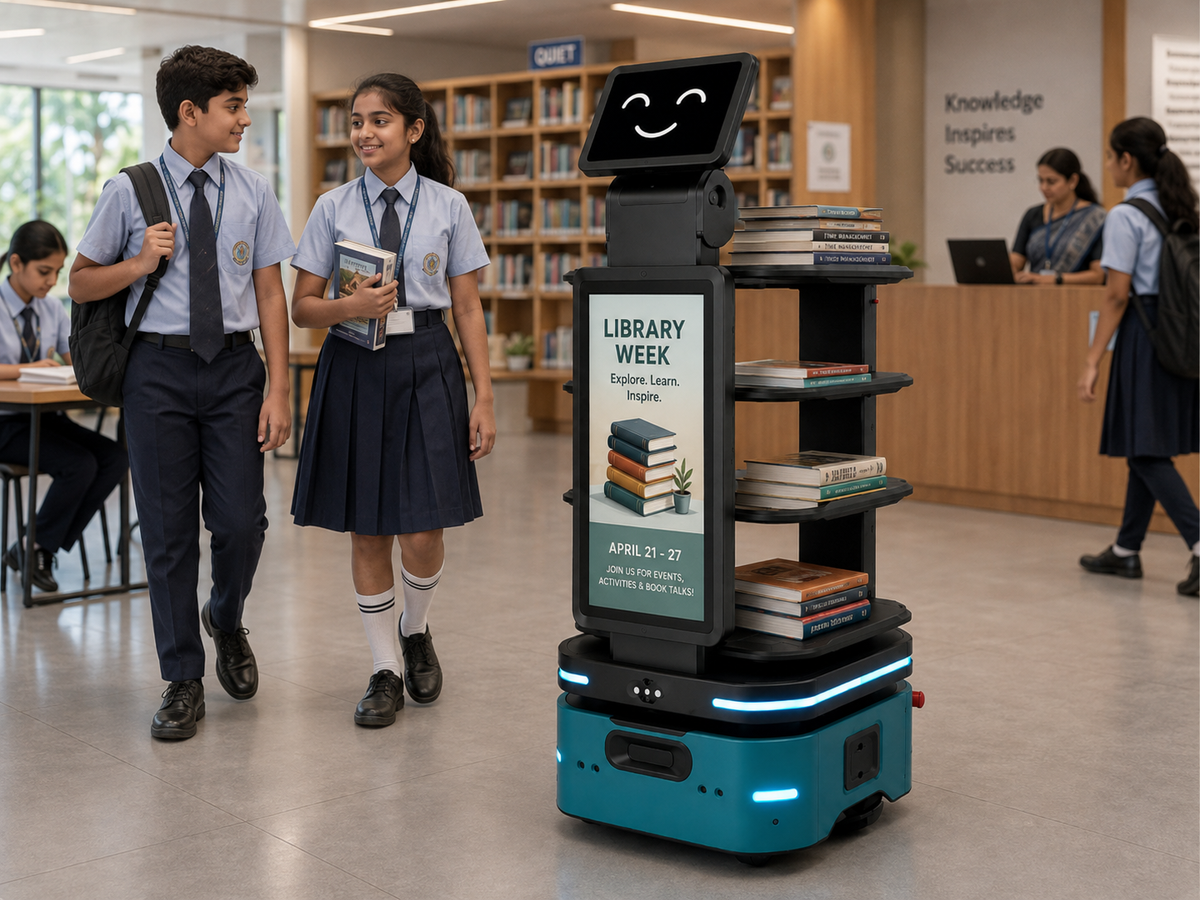
In a smart classroom, a teacher is no longer restricted to the front of the room. Mobile workstations often equipped with wheels, height-adjustable frames, and integrated power allow educators to move among students while maintaining control over the lesson.
For presentations, these units support interactive flat panels and high-definition projectors. Instead of tethering a laptop to a wall outlet, a mobile station carries the necessary hardware, including microphones and cameras for hybrid sessions. This mobility ensures that visual aids are positioned where they are most effective for student engagement.
Data Display in Modern Office Environments
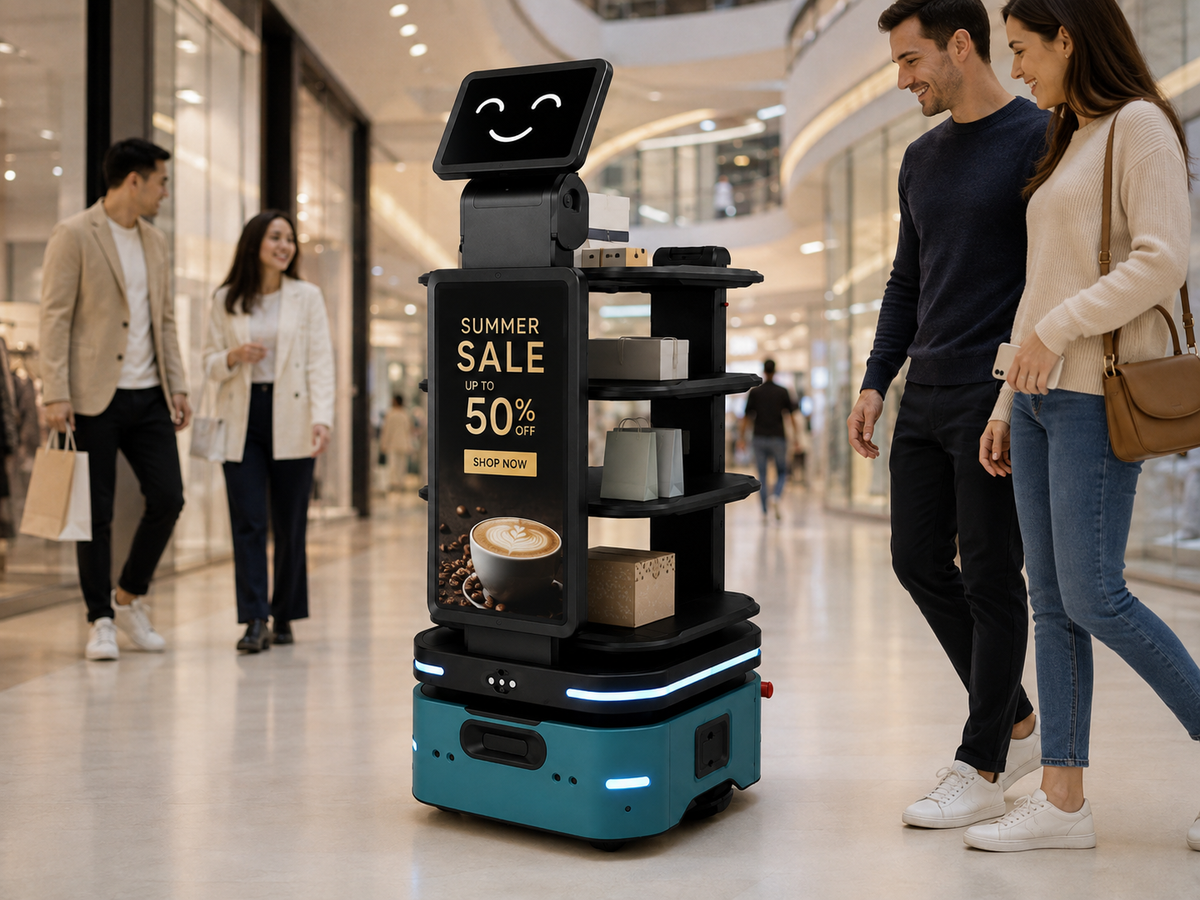
Modern offices use mobile workstations to turn any corner into a collaborative zone. In data-heavy industries like logistics or finance, the ability to move a multi-screen setup to a meeting area is a practical advantage.
These workstations often feature:
-
Large-format displays: For sharing real-time analytics or project dashboards.
-
Cable management: Internal routing to keep power cords and display cables organized.
-
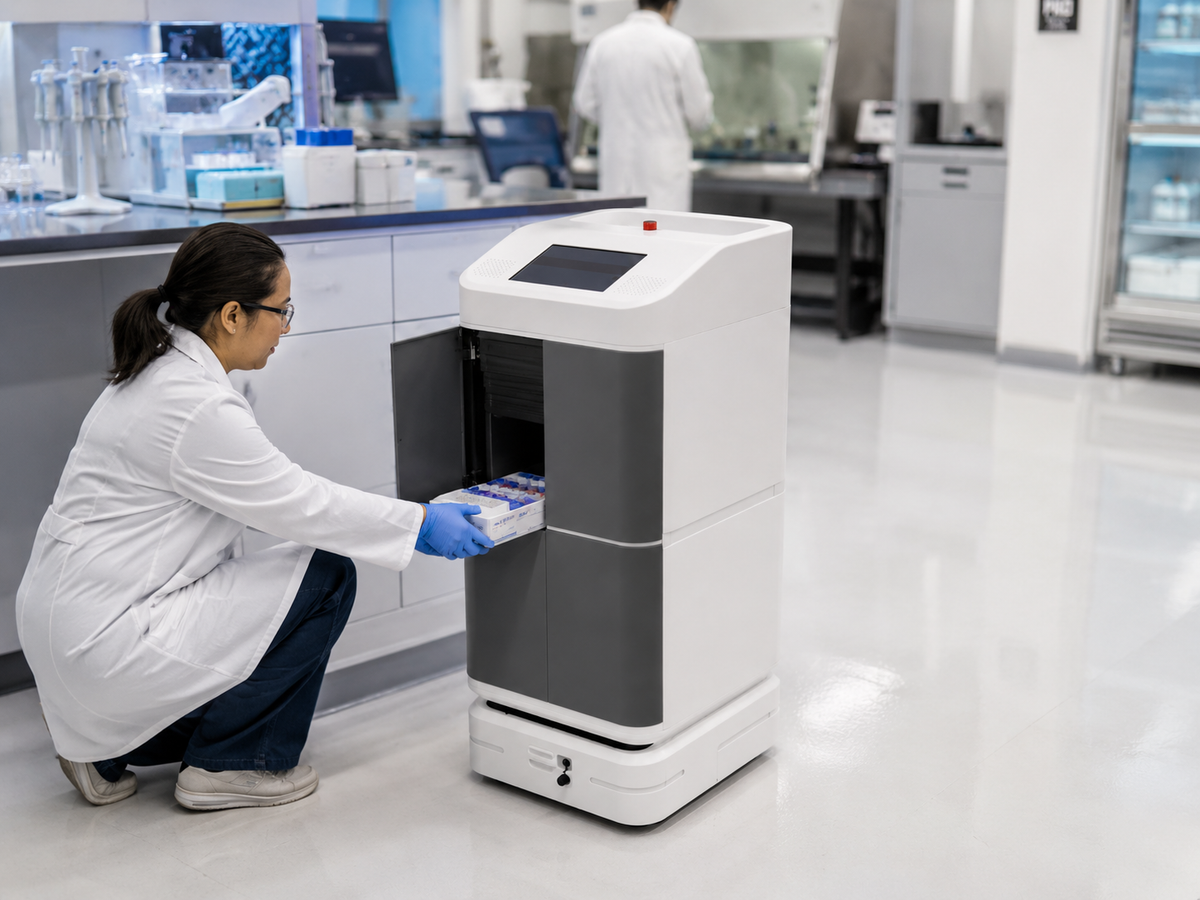
Storage: Secured compartments for peripherals like wireless keyboards and tablets.
By using mobile units, companies reduce the need for expensive, permanent audiovisual installations in every room.
Centralized Computer Access and Security
One of the most significant technical features of advanced workstations is centralized computer access. Many Indian institutions now use Virtual Desktop Infrastructure (VDI) or thin clients.
Instead of each mobile unit having a high-end local CPU, it acts as a terminal. All processing and data storage happen on a central server. This setup offers several benefits:
-
Data Security: Sensitive information stays on the office or school server, not on the mobile device.
-
Easy Maintenance: IT teams can update software and security patches across all workstations simultaneously from one location.
-
Hardware Longevity: Because the heavy lifting is done by the server, the mobile terminals do not require frequent hardware upgrades.
Implementation in the Indian Context
When selecting a mobile workstation for an Indian setting, durability and power backup are key. Given the potential for dust and varying floor surfaces, choosing units with industrial-grade casters (wheels) and fanless cooling systems is advisable.
Additionally, integrating a small Uninterruptible Power Supply (UPS) into the workstation ensures that a sudden power cut does not interrupt a presentation or a digital exam.
Summary of Key Features
-
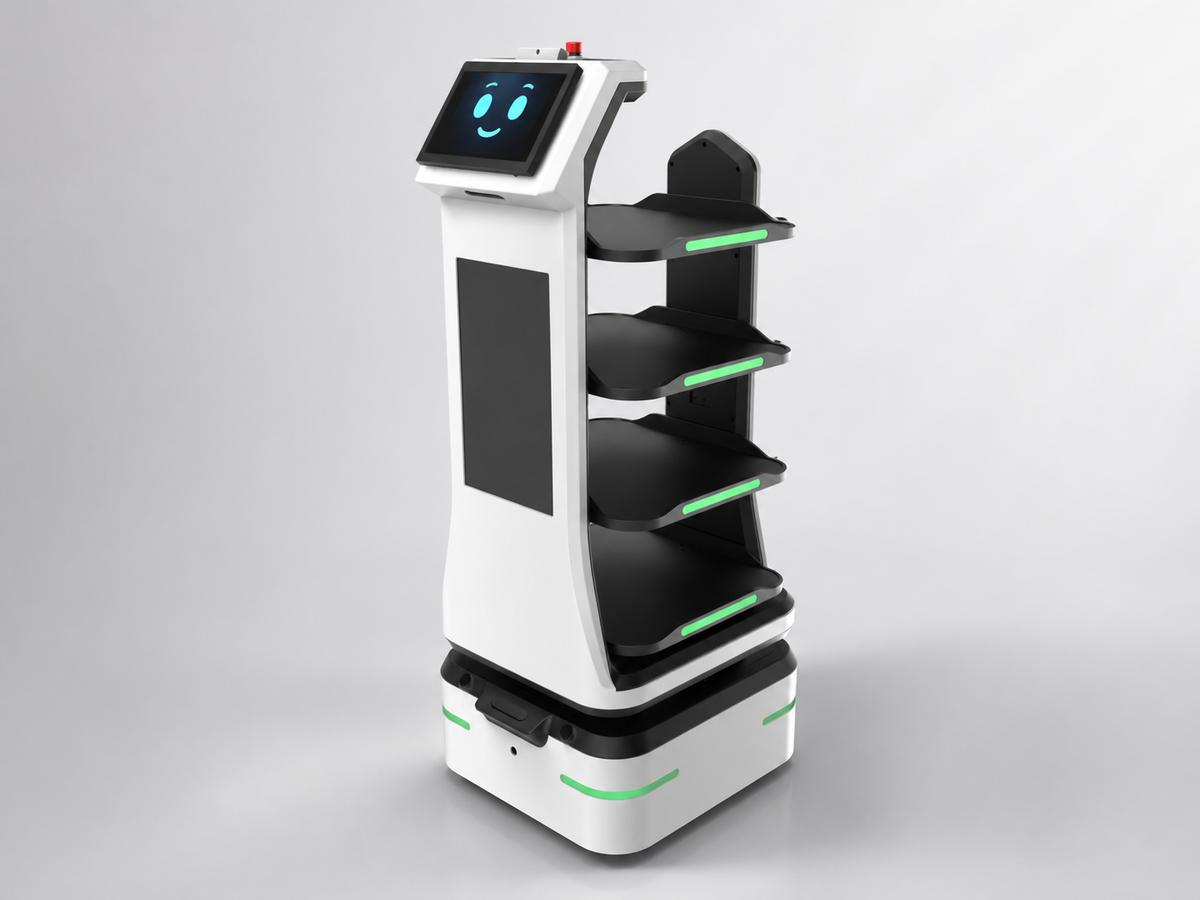
Mobility: Locking wheels for stable positioning and easy movement.
-
Adjustability: Height-adjustable surfaces to accommodate different users.
-
Centralization: Compatibility with VDI for secure, server-side computing.
-
Connectivity: Integrated ports for HDMI, USB-C, and high-speed Wi-Fi.
Adopting advanced mobile workstations helps Indian schools and offices remain flexible. By focusing on practical hardware and centralized access, organizations can create a productive environment that supports both in-person and digital workflows.

Frequently Asked Questions
1. How do mobile workstations improve digital teaching in Indian schools?
Mobile workstations allow teachers to move freely around the classroom, breaking the traditional "podium-only" barrier. By bringing the computer, interactive display, and teaching materials directly to students' desks, educators can facilitate better one-on-one engagement. This flexibility is essential for schools adopting the National Education Policy (NEP) 2020, which emphasizes interactive and student-centric learning.
2. Can mobile workstations function during power outages?
Yes, most advanced mobile workstations are designed with the Indian infrastructure in mind. They can be equipped with an integrated Uninterruptible Power Supply (UPS) or long-lasting batteries. This ensures that digital lessons or office presentations continue without interruption during sudden power cuts, protecting both the hardware and the flow of the session.
3. What is centralized computer access and how does it benefit offices?
Centralized computer access involves using a central server to handle processing and data storage while the workstation acts as a terminal. For modern offices, this means IT teams can manage software updates and security from a single location. It also enhances data security, as sensitive information is never stored locally on the mobile unit, reducing the risk of data theft if a device is moved or misplaced.
4. Are mobile workstations durable enough for heavy daily use?
High-quality mobile workstations are built with industrial-grade materials like reinforced steel frames and heavy-duty locking casters. In Indian environments, where dust and uneven flooring can be a challenge, features like fanless cooling and sealed components help extend the equipment's lifespan. These units are specifically engineered to withstand frequent movement across different rooms.
5. How do mobile workstations help in managing classroom or office data?
These stations act as a hub for data display. In a classroom, they can quickly show student performance analytics or digital textbooks. In an office, they allow teams to pull up real-time project dashboards in any meeting area. Because they support high-speed Wi-Fi and multiple display outputs, they ensure that data is always accessible where it is needed most, without requiring permanent wiring.