Secure Mobile Workstations for Schools and Offices: Managing Shared Technology Safely

As educational institutions and corporate offices in India move toward flexible working environments, managing shared technology has become a primary operational challenge. From tablets in a primary school classroom to high-end laptops in a corporate IT lab, expensive hardware is often moved between rooms and used by multiple people. Without a structured system, organizations face risks ranging from physical theft and equipment damage to unauthorized access to sensitive data.
Implementing secure mobile workstations and robust storage protocols is no longer optional; it is a necessity for maintaining an efficient and safe environment.

The Role of Lockable Laptop Storage
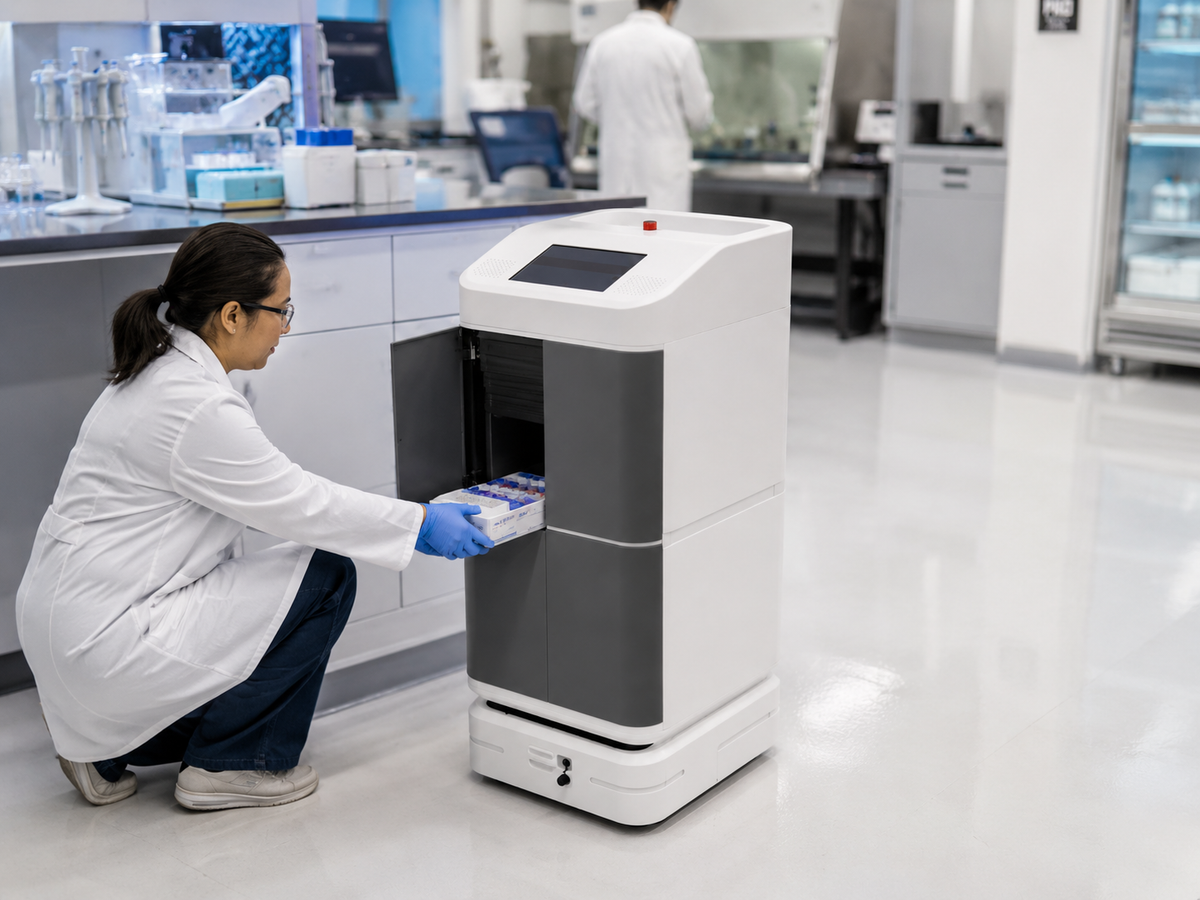
The most immediate risk for shared devices is physical security. Open shelves or unsecured desks are invitations for theft or accidental damage. High-quality lockable laptop storage solutions, such as heavy-duty steel charging carts and lockers, provide a centralized point for security.
In many Indian schools and colleges, these carts are designed with multi-point locking systems and reinforced frames to prevent forced entry. Beyond theft prevention, these units serve as charging hubs. Integrated power strips and cable management ensure that devices are ready for use at the start of every shift or class, reducing downtime caused by dead batteries.
Protecting Sensitive Exam Materials
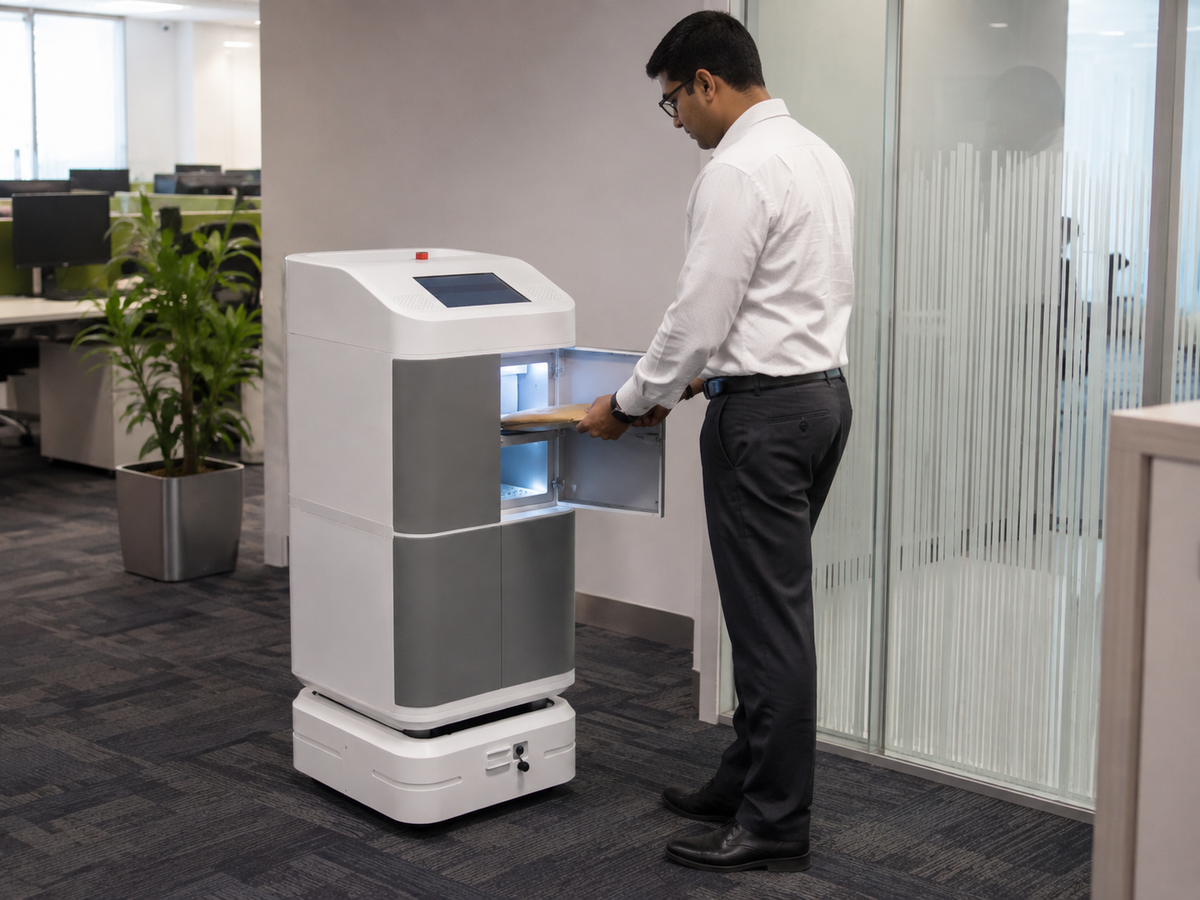
In the Indian education sector, the security of exam materials is a critical concern. The leak of question papers or unauthorized access to student records can damage an institution's reputation. Secure mobile workstations often include dedicated, high-security compartments for physical documents or encrypted digital storage units.
Using smart lockers with electronic audit trails allows administrators to see exactly who accessed the materials and when. This transparency is essential during board exams or competitive entrance tests, where maintaining a strict chain of custody is mandatory.
Controlling Staff-Only Access
Effective technology management requires clear boundaries between user groups. Staff-only access is a vital feature for equipment that requires administrative oversight or contains confidential data. Modern storage systems use biometric locks, RFID cards, or digital PINs to ensure that only authorized personnel can retrieve specific assets.
This level of control prevents students or junior staff from accessing high-value equipment without supervision. It also simplifies the process of equipment handover, as the system logs every interaction, reducing the likelihood of items "going missing" during shift changes.

Managing Shared IT Equipment Efficiently
When a single set of shared IT equipment is used by dozens of individuals throughout the week, wear and tear become major issues. Mobile workstations help mitigate this by providing a stable, organized environment for the hardware.
To manage these assets safely, organizations should:
-
Implement Asset Tracking: Use RFID tags or barcodes to keep a real-time inventory of all mobile units.
-
Establish a Check-in/Check-out Routine: Ensure every device is returned to its designated slot in the lockable cart after use.
-
Routine Inspections: Use the centralized nature of the storage unit to perform weekly hardware health checks.
Conclusion
Managing shared technology in a busy school or office requires a balance between accessibility and security. By investing in lockable mobile workstations and establishing clear access protocols, Indian institutions can protect their digital assets, secure sensitive exam materials, and ensure a long lifespan for their shared IT equipment. Organized storage is the foundation of a productive, tech-enabled workspace.
Frequently Asked Questions
1. Why is lockable laptop storage essential for schools and offices in India?
Lockable laptop storage provides a secure environment to prevent theft and unauthorized use of expensive hardware. In Indian educational and corporate settings, where devices are often shared across different shifts or classrooms, these storage units also serve as centralized charging hubs. This ensures that laptops are organized, fully charged, and ready for use, reducing hardware downtime and maintenance costs.[1]
2. How do mobile workstations help in securing sensitive exam materials?
Mobile workstations equipped with high-security locking systems provide a controlled environment for storing question papers and digital exam files. By using smart lockers with digital audit trails, school administrators can track exactly who accessed the materials and at what time. This establishes a clear chain of custody, which is vital for maintaining the integrity of board exams and internal assessments.
3. What is the difference between a laptop charging cart and a secure IT locker?
A laptop charging cart is designed for mobility, allowing staff to move a set of devices between rooms easily while keeping them charged. It is ideal for classrooms where a batch of tablets or laptops is used together. A secure IT locker, on the other hand, is often stationary and provides individual compartments for users to store and charge their own devices, offering a higher level of personal security for staff and long-term asset management.
4. How can institutions ensure staff-only access to shared technology?
Institutions can implement staff-only access through biometric locks, RFID cards, or unique digital PIN codes on their storage units. These systems ensure that only authorized personnel can retrieve high-value equipment or sensitive data.[2] Modern secure workstations log every entry, allowing IT managers to monitor equipment usage and hold users accountable for the assets they check out.
5. What are the best practices for managing shared IT equipment safely?
To manage shared technology safely, organizations should establish a strict check-in and check-out routine using asset-tracking software or RFID tags. Centralizing all equipment in lockable mobile units allows for easier weekly hardware inspections. Additionally, assigning clear administrative roles ensures that maintenance, such as software updates and battery health checks, is performed regularly while the devices are in storage.